
MiniMax Hailuo 2.3 Video Guide: Standard, Pro and Fast
Compare Hailuo 2.3 Standard, Pro and Fast on Raywake, choose between a text prompt and a first frame, and watch a real Pro text-to-video example.
Creative guides and model comparisons.
Subscribe via RSS ↗Compare Hailuo 2.3 Standard, Pro and Fast on Raywake, choose between a text prompt and a first frame, and watch a real Pro text-to-video example.
Make a voiceover with MiniMax Speech 2.8 HD and a theme with Music 3. See example inputs, Raywake prices and how to fit both tracks to an edit.

On Raywake a 5-second Kling or Seedance clip is quoted from $0.18 (Seedance 1 Pro Fast) to $3.81 (Seedance 2.5), with Kling 4.0 at $1.37, and no subscription. Seven modes next to the model makers' own API prices, checked 15 November 2026.
Generate sound effects from text with ElevenLabs Sound Effects V2. Learn looping, prompt influence, audio formats and Raywake pricing.
Remove image or video backgrounds with BiRefNet v2. Compare masks, output formats, operating resolution and compute-time pricing.
Create a depth map from an image with Depth Anything v2. Understand editing uses, the image URL input and Raywake compute-time pricing.
Compare Eleven v4 and Turbo voice controls, normalization, audio formats and upper-bound prices for 1,000 ASCII characters.

MiMo 2.5 TTS turns text into expressive speech for free on Raywake: preset voices, voices described in words, voice cloning from a recording, delivery tags like (whispering), and an API example.
Compare Grok Imagine Video 1.5 and Lite, including text, image and reference inputs, duration limits and Raywake prices.
Create images with text or edit an existing image using Ideogram V4.5. Compare quality prices, masks, references and API inputs.
Ideogram Vector turns a prompt into an editable SVG vector graphic for logos, icons and illustrations. Quality levels, price per SVG, aspect ratios, reference images and an API example.
Compare Kandinsky 6.0 Pro and Lite for 5-second video, audio controls, image input and request prices on Raywake.
Use MiniMax Speech-02 HD for text to speech. Learn language selection, voice settings, URL output and Raywake quote pricing.
Turn one portrait and a voice recording or typed script into a lip-synced talking video of up to 3 minutes with P-Video 2 Pro Avatar. Voices, languages, price per second and an API example.
Compare Qwen Image 2.1 Pro and Turbo prices, image sizes, editing inputs and API requests on Raywake.
Compare Recraft V4.1, Pro and Text to Vector for image and SVG work. Learn color inputs, size choices and Raywake pricing.
Create portraits and fashion images with Soul 2. Compare text and image inputs, batch sizes, resolutions and Raywake pricing.
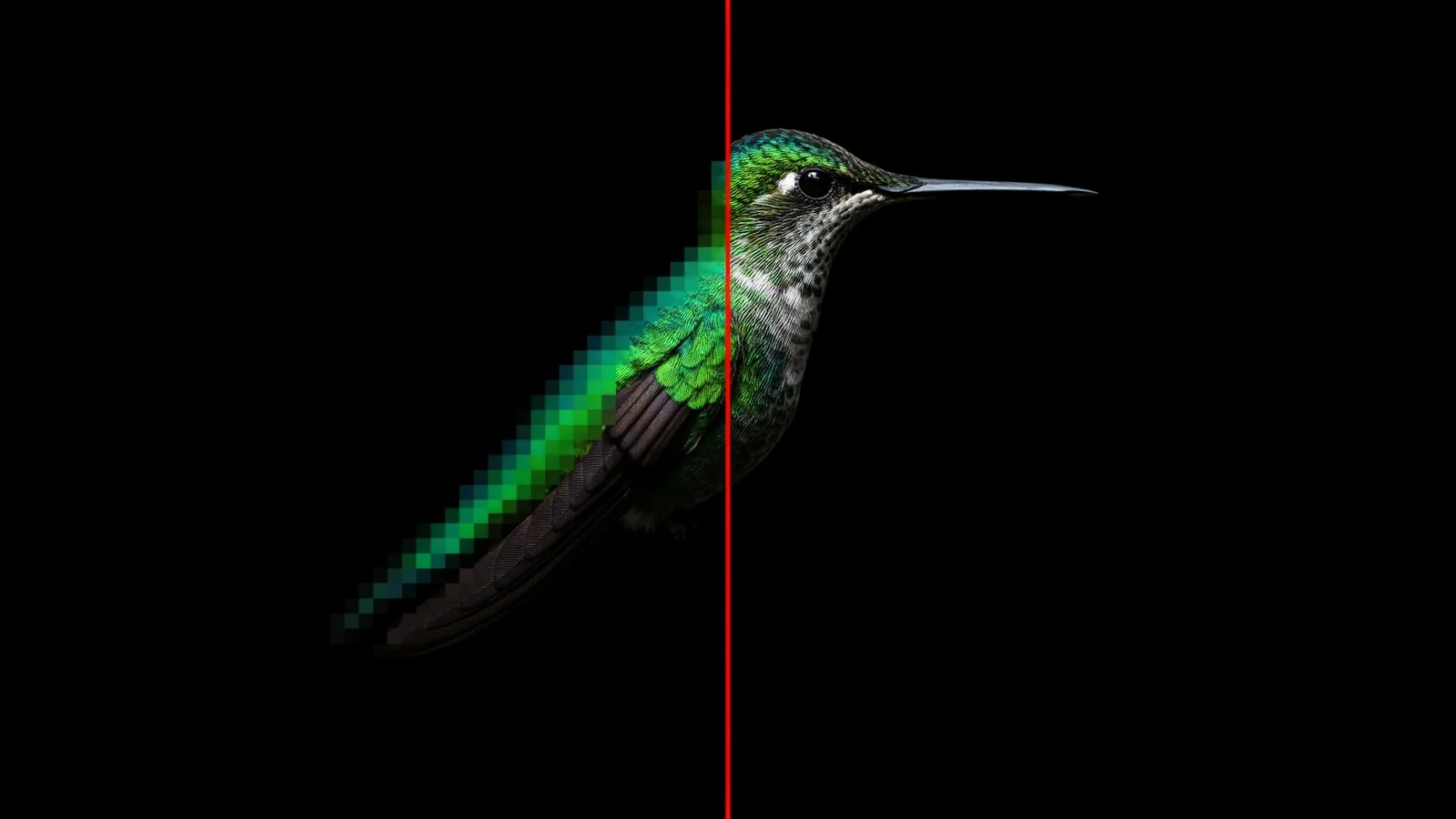
Upscale images up to 4× with Topaz Image Upscale. Learn output-size pricing, enhancement choices, face controls and API inputs.
Veo 3.1 and Veo 3.1 Fast make 4, 6 or 8 second videos with sound at 720p, 1080p or 4K. Per-video prices, frames and references, which one to pick, and an API example.
Use Vidu Q4 with a starting image or reference images. Compare duration, resolution, audio controls and upper-bound prices.
Kling 4.0 makes 3–30 second videos at 720p or 1080p from a prompt, per-shot prompts or a start and end image. Price per second, limits, API example and Kling 3 comparison.
Bring your own MiniMax H3 LoRA and generate video on Raywake. See how to add your weights, compare prices from $0.50 for a 5-second 480p clip, and learn what H3 Max Recast does.
Compare ElevenLabs v4, Multilingual v2, MiniMax Speech-02 and 2.8 HD and Gemini 3.8 Flash TTS by text limits, voice controls, dialogue and price per 1,000 characters.
Match AI product-image models to packaging edits, transparent cutouts and reference composition. Compare controls and review product fidelity.
Compare Veo, Kling and WAN audio workflows: generated sound, spoken dialogue and audio references. Check current Raywake availability.
Choose first-and-last-frame or reference-to-video inputs for product and character clips. Compare boundary, identity and motion controls.
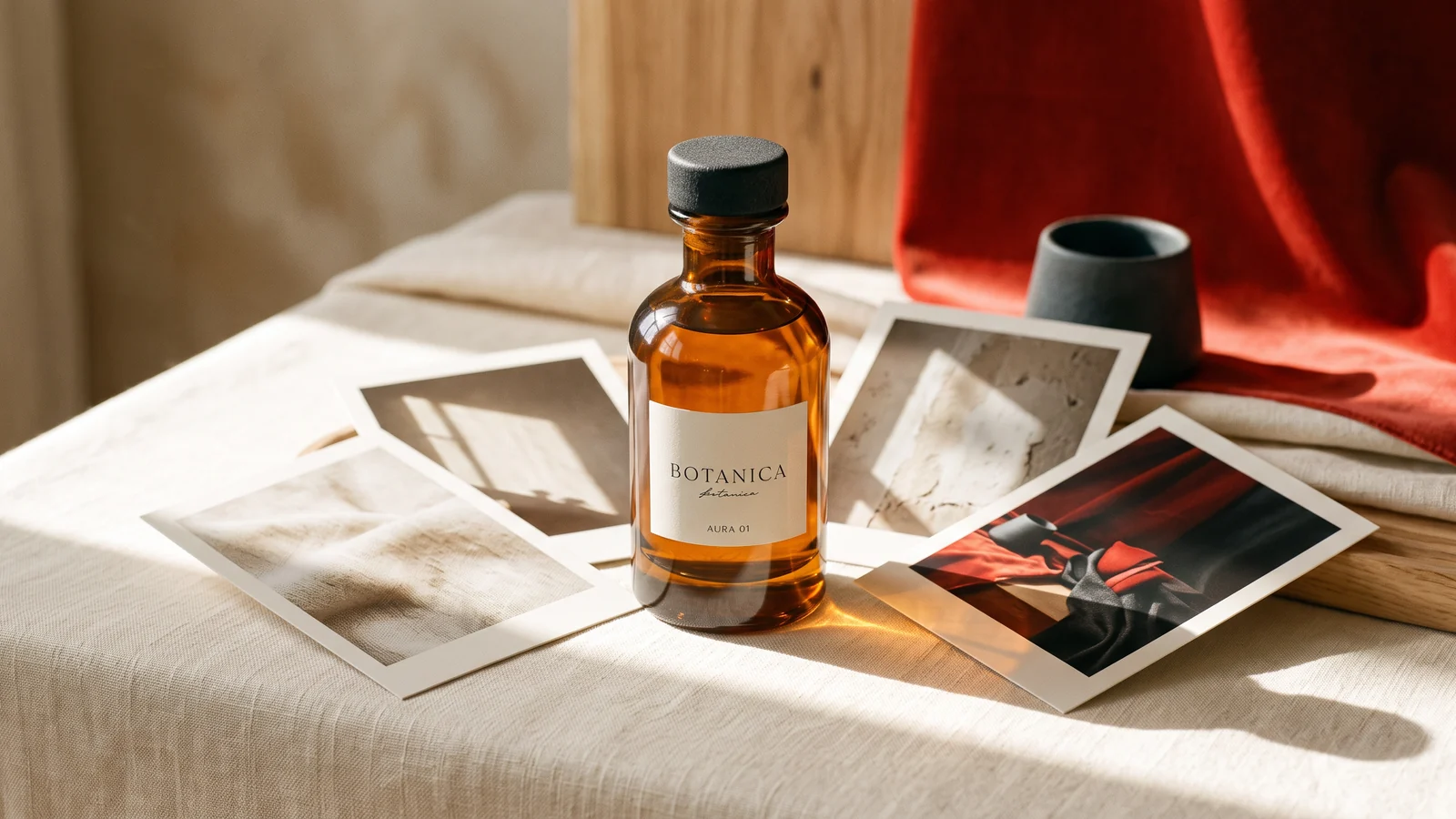
Choose FLUX.2 Pro, Max or Klein for a reference-image workflow. Compare documented reference limits and plan product-photography inputs.
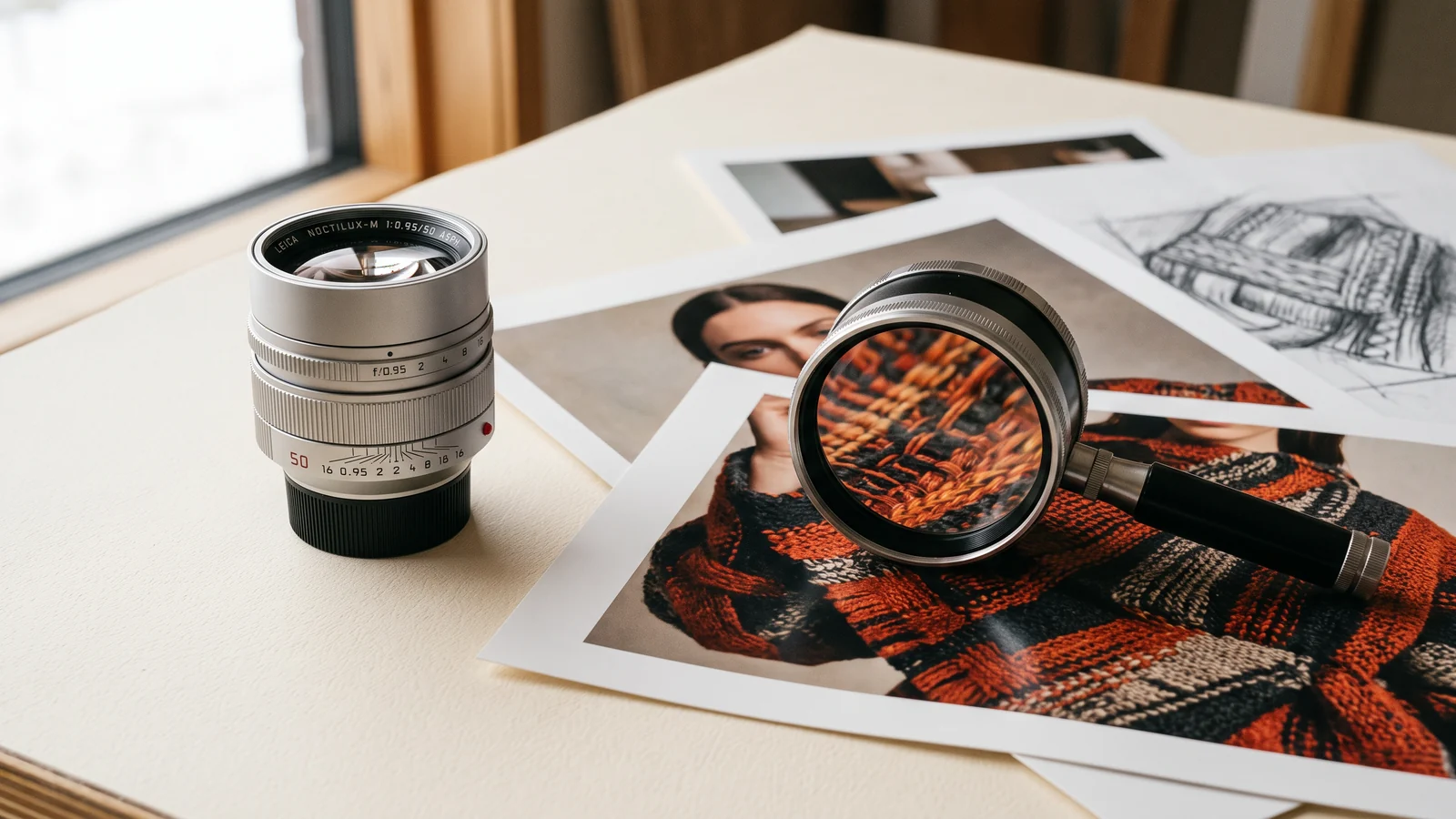
Compare GPT Image 2.5 Flare and Sunburst controls for masks, transparency, references and quality. Build a matched test for your production needs.
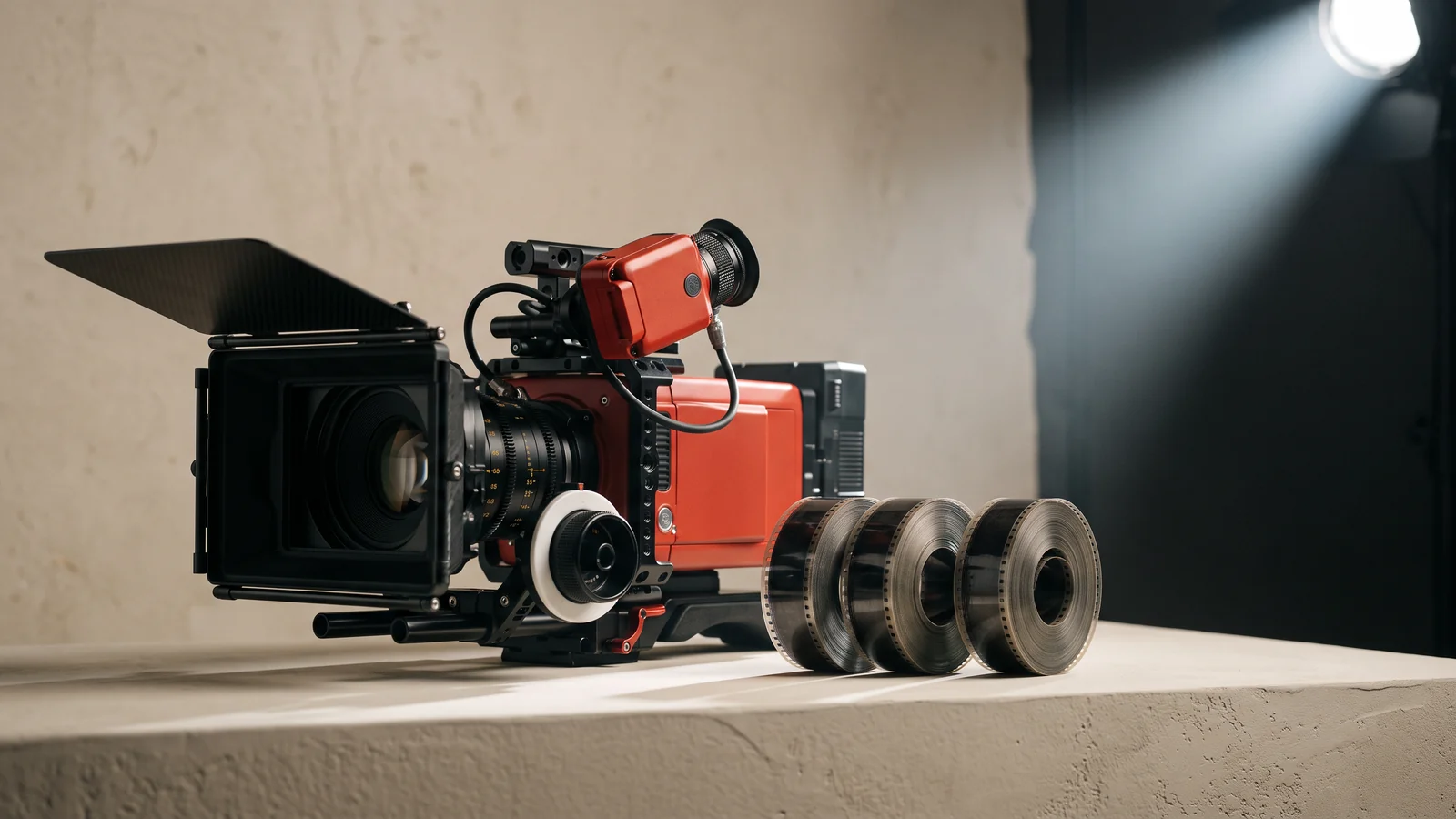
Compare Kling 3 Standard, Pro and Turbo input controls, audio, elements and end frames. Select the operation that supports your shot.
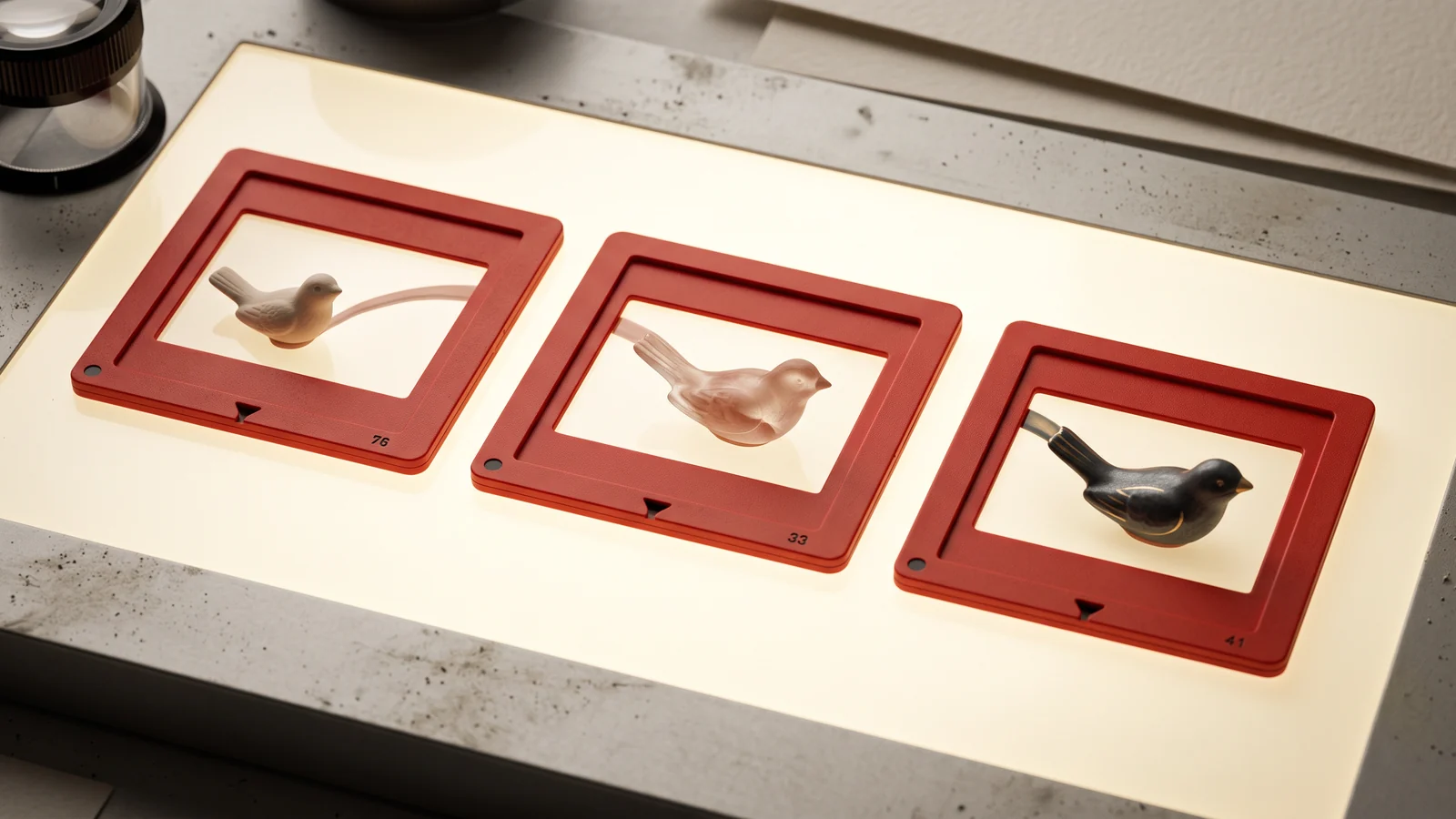
Compare MiniMax H3 and H3 Max reference limits, frame controls and native versus upscaled output. Choose settings for a defined video brief.
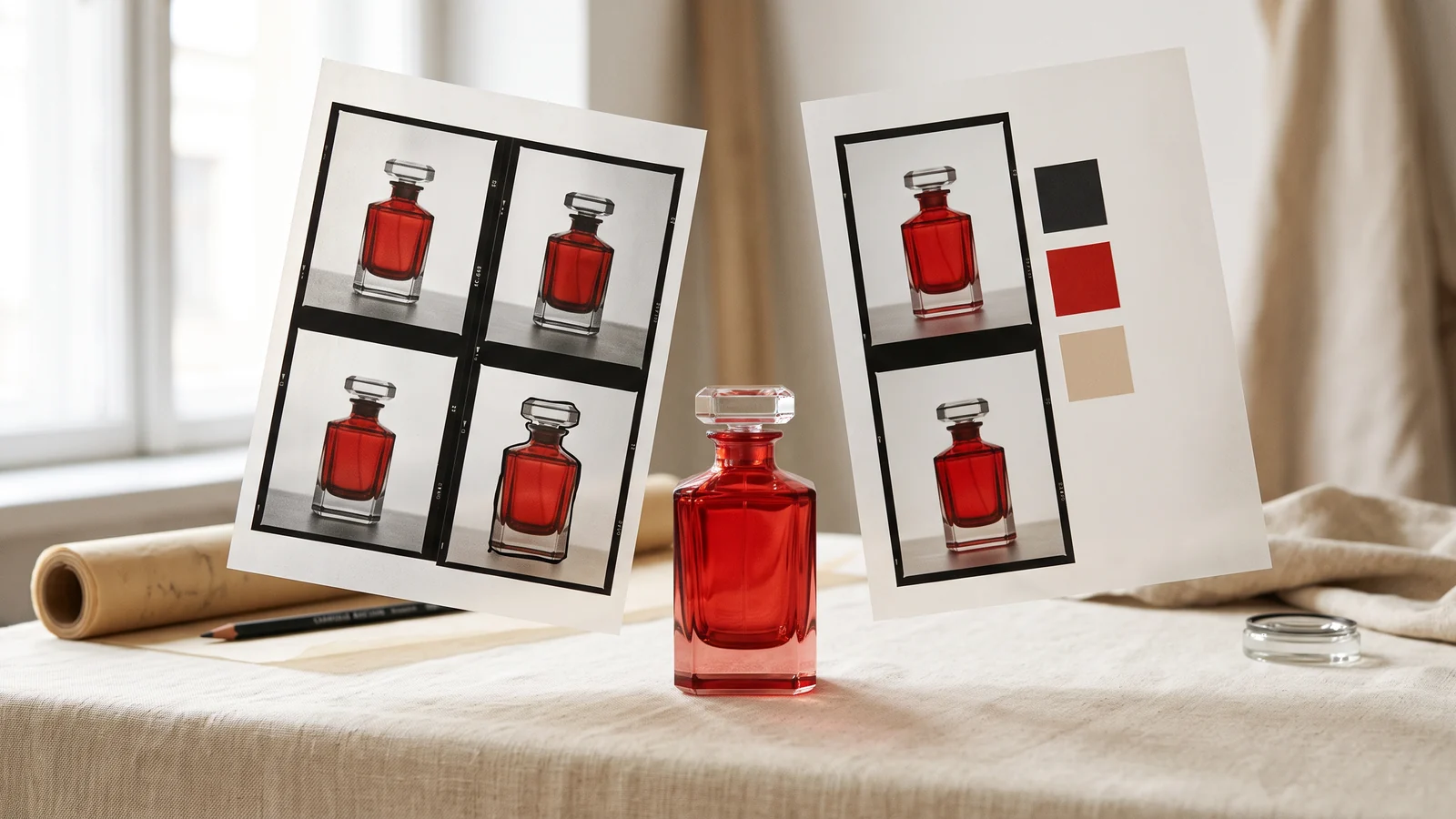
Compare Nano Banana 2 and 2.1 editing inputs, resolution and thinking settings. Choose a product-image workflow using documented controls.
Use Qwen Image 3 for text layouts and product graphics. Check language support, reference limits and exact-copy review before publishing.
Find reference-video alternatives to Seedance 2.5 by input type, frame control and sound. Compare currently available Raywake operations.
Compare Seedream 5 Flash, Lite and Pro image-size rules, output counts and editing workflows before selecting a model for production.
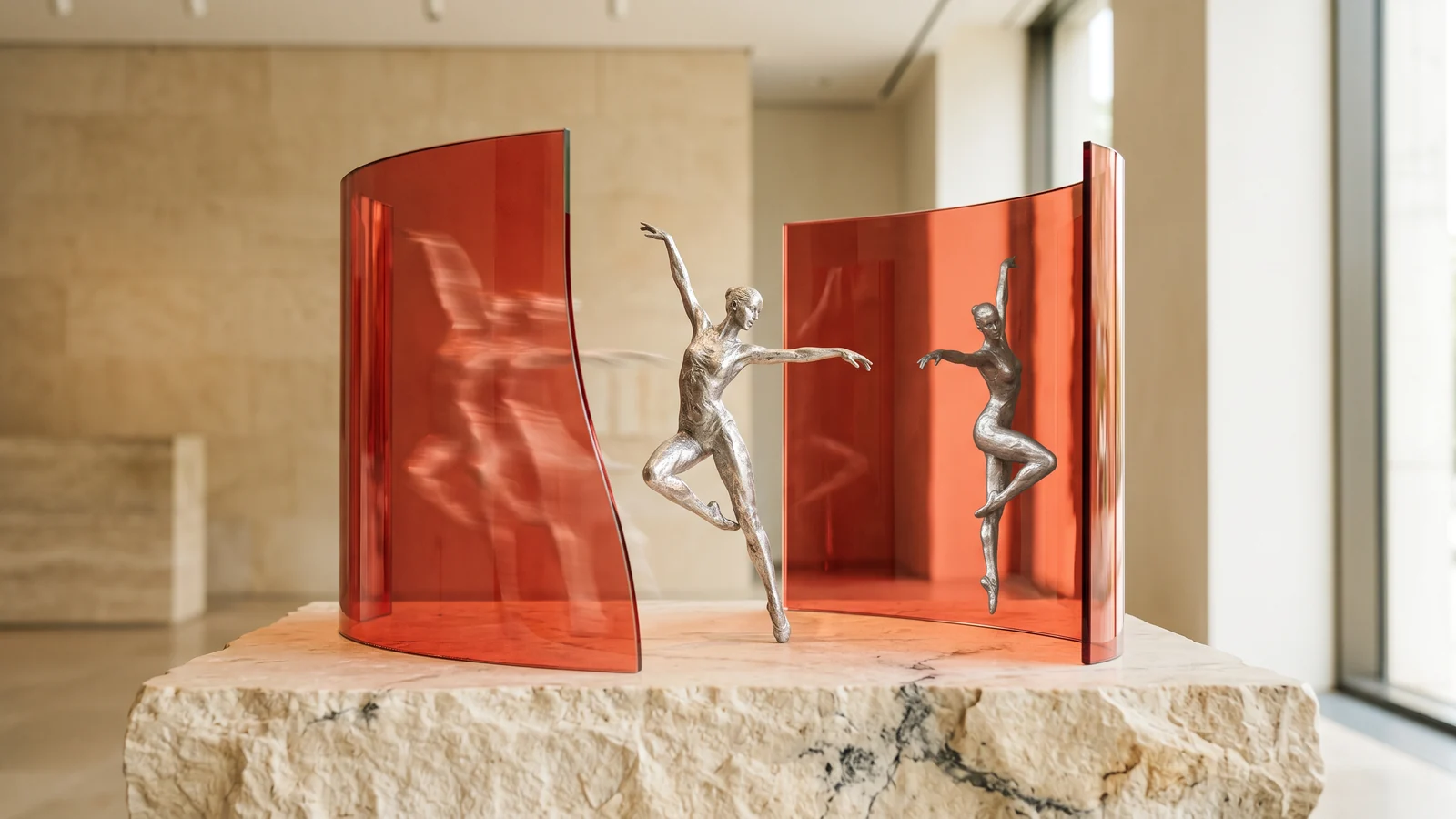
Compare WAN 3 and WAN 3 Prime duration, audio, frame inputs and reference-video limits. Map the actual controls before changing models.
Compare purchased balance validity across Raywake, fal, Replicate and Krea. Keep extra packs, monthly allowances and refund rules separate.
Evaluate pay-per-use video APIs by workflow, model availability and the cost of accepted outputs. Learn Raywake’s prepaid USD quote flow.
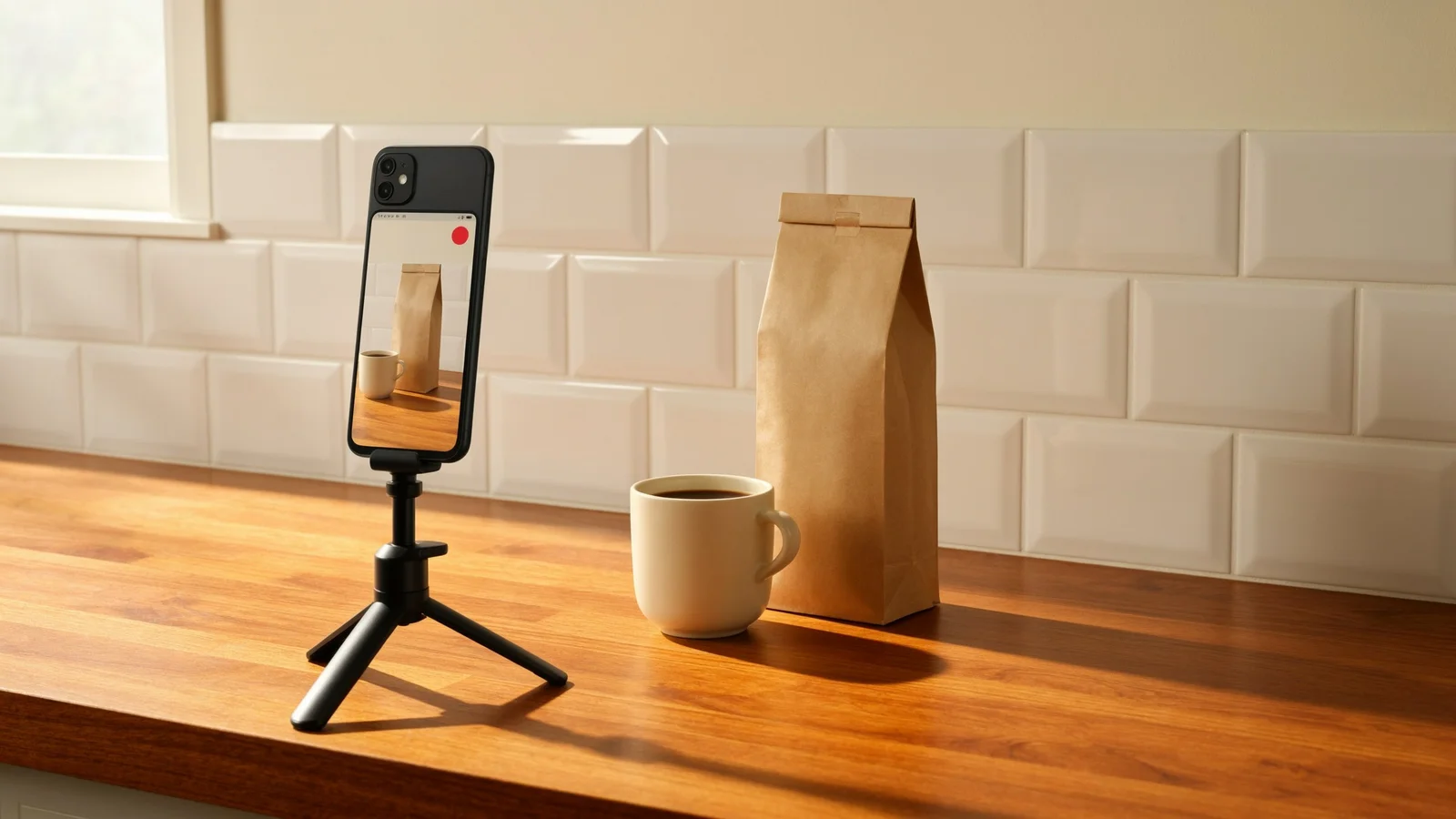
Create a selfie-style UGC video with WAN 3 Prime. Follow a Turkish dialogue example, choose 5 or 10 seconds, check 720p prices and review speech.
Use FLUX.2 Pro for product-label artwork and add a scannable EAN-13, EAN-8, UPC-A, ITF-14, ISBN or Code 39 barcode rendered from verified data. Formats, prompts and print checks.
Budget AI video generation with quotes, balance reservations and measured settlement. Learn how to avoid duplicate submissions and calculate cost per approved clip.
Turn a still image into a short AI video: pick the right frame, write a motion prompt, check the cost first and review the result. Studio and API versions.
Build one image, video and audio workflow with real perfume-image examples, recorded settings and a shared studio/API balance.
OpenAI's Sora API and Videos API shut down on September 24, 2026 with no replacement. Here's how to pick a new video model by workload and migrate your code.