
To make a speaking UGC-style video with WAN 3.0 Prime Text to Video, describe the scene and place the exact dialogue in the same prompt. Enable audio, choose a duration that leaves room for the sentence, then review both the speech and the picture. A generated clip can still mispronounce a brand name or produce imperfect lip sync.
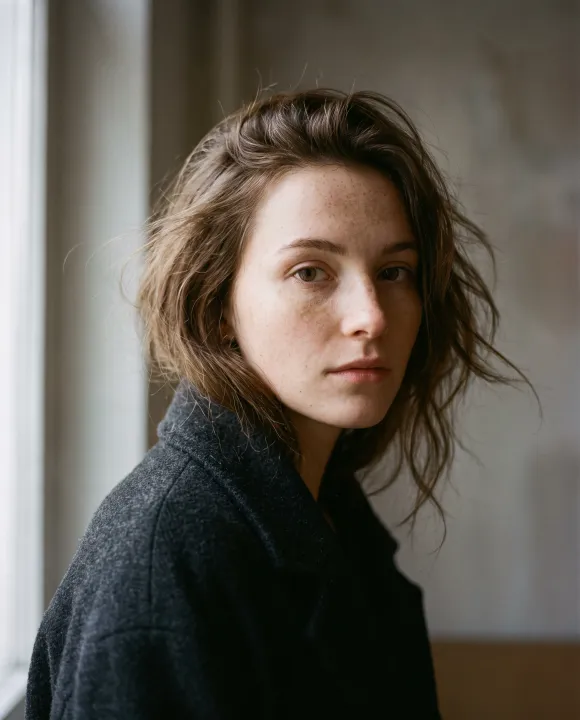
Here, UGC describes a casual creator-style visual treatment: one person, a phone selfie and a direct message. The cover is an illustrative portrait from Raywake's existing collection, not an output from the prompt below.
Choose the settings before writing a long script
For a vertical social clip, start with 9:16, 720p and audio enabled. Read the intended line aloud at an ordinary pace before choosing the duration.
| Setting | Starting choice | Purpose |
|---|---|---|
| Model | WAN 3.0 Prime Text to Video | Build the scene from text |
| Aspect ratio | 9:16 | Vertical phone framing |
| Resolution | 720p | Review an initial version |
| Duration | 10 seconds | Leave room for dialogue and the scene |
| Generate audio | On | Request speech and ambient sound |
| Deep Thinking | Off | Keep the initial setup simple |
The endpoint checked on October 16, 2026 accepts 2–30 seconds and 480p, 720p or 1080p. Check the current model page before building a request around those options.
A selfie prompt with Turkish dialogue
Describe the location, clothing, framing and action. Keep the spoken line in quotation marks. This example asks for a normal street selfie without a separate voice-timing script:
An adult blonde woman walks through a sunny street near Galata in Istanbul. She wears a white crew-neck T-shirt and holds her phone at arm's length, filming herself with the front camera. A casual social-media selfie with slight handheld movement from walking, daylight and everyday street activity behind her. Looking into the camera, she says in Turkish: “Raywake'de Wan 3 Prime modelini hemen deneyin!” One continuous shot.
The product name remains WAN 3.0 Prime in the article. In the dialogue, “Wan 3 Prime” avoids asking the model to pronounce the decimal. This is a scripting choice, not a guarantee of pronunciation. Listen to the result rather than assuming the text was spoken exactly.
When should you use five or ten seconds?
Five seconds can work for a short call to action. If the final word is cut off or the delivery sounds rushed, try ten seconds with the same scene and sentence. Changing only the duration makes the comparison more useful.
If a ten-second clip finishes speaking too early, add a second sentence that contributes information. For this example: “Aklınızdaki sahneyi yazın, ilk videonuzu oluşturun.” It invites the viewer to describe a scene and create a first video. Avoid adding words only to fill time.
For a product demonstration, the extra seconds can instead show the action: turning a bottle toward the camera, opening a package or revealing the object being discussed. Keep the action modest enough that you can check whether the product stays consistent.
How much does a WAN 3 Prime video cost?
Raywake quotes checked on October 16, 2026 returned the following amounts for text to video at 720p, 9:16, audio on and Deep Thinking off:
| Duration | Quote for one generation |
|---|---|
| 5 seconds | $0.45 |
| 10 seconds | $0.89 |
These are dated examples. The quote shown for your final input is the current amount. Each deliberate new version is another generation: two ten-second attempts at the example price total $1.78. Requesting a quote does not generate media. See the video budgeting guide for reservations, retries and cost per approved clip.
Review speech and image separately
Listen to the whole clip first. Check the brand name, missing words, merged syllables and the last word. Then watch the face, mouth and hands, including the frames between the beginning and end. For a walking selfie, check that camera movement does not hide the speaker or distort the background.
Keep the next correction narrow. Simplify a difficult sentence, revise the framing or increase the duration. If you change the scene, script and settings together, you lose a useful comparison with the previous attempt.
Keep a character more consistent across clips
Repeating a text description does not guarantee the same face. If you already have a character image, WAN 3 Prime Image to Video lets you supply the starting frame. Details can still drift during motion. The image-to-video guide explains frame preparation and motion prompts.
Open WAN 3 Prime, check the quote for your settings and make one reviewed attempt before buying variations. Save the exact prompt, settings and downloaded result together.