
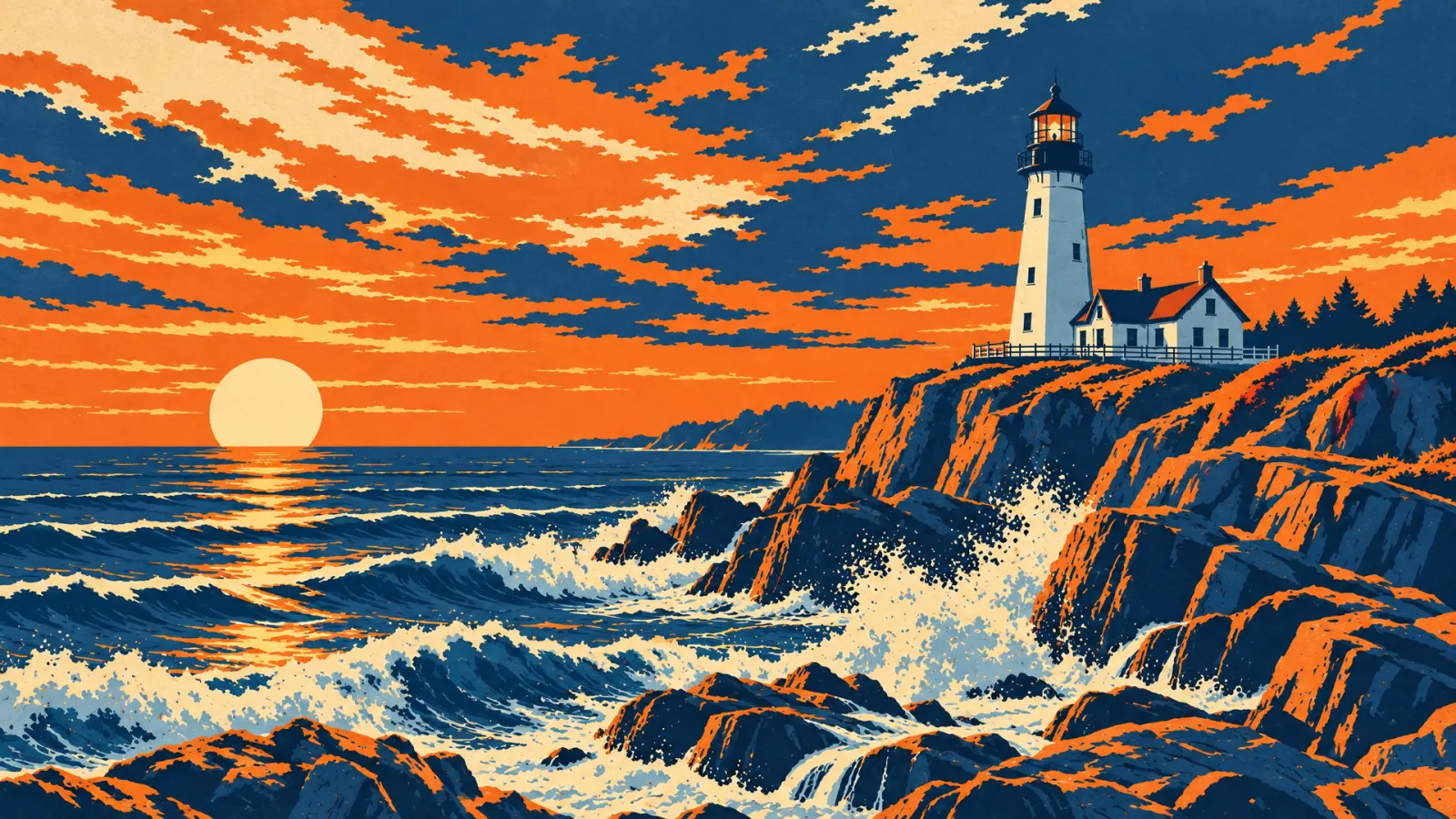
Ideogram Vector is an AI model that generates editable SVG vector graphics from a text prompt, with optional reference images. Unlike a PNG from a regular image model, the result is made of paths you can recolour, resize and edit in Figma, Illustrator or Inkscape without losing sharpness. On Raywake one SVG costs at most $0.21 at low quality, $0.26 at medium and $0.32 at high, with no subscription.
Ideogram Vector has been live on Raywake since 23 October 2026 as Ideogram Vector. The details below come from its request contract and the live prices on 31 October 2026.
Ideogram Vector at a glance
| Ideogram Vector on Raywake | |
|---|---|
| Output | SVG (vector) |
| Input | Text prompt, optional reference images |
| Quality | Low, medium (default) or high |
| Aspect ratio | Auto, square, portrait, landscape and banner shapes from 1:4 to 4:1 |
| Images per request | 1 to 8 |
| Seed | Optional, for repeatable results |
| Price per SVG | Up to $0.21 (low), $0.26 (medium), $0.32 (high) |
Why generate SVG instead of PNG?
A PNG has a fixed number of pixels: enlarge a logo for a banner and its edges blur. An SVG describes shapes, so it stays sharp at any size and stays small as a file. You can also change a colour, move a shape or delete a detail in any vector editor, instead of regenerating the whole image.
That makes vector output the better fit for:
- logos and brand marks
- icons and icon sets
- stickers, badges and labels for print
- flat illustrations for websites and slides
- patterns and shapes you will edit later
For photos and detailed realistic scenes, a regular image model is still the right tool.
How much does Ideogram Vector cost?
Ideogram Vector is priced per SVG, by quality. The prices are upper bounds; you see the exact quote before you generate.
| Quality | Price per SVG | Good for |
|---|---|---|
| Low | up to $0.21 | Exploring ideas and layouts |
| Medium | up to $0.26 | Most icons and illustrations |
| High | up to $0.32 | Final logos and detailed artwork |
Asking for several images in one request multiplies the price by the number of SVGs.
Prompting tips for clean vectors
Describe a flat style. Words such as "flat", "minimal", "geometric", "two colours" or "line icon" lead to fewer, cleaner paths that are easier to edit.
Name the colours. Listing a palette ("navy, coral and cream") keeps a set of icons consistent.
Use a reference image for a direction. Add an image to show a style or composition you want to follow.
Generate a few, then edit. Make several low-quality options, pick one, then render it at high quality and adjust it in your editor.
How to call Ideogram Vector through the API
Quote first. A quote is free and returns the exact price. The model ID is ideogram/vector/text-to-vector.
curl --fail-with-body https://api.raywake.com/v1/quotes \
  -H "Authorization: Bearer $RAYWAKE_API_KEY" \
  -H "Content-Type: application/json" \
  -d '{"model":"ideogram/vector/text-to-vector","input":{"prompt":"Flat minimal logo of a fox head made of geometric shapes, orange and charcoal","quality":"high","aspect_ratio":"1:1"}}'
The response has a quote_id, the price in credits (100 credits = $1) and an expiry time. See the quotes reference for every field.
Common questions
Is the SVG really editable?
Yes. The output is an SVG file made of vector paths. Open it in Figma, Illustrator, Inkscape or a code editor to change colours and shapes.
Can I use Ideogram Vector for a logo?
Yes, it is one of the best uses. Check that your design does not copy an existing trademark before you use it commercially.
Do I need an Ideogram subscription?
No. On Raywake each SVG is paid from your prepaid USD balance.
Can I turn an existing PNG into an SVG?
You can add an image as a reference, and the model draws a new vector graphic guided by it. It is a new drawing, not an exact trace of the original.
Create an SVG with Ideogram Vector