
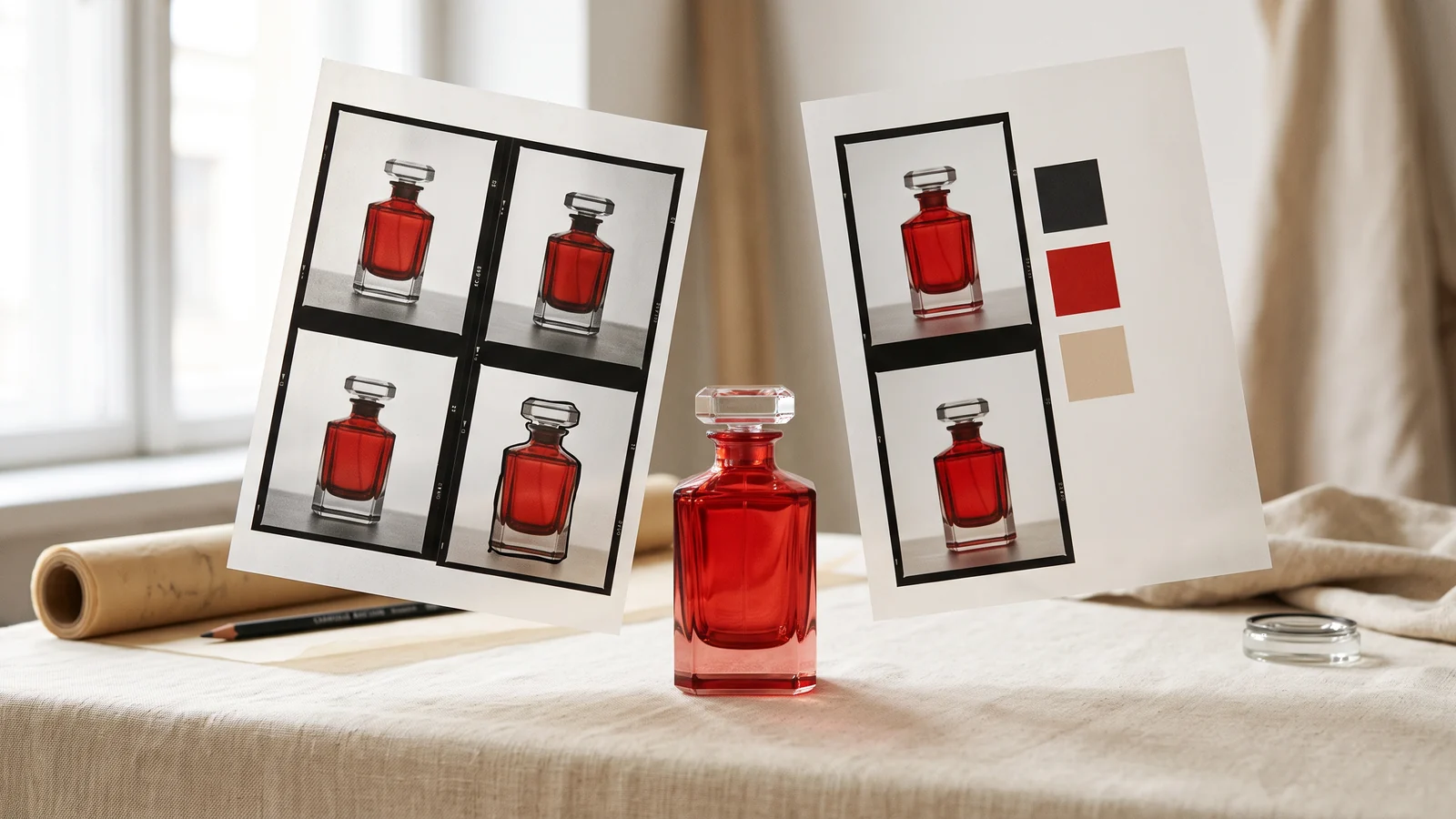
Nano Banana 2.1 and Nano Banana 2 both support image generation and reference-based editing. The practical differences to check first are resolution options, thinking settings and accepted context files. Start with the edit endpoint when an existing product or composition must survive; a text-only endpoint does not receive your original image.
This guide compares the controls available on 19 October 2026 and turns them into a repeatable product-image workflow. It does not assign an image-quality score to either model.
What changes between Nano Banana 2 and 2.1?
The reviewed contracts contain several shared features. Both have text-to-image and edit operations, aspect-ratio controls, optional web search and PNG, JPEG or WebP output. Video and PDF context are present in both edit contracts; they are not exclusive reasons to upgrade to 2.1.
| Control | Nano Banana 2 | Nano Banana 2.1 |
|---|---|---|
| Resolution choices | 0.5K, 1K, 2K, 4K | 1K, 2K, 4K |
| Thinking | Optional minimal or high | Minimal, medium or high; medium default |
| Image references | Edit endpoint | Edit endpoint |
| Video and PDF context | Edit endpoint | Edit endpoint |
| Audio-file context | Present in reviewed edit contract | Not present in reviewed edit contract |
| Transparent-background switch | Not exposed | Not exposed |
These are endpoint controls, not a promise about every consumer app using the same model. Sources: Nano Banana 2 edit contract, Nano Banana 2.1 edit contract.
Which version fits an existing product image?
Either is a candidate when the operation accepts the product photograph as an image reference. Choose the version and settings around the change you need, then inspect the result against a short list of details that must remain intact.
For a perfume packshot, that list could be the cap silhouette, label wording, bottle proportions and liquid color. A beautiful image that changes the label is a failed product asset. Judge those details before judging the background or lighting.
On Raywake, open Nano Banana 2 Edit or Nano Banana 2.1 Edit. Give each reference a clear role. The product photograph establishes identity; a second image can establish the setting. Ask for one change at a time when you need to diagnose drift.
A brief that makes the comparison useful
Use the same original image and the same instruction for both candidates. Keep the output ratio and resolution matched. Record the thinking setting instead of allowing two different defaults to pass unnoticed.
Place the bottle from the reference on a pale limestone shelf beside a softly lit window. Keep the bottle shape, cap, label wording and liquid color unchanged. Change only the environment and lighting. Leave space above the bottle for a headline added later.
This is a suggested evaluation prompt, not a claim that either model has passed it. Review the complete image and close crops of the label and cap. Save a rejection reason such as “lettering changed” or “cap widened”; “looks worse” is too vague to improve the next attempt.
How should resolution affect the choice?
Start from the delivery requirement. A blog card, a full-width website hero and a product-detail crop have different pixel needs. Higher resolution gives you a larger file; it does not automatically fix an incorrect object or a badly specified edit.
Use a smaller draft to settle composition, then quote the intended final size. When you move from 1K to 2K or 4K, check the new price before generation. Thinking and optional search can also change cost. Raywake's pricing workflow quotes the selected input rather than treating every image as one fixed-price unit.
If the job specifically requires a transparent cutout, consider a model with a documented alpha-background control or a separate background-removal step. Asking for a “transparent background” in prose is not equivalent to receiving a file with alpha. See the product-image selection guide.
When is web search useful?
Search grounding can help when the visual brief depends on public, current reference information. It is unnecessary for a fictional still life or an edit whose identity comes entirely from your supplied product photograph. It also should not become the source of truth for packaging you already have on file.
For commercial assets, use your approved packshot and copy as the authority. Keep the research step separate from the visual acceptance step.
Common questions
Does 2.1 always cost less on Raywake?
Do not infer Raywake's customer price from a provider's advertised rate. Compare current quotes for the same operation, size, output count and thinking settings.
Can I use a video as context and receive an image?
The reviewed edit contracts expose video context while the output remains an image. That is different from generating a video. Check input size limits in the selected model form.
Should I migrate every saved prompt?
Keep successful production settings until a matched test improves your actual acceptance criteria. A newer version number alone does not establish that your existing asset pipeline needs changing.
Compare the image-editing options in RaywakeReviewed on 19 October 2026. The cover is an editorial illustration generated with Nano Banana 2; it is not a test result from the models discussed.