
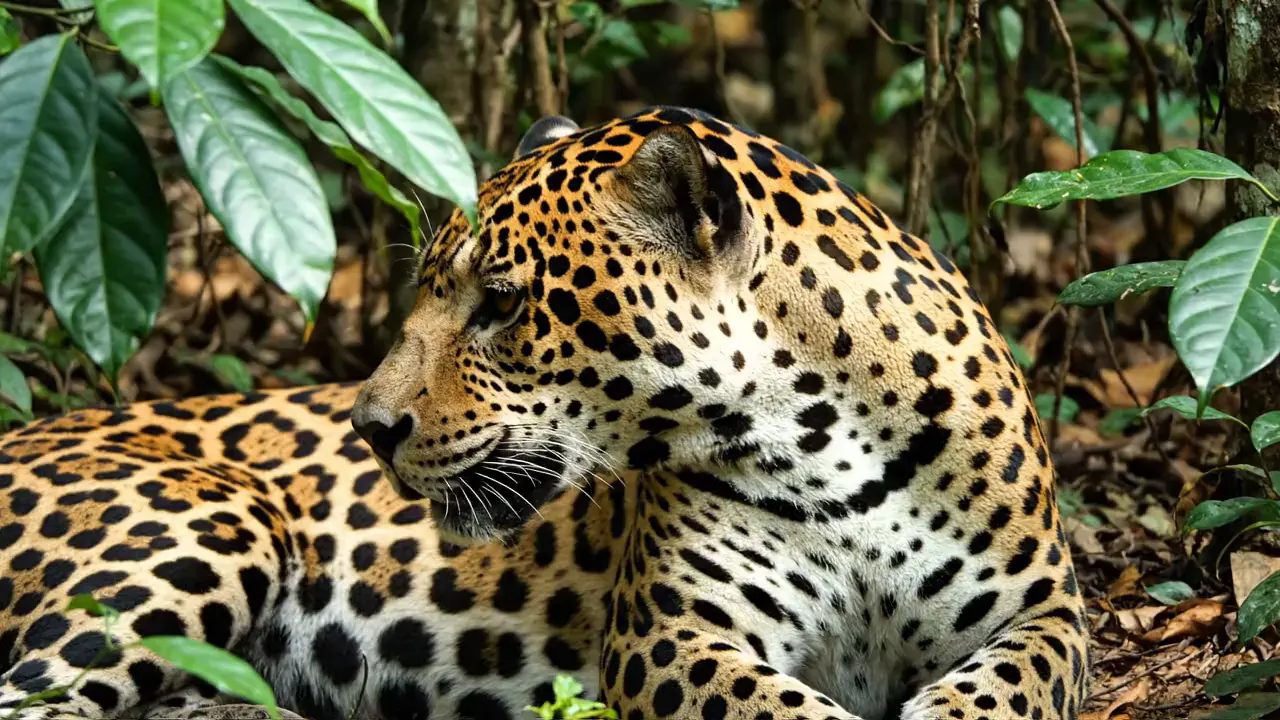
Veo 3.1 and Veo 3.1 Fast are Google's video models that turn a prompt into a 4, 6 or 8 second clip with dialogue, sound effects and ambient audio, at 720p, 1080p or 4K. Veo 3.1 Fast costs about a quarter as much at 720p and is the better choice for drafts and social clips; Veo 3.1 adds up to three reference images for keeping a subject consistent. On Raywake an 8-second 720p video costs $1.27 with Fast and $5.08 with Veo 3.1, with no subscription.
Both models have been live on Raywake since 30 October 2026: Veo 3.1 and Veo 3.1 Fast. The figures below come from the live request contracts and prices on 31 October 2026.
Veo 3.1 and Veo 3.1 Fast at a glance
| Veo 3.1 | Veo 3.1 Fast | |
|---|---|---|
| Length | 4, 6 or 8 seconds | 4, 6 or 8 seconds |
| Resolution | 720p, 1080p, 4K | 720p, 1080p, 4K |
| Aspect ratio | 16:9, 9:16 or match the input image | 16:9, 9:16 or match the input image |
| Sound | Dialogue, sound effects and ambience | Dialogue, sound effects and ambience |
| Start from images | First frame, first and last frame, or 1 to 3 reference images | First frame, or first and last frame |
| Negative prompt and seed | Yes | Yes |
| 8 seconds at 720p | $5.08 | $1.27 |
How much do Veo 3.1 and Veo 3.1 Fast cost?
Both are priced per video. The length and resolution set the price; the prompt and aspect ratio do not.
| Length | Veo 3.1 720p / 1080p | Veo 3.1 4K | Fast 720p | Fast 1080p | Fast 4K |
|---|---|---|---|---|---|
| 4 seconds | $2.54 | $3.81 | $0.64 | $0.77 | $1.91 |
| 6 seconds | $3.81 | $5.71 | $0.96 | $1.15 | $2.86 |
| 8 seconds | $5.08 | $7.61 | $1.27 | $1.53 | $3.81 |
Veo 3.1 charges the same at 720p and 1080p, so there is no saving in rendering it at 720p. Veo 3.1 Fast is cheaper at every size, and 720p is its cheapest option. Raywake shows the price before you generate and charges your prepaid USD balance only after you approve.
Which one should you use?
Pick Veo 3.1 Fast for most work: testing prompts, social clips, ads you will iterate on, and anything where a quick look decides the next step. It accepts a first frame and a first-and-last frame pair, which covers product shots that must start or end on an exact image.
Pick Veo 3.1 when the subject must stay the same across clips. It takes one to three reference images of a person, character or product and keeps them consistent in a new scene. Reference videos are 8 seconds long. At 1080p it costs the same as 720p, so final renders at 1080p cost nothing extra.
Use 4K only for the final cut. A 4K Fast clip costs about three times its 720p version.
How do frames and references work?
The request has up to three image inputs. With one image, the video starts on that frame. With two, the clip starts on the first and ends on the second, which suits reveals and packshots. On Veo 3.1, the images can instead act as references: the model builds a new scene around the person or product they show. Set the aspect ratio to match the input image to keep the frame's shape.
How to call Veo 3.1 through the API
Quote first. A quote is free and returns the exact price; nothing runs until you submit the quoted request. The model IDs are veo-3-1 and veo-3-1-fast.
curl --fail-with-body https://api.raywake.com/v1/quotes \
  -H "Authorization: Bearer $RAYWAKE_API_KEY" \
  -H "Content-Type: application/json" \
  -d '{"model":"veo-3-1-fast","input":{"prompt":"A barista pours latte art in a sunlit cafe, steam rising, soft chatter in the background.","durationSeconds":"8","resolution":"720p","aspectRatio":"9:16"}}'
durationSeconds is a string: "4", "6" or "8". The response has a quote_id, the price in credits (100 credits = $1) and an expiry time; the quotes reference lists every field.
Prompting tips
Write the sound. Both models generate audio from the prompt. Name the voices, sounds and atmosphere you want, and put any spoken line in quotes.
Keep one action per clip. Eight seconds is enough for one clear movement. For a sequence, make several clips and cut them together.
Draft with Fast, finish with what fits. Find the prompt with Veo 3.1 Fast at 720p, then render the keeper at 1080p or 4K, or move to Veo 3.1 if the subject needs references.
Common questions
Do I need a Google subscription to use Veo 3.1?
No. On Raywake each video is paid from your prepaid USD balance.
What is the longest Veo 3.1 video?
8 seconds per request, for both Veo 3.1 and Veo 3.1 Fast.
Can Veo 3.1 make vertical videos?
Yes. Both models offer 9:16 as well as 16:9, or can follow the shape of your input image.
Does Veo 3.1 Fast support reference images?
No. Veo 3.1 Fast starts from a first frame or a first-and-last frame pair. Reference images for a consistent subject need Veo 3.1.
Create a video with Veo 3.1