
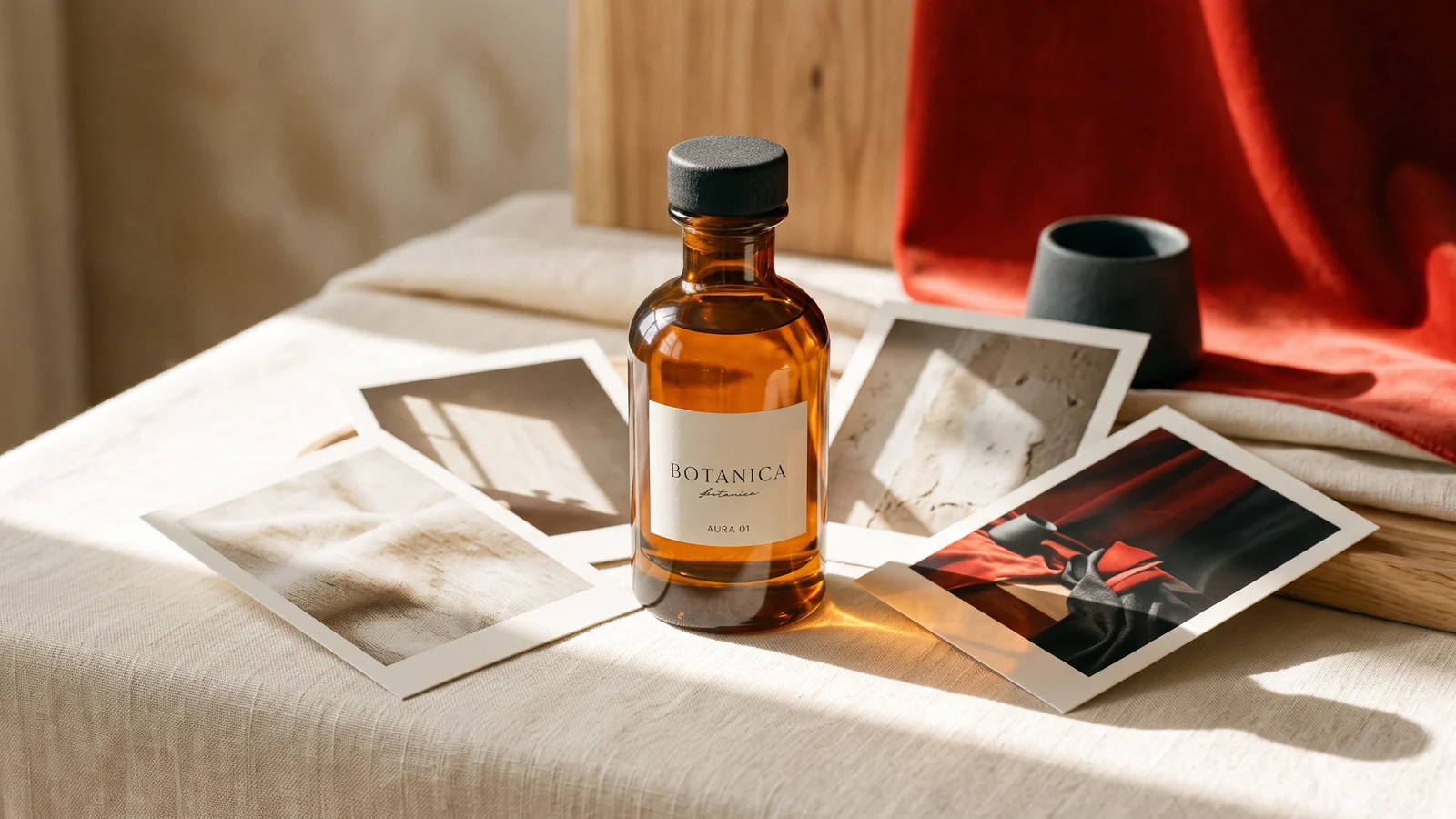
FLUX.2 Pro, Max and Klein can all be useful in a reference-image workflow, but reference limits and controls depend on the exact variant and hosting interface. Choose the required operation first, then assign each reference a clear job: product identity, material, pose, composition or environment.
A general “FLUX.2 supports ten images” statement is too broad for an API integration. The model maker distinguishes API and playground limits, and individual endpoints can expose different controls.
How do the variants differ for references?
Black Forest Labs positions Pro for production, Max for more demanding visual work and Klein for compact, faster workflows. Those are the maker's product descriptions; they do not establish the best option for your particular packshot.
| Variant | Reference guidance | Practical implication |
|---|---|---|
| FLUX.2 Pro | Maker documents up to eight API references and ten in its playground | Do not copy a playground limit into every API request |
| FLUX.2 Max | Maker documents a similar API/playground distinction | Confirm the deployed operation before building a large reference set |
| FLUX.2 Klein 4B Edit | Reviewed endpoint documents up to four images | Plan a smaller, deliberate set |
Sources: maker's model guide, multi-reference guidance, Klein 4B editing contract.
Build a reference set around roles
For a product scene, start with the approved product photograph. Add a setting image only if it contributes composition or light that is difficult to describe. A third reference might establish a material or a required prop.
Write the role of every image in the prompt. For example: use the bottle from image one, the stone surface from image two and the lighting direction from image three. Specify which features must remain unchanged. Avoid asking the model to infer which of several different bottles is the product you intend to sell.
More references are not automatically better. Two nearly identical product images may help with shape, but an unrelated hero image can introduce a conflicting package, color or camera angle. Remove references that do not answer a specific question.
A practical product-composition brief
Use the product bottle from image one as the only product. Place it on the warm stone surface from image two. Preserve the cap, label wording, proportions and liquid color. Use soft window light from the left and a quiet background. Leave empty space on the right for copy added in layout.
This is a proposed brief, not a tested output guarantee. Review the identity-bearing details before approving the composition. If the model changes the package, reducing the reference set can be a more useful next experiment than adding stronger adjectives.
For exact legal copy, a barcode or a regulatory label, retain an approved design layer and verify the final asset separately. A generated approximation can look convincing while containing incorrect characters. The product-label guide explains that distinction.
What does “up to 4 MP” mean?
The maker describes FLUX.2 output up to four megapixels and dimensions in steps of 16 pixels. Pixel area and long-edge resolution are different measurements: 2048 by 2048 is a square example, not a requirement that every output be square.
Specify the delivery dimensions and required crop margin. When you use references, pricing can depend on input processing as well as output size. The maker's resolution guide is useful background; the current Raywake quote is the relevant customer price for a Raywake run.
Choosing a variant on Raywake
Open FLUX.2 Pro Edit, FLUX.2 Max Edit or Klein 4B Edit. Confirm the visible input fields and quote the same brief on the candidates you actually need to compare.
Use one approved product image, matched output dimensions and the same acceptance checklist. Count deliberate retries and compare cost per accepted asset. This approach can support a decision without pretending that a model-family name predicts every product result.
Common questions
Can I move ten playground references into any FLUX.2 API?
No. The maker explicitly distinguishes interfaces, and the selected endpoint may have a smaller limit.
Is grounding search available everywhere Max is hosted?
Do not assume it is. A capability described for the maker's product may not be exposed by every hosted endpoint. Use the controls actually present in the selected operation.
Should captions and brand copy be generated inside the image?
For editable campaign layouts, adding final copy in a design tool often makes review and localization easier. If you generate lettering, compare it character by character with approved text.
Build a reference-image workflow in RaywakeReviewed on 19 October 2026. The cover is an editorial illustration generated with Nano Banana 2; it is not a test result from the models discussed.