
Vidu Q4 animates a starting image into a video lasting 3 to 16 seconds, with resolution choices from 540p to 4K. Its reference-to-video operation accepts up to twelve reference images and offers optional generated audio. On Raywake, both operations list prices up to $0.25 per video at 540p, $0.53 at 720p, $0.67 at 1080p, $1.06 at 2K and $2.17 at 4K.
The Vidu Q4 model page is the starting point for image-led video work. Before choosing settings, decide whether you want to animate a particular starting image or use references to guide a scene. The two operations have different fields, even though their prices match. Prices and settings are as of 31 October 2026.
Vidu Q4 at a glance
| Setting | Image to video | Reference to video |
|---|---|---|
| Image field | image_url, required | reference_image_urls |
| Text prompt | Optional, defaults to empty | Required |
| Duration | 3 to 16 seconds | 3 to 16 seconds |
| Default duration | 5 seconds | 5 seconds |
| Default resolution | 720p | 720p |
| Reference count | One starting image | Up to twelve reference images |
| Generated audio control | Not listed | audio, default false |
| Aspect ratio field | Not listed | 16:9, 9:16, 4:3, 3:4, 1:1 |
How much does Vidu Q4 cost?
Raywake lists maximum prices per video. These are not per-second rates, so do not multiply them by the requested duration.
| Resolution | Image to video | Reference to video |
|---|---|---|
| 540p | Up to $0.25 | Up to $0.25 |
| 720p | Up to $0.53 | Up to $0.53 |
| 1080p | Up to $0.67 | Up to $0.67 |
| 2K | Up to $1.06 | Up to $1.06 |
| 4K | Up to $2.17 | Up to $2.17 |
Keep “up to” attached to these amounts when budgeting. The right quote is the one for your selected operation, duration, resolution and audio settings. Matching prices do not remove the need to quote a changed request.
For an initial motion test, choose a resolution that lets you judge the action. Increase it when the composition and movement meet the brief. A larger frame does not by itself answer whether the camera move or subject motion is right.
Which input mode should you use?
Choose image to video when the starting picture already contains the composition you want. A product photograph, landscape or illustration can supply the visual starting material. Add a prompt that describes motion rather than rewriting every visible detail.
Choose reference to video when the visual brief is spread across several images. You can use up to twelve references. Tell the model what the scene should do and which visual details matter. Supplying more images is not a guarantee of a closer match, especially when the references suggest conflicting compositions.
The image operation accepts an optional prompt; the reference operation requires one. Even where text is optional, a clear motion instruction gives you a more useful basis for reviewing the result.
How do duration, resolution and sound work?
Set duration to an integer from 3 to 16. Both operations default to 5 seconds, so make the duration explicit if the clip must fit an existing edit.
Use the resolution strings exactly as listed. The API uses lowercase p in 720p and uppercase K in 2K and 4K. These settings select the output resolution; they do not tell you whether the result is upscaled.
Reference mode has an audio switch that defaults to false, plus a reference_audio_urls array. Image mode does not expose that audio switch. Do not copy it into an image request or assume identical sound behavior.
How to call Vidu Q4 through the API
This example quotes an image-to-video request with a starting-image URL. Replace the placeholder with an image you can actually provide.
curl --fail-with-body https://api.raywake.com/v1/quotes \
  -H "Authorization: Bearer $RAYWAKE_API_KEY" \
  -H "Content-Type: application/json" \
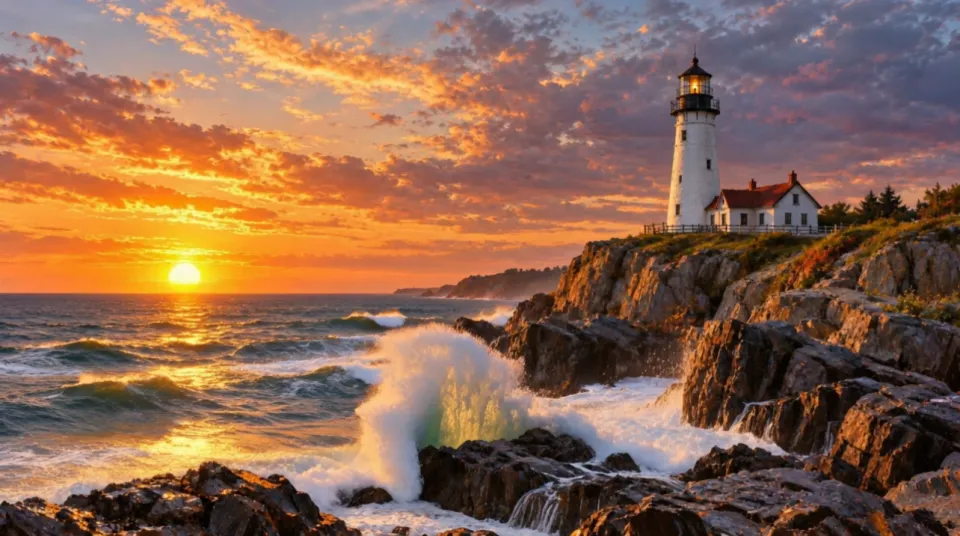
  -d '{"model":"vidu/q4/image-to-video","input":{"image_url":"https://example.com/lighthouse.jpg","prompt":"Waves break against the rocks as the camera slowly moves toward the lighthouse","duration":5,"resolution":"720p"}}'
The reference operation uses vidu/q4/reference-to-video. Replace image_url with reference_image_urls, provide prompt and optionally set its supported aspect_ratio and audio fields. Keep the operation's own inputs together rather than mixing the two schemas.
The example only asks for a quote. The quotes reference describes the response and the next API step. Save the quoted inputs so the intended video length is clear later.
What should you check in the result?
For a landscape, inspect horizon movement and whether foreground objects remain coherent. For a product, look at its silhouette, label placement and the way light changes across it. These are review criteria, not promised performance.
Describe one camera movement clearly, such as a slow push toward a lighthouse. If the scene already contains waves, specify whether the camera moves while the water moves or stays fixed. That makes a revision more precise than asking only for “more cinematic” motion.
Common questions
Can Vidu Q4 make a 16-second video?
Yes. Both operations accept a duration from 3 to 16 seconds.
Does Vidu Q4 support 4K?
Yes. Both list 4K alongside 540p, 720p, 1080p and 2K.
How many reference images can I use?
Reference to video accepts up to twelve. Image to video instead takes one starting image_url.
Is generated audio on by default?
For reference to video, no: audio defaults to false. The image operation has no corresponding switch.