
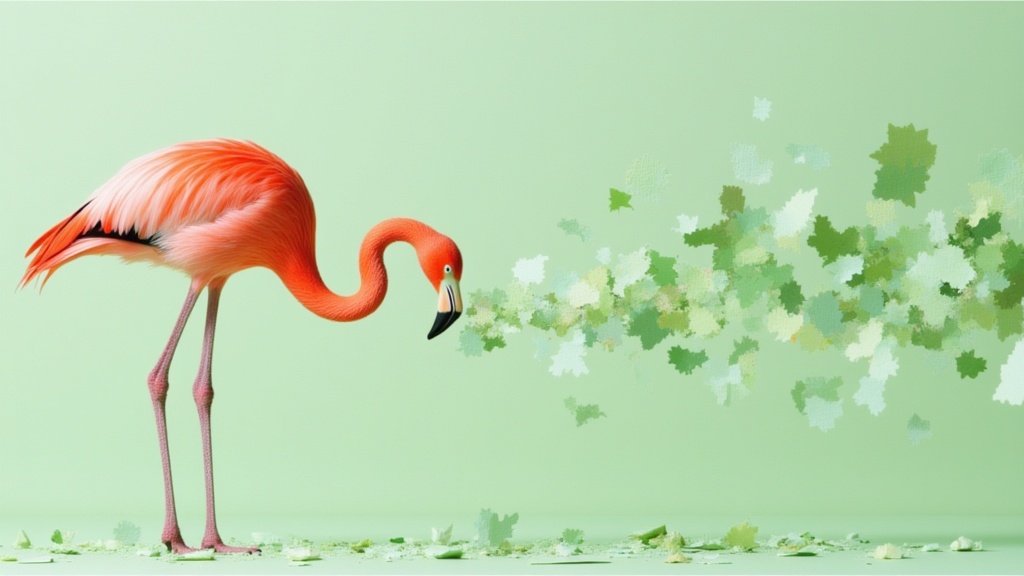
Nano Banana 2
Text to image · Image editing
Generate or edit Nano Banana 2 images with selectable resolution and framing.
Find a model. See what it can do.
Browse every available model. Search by name or task.
Text to image · Image editing
Generate or edit Nano Banana 2 images with selectable resolution and framing.
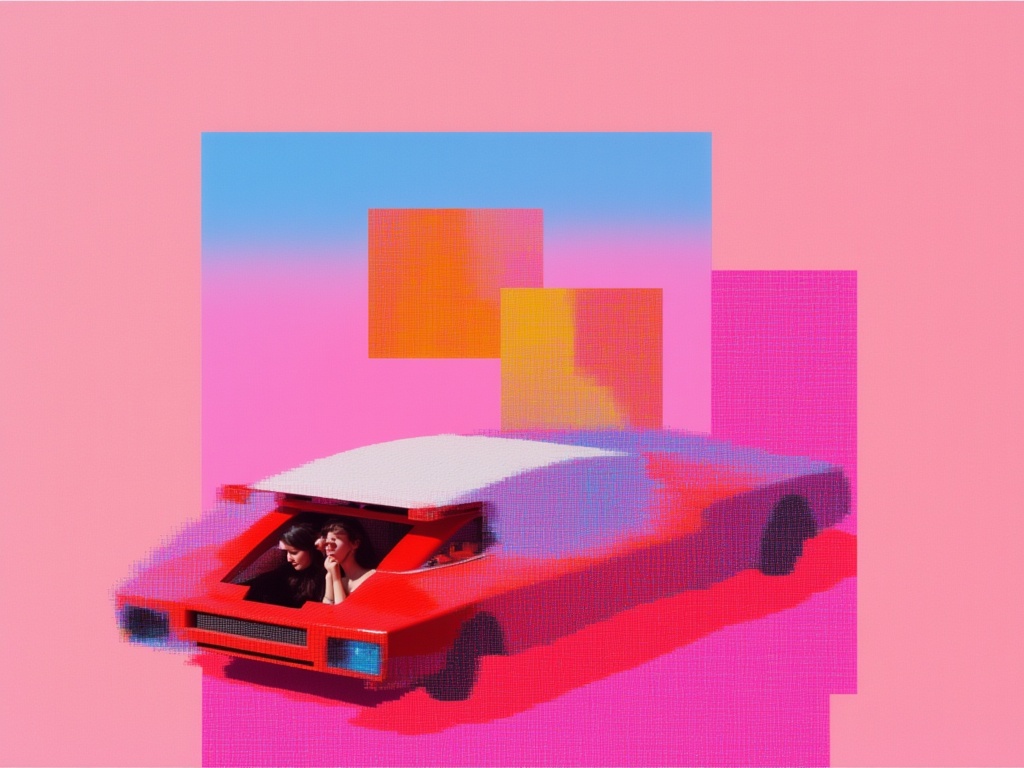
Text to image · Image editing
Create image drafts with Nano Banana 2 Lite.
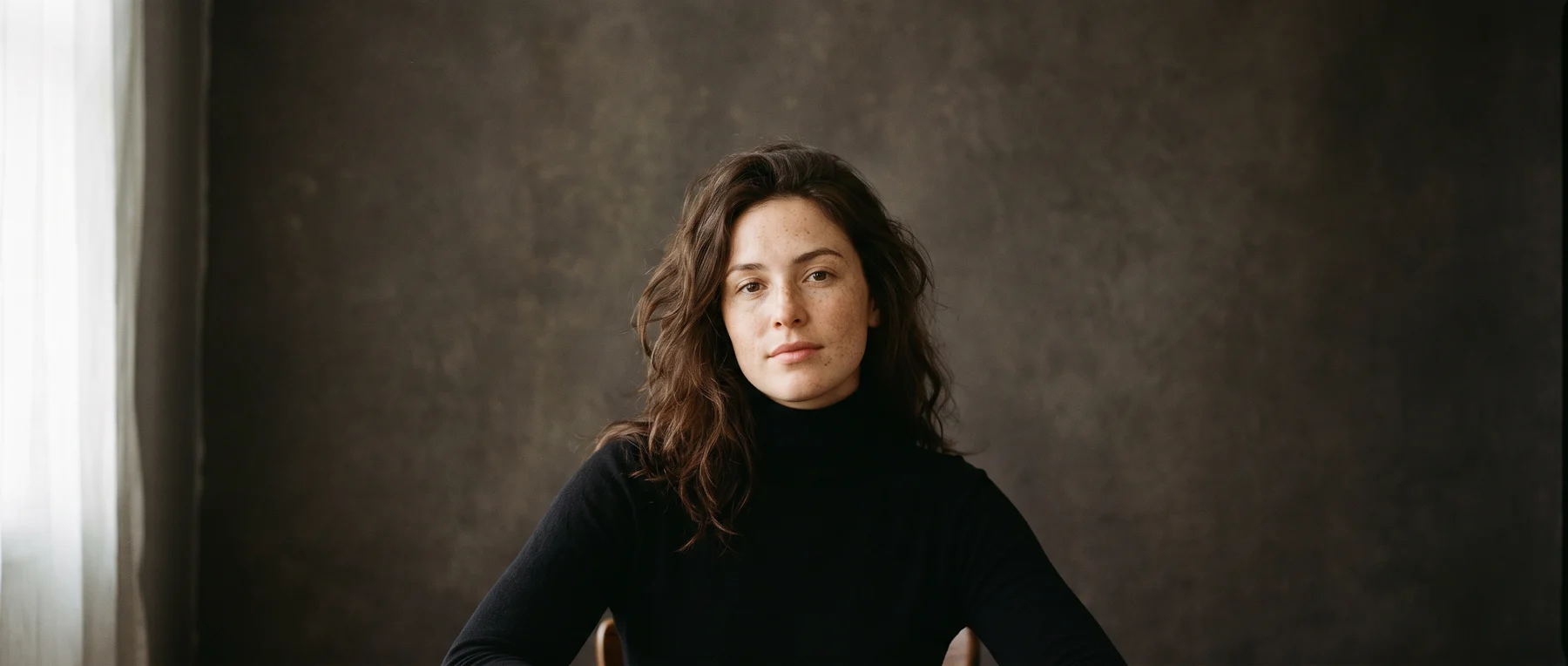
Text to image · Image editing
Explore portraits, compositions and visual ideas. Start with words or bring an image into the studio to edit.
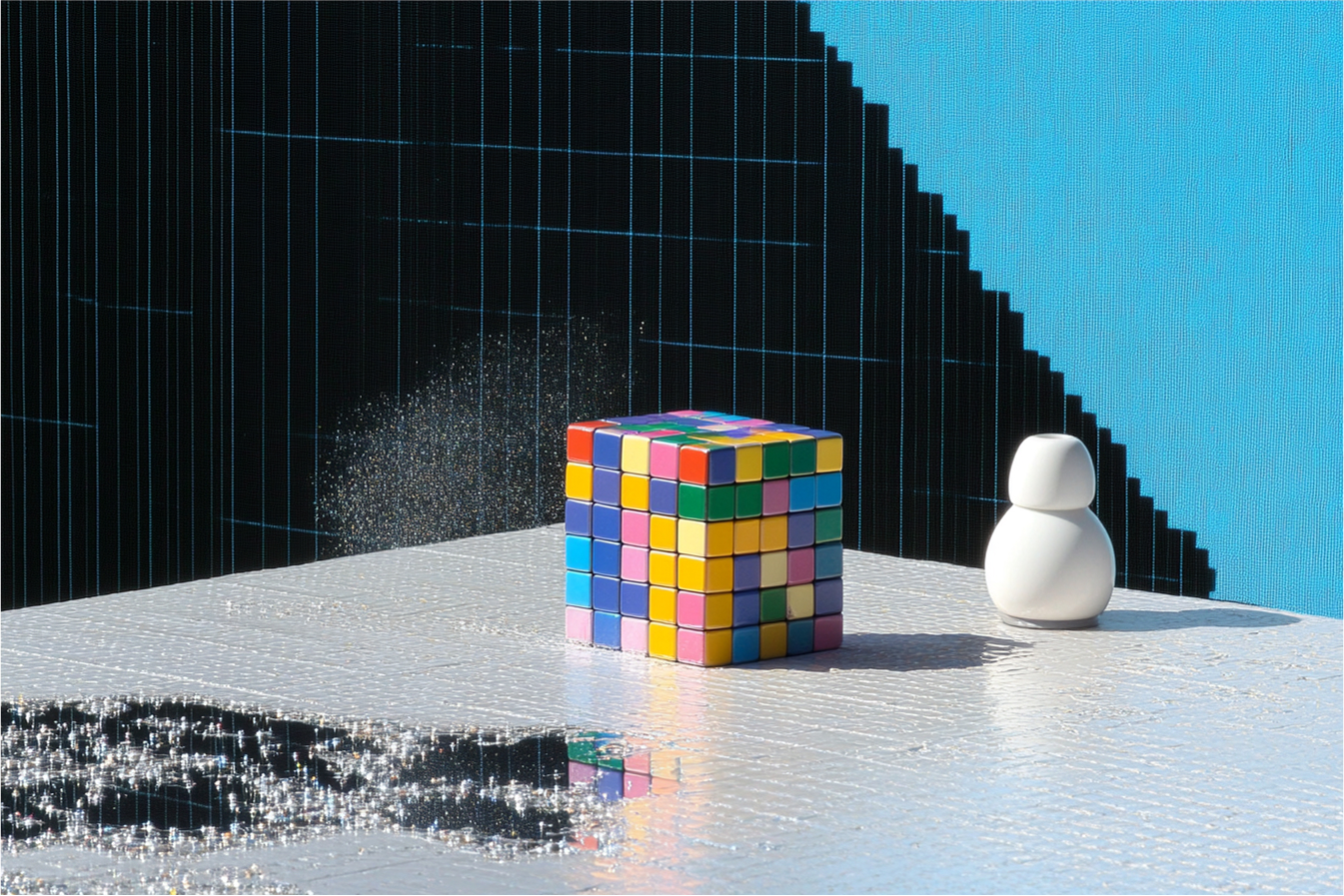
Image editing
Remove a named object using the default Object Removal operation.
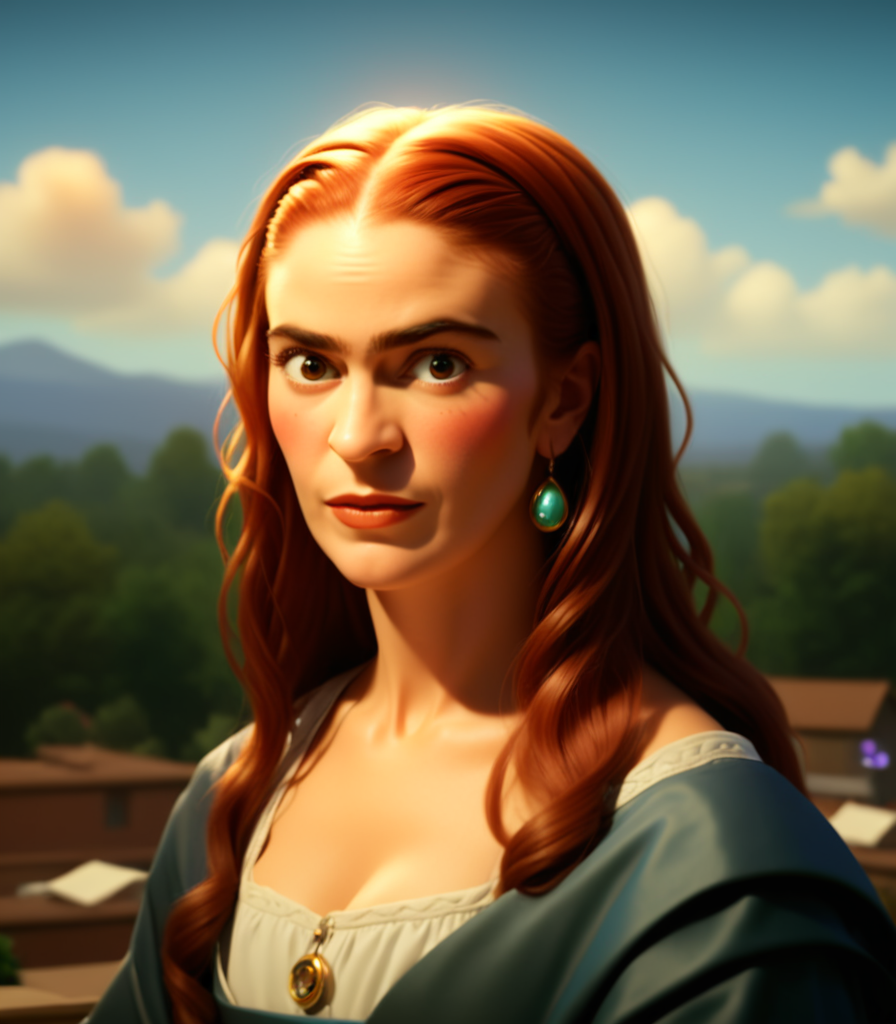
Image editing
Any pose, any style, any identity
Text to image
Generate or edit images using a prompt and optional image references.
Image editing
Rework an existing image with the SDv1.5 Latent Consistency model.
Text to image
Generate Ovis Image illustrations and text-bearing visuals from a written brief.
 Video
VideoText to video
Create P-Video 2 Pro clips from text or optional first and last frame images.
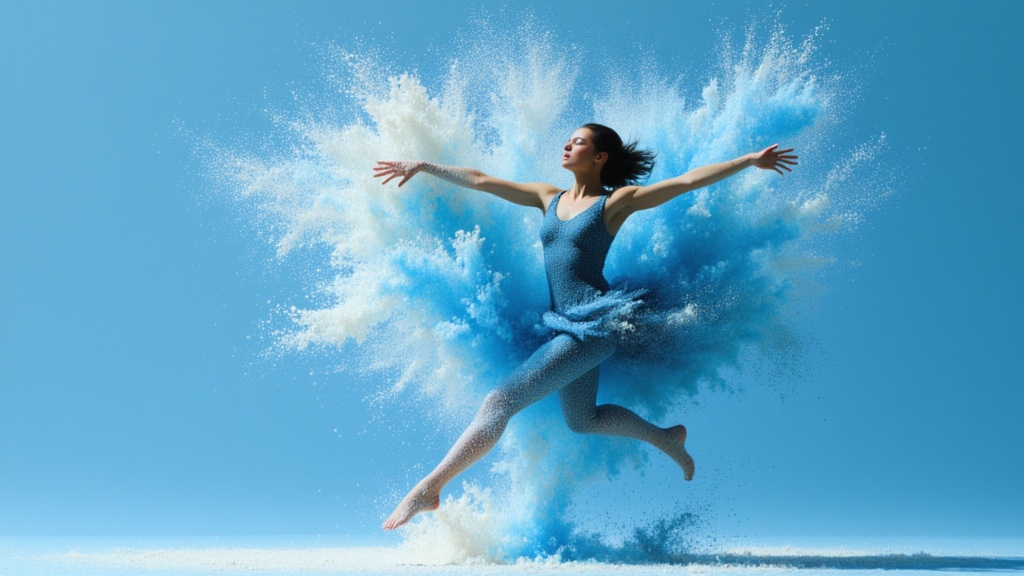
Image editing
Enhance a supplied image with optional Phota identity profiles.
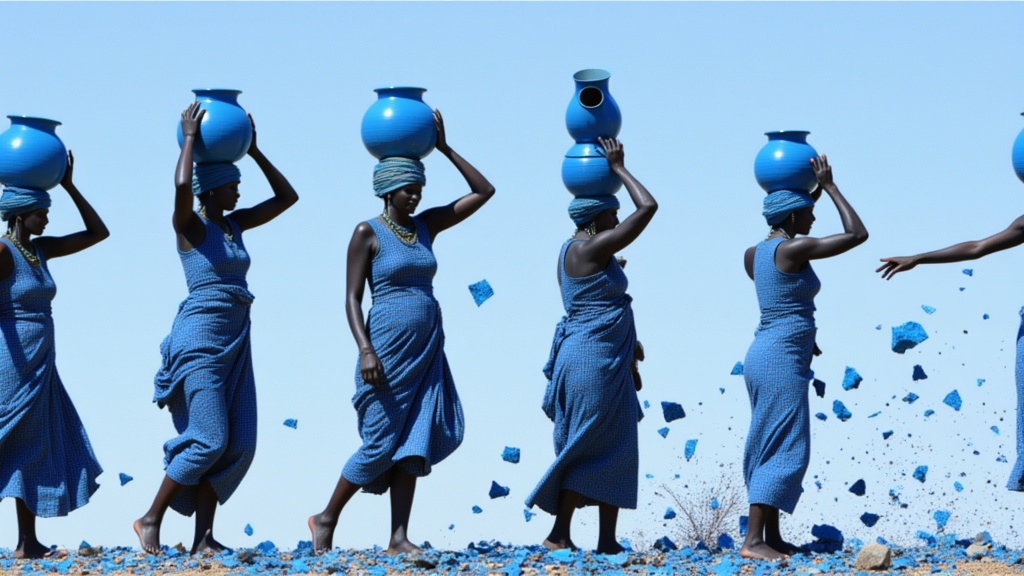
Text to image · Image editing
Create Phota images from a brief or edit existing images in its alternate operation.
Image editing
Restore old or damaged photos by fixing colors, scratches, and resolution.
Image editing
Create personalized portraits from an archive of reference images and a prompt.
Text to video · Image to video
Generate Pika 2.2 video from text, images or combined scene references.
Text to video · Image to video
Create PixVerse C1 video with optional audio or choose image and transition operations.
Video editing
Continue an existing clip from its ending with PixVerse Extend.
Text to video · Image to video
Turn a scene description into a clip with PixVerse 3.5.
Text to video · Image to video
Create a clip from text using PixVerse 3.5 Fast.
Text to video · Image to video
Create a scene from text with PixVerse 4.
Text to video · Image to video
Produce a scene from a prompt with PixVerse 4 Fast.
Text to video · Image to video
Generate a described scene with PixVerse 4.5.
Text to video · Image to video
Build a text-driven clip with PixVerse 4.5 Fast.
Text to video · Image to video
Generate a scene from a text prompt with PixVerse 5.
Text to video · Image to video
Generate a scene with optional audio using PixVerse 5.5.
Take it into the studio. See the price before you create.
Browse models here without an account. Sign in when you are ready to create.