
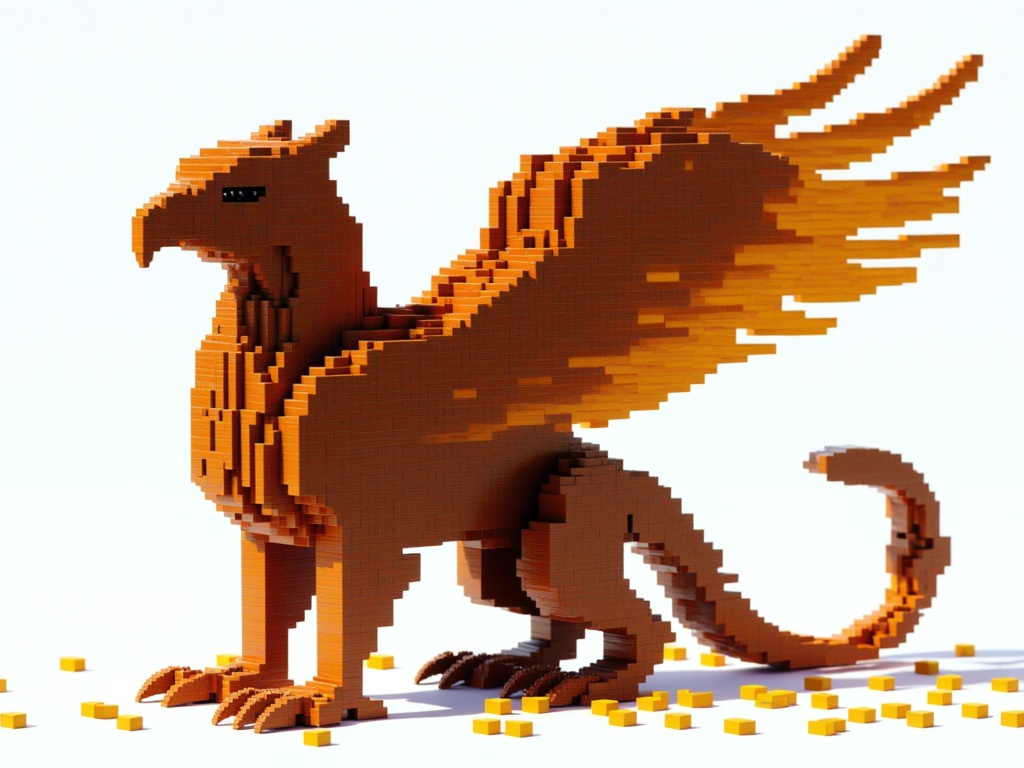
PixVerse 5.6
Text to video · Image to video
Make a text-driven video with optional sound in PixVerse 5.6.
Find a model. See what it can do.
Browse every available model. Search by name or task.
Text to video · Image to video
Make a text-driven video with optional sound in PixVerse 5.6.
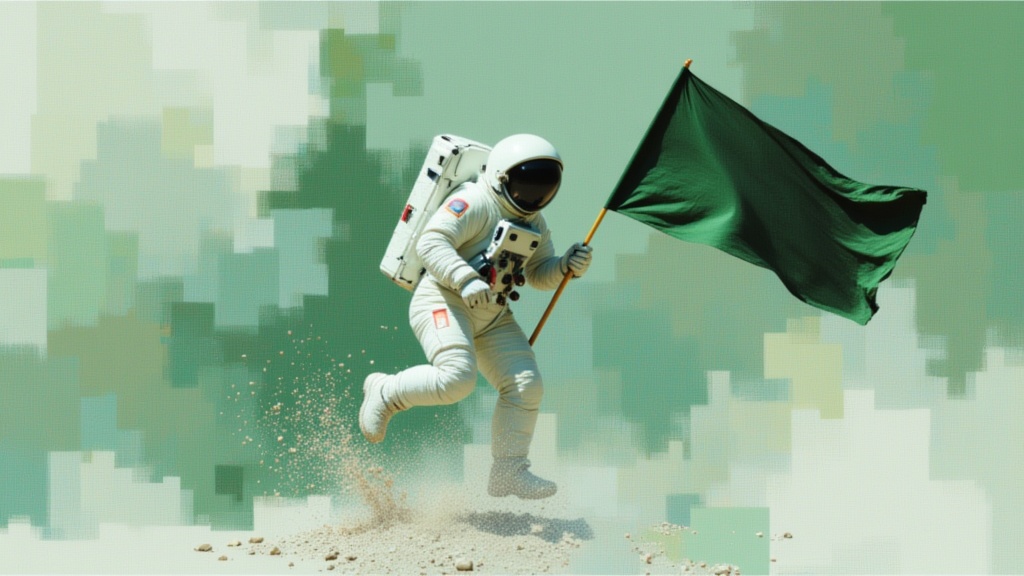
Text to video · Image to video · Video editing
Create a 1–15-second clip with optional audio in PixVerse 6.
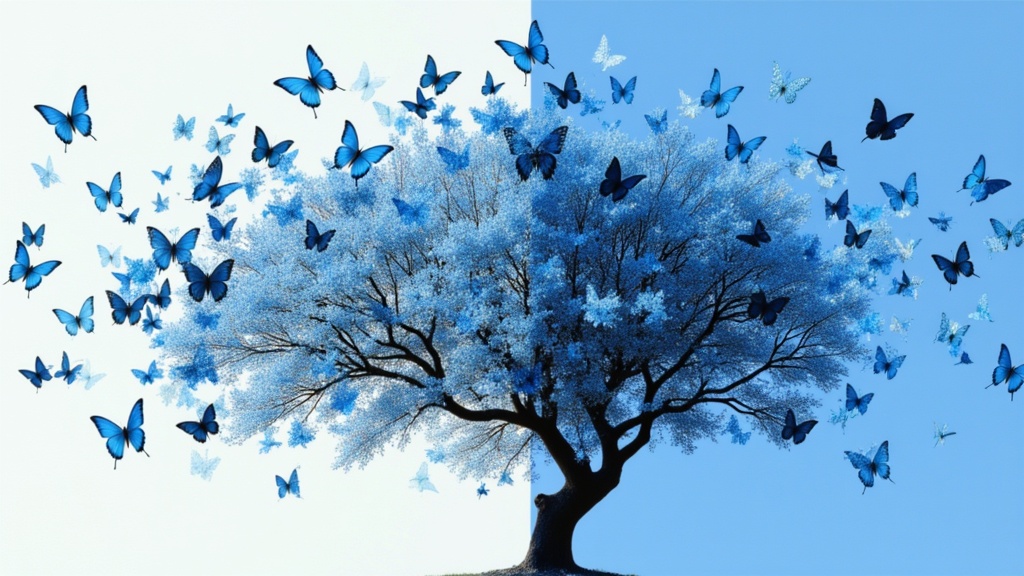
Image editing
Prepare an image cutout with Pixelcut Background Remover.
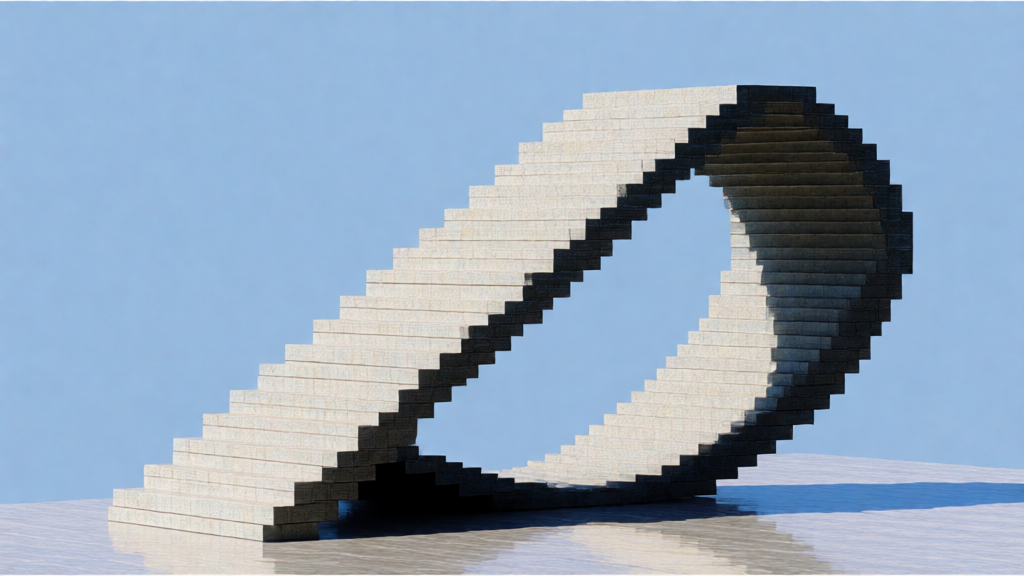
Text to image · Image editing
Create an image from a scene description with Playground v2.5.
Text to image
Generate a described image with Pony V7.
Image editing
Apply Gaussian or Kuwahara blur effects with adjustable radius and sigma parameters
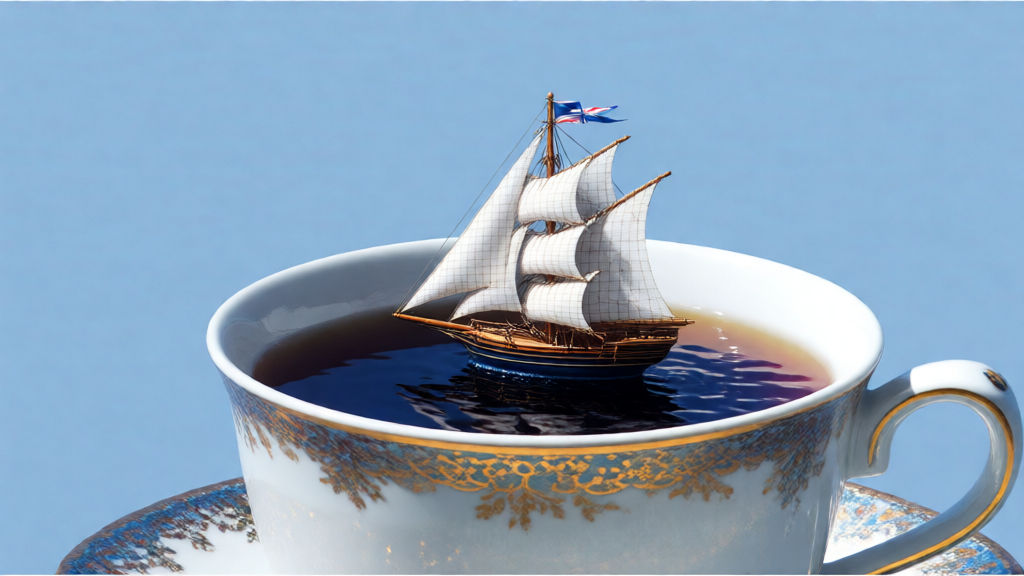
Image editing
Sharpen an image with basic, smart or contrast-adaptive sharpening.
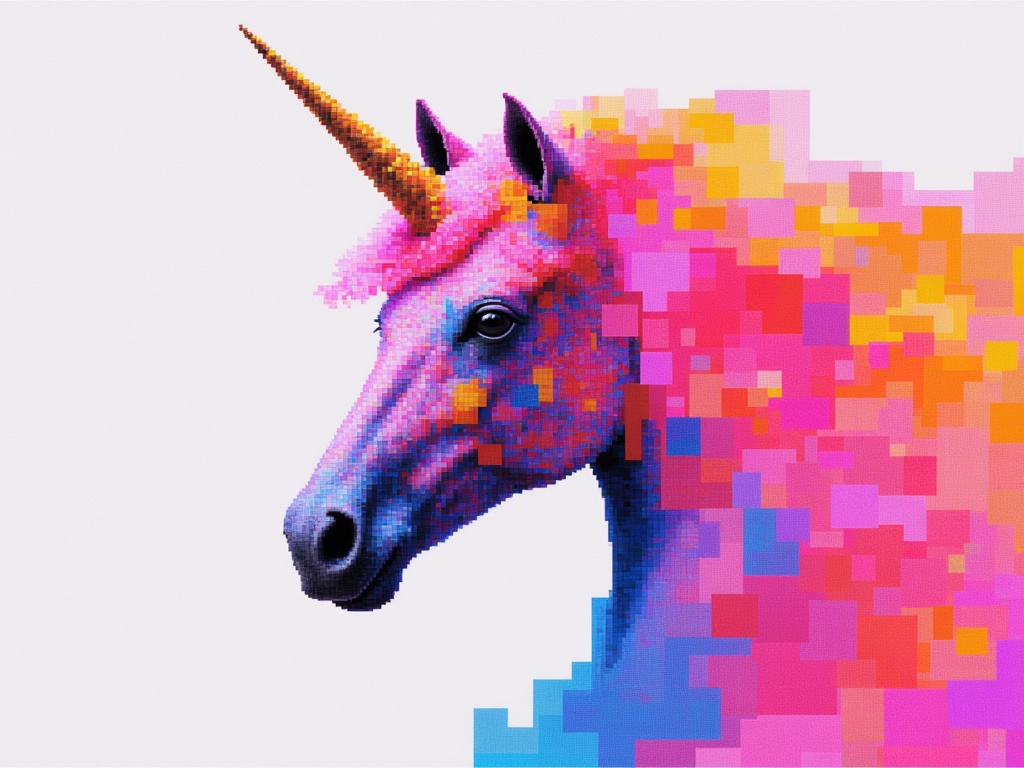
Image editing
Edit reference images with written instructions using Qwen Image 3.
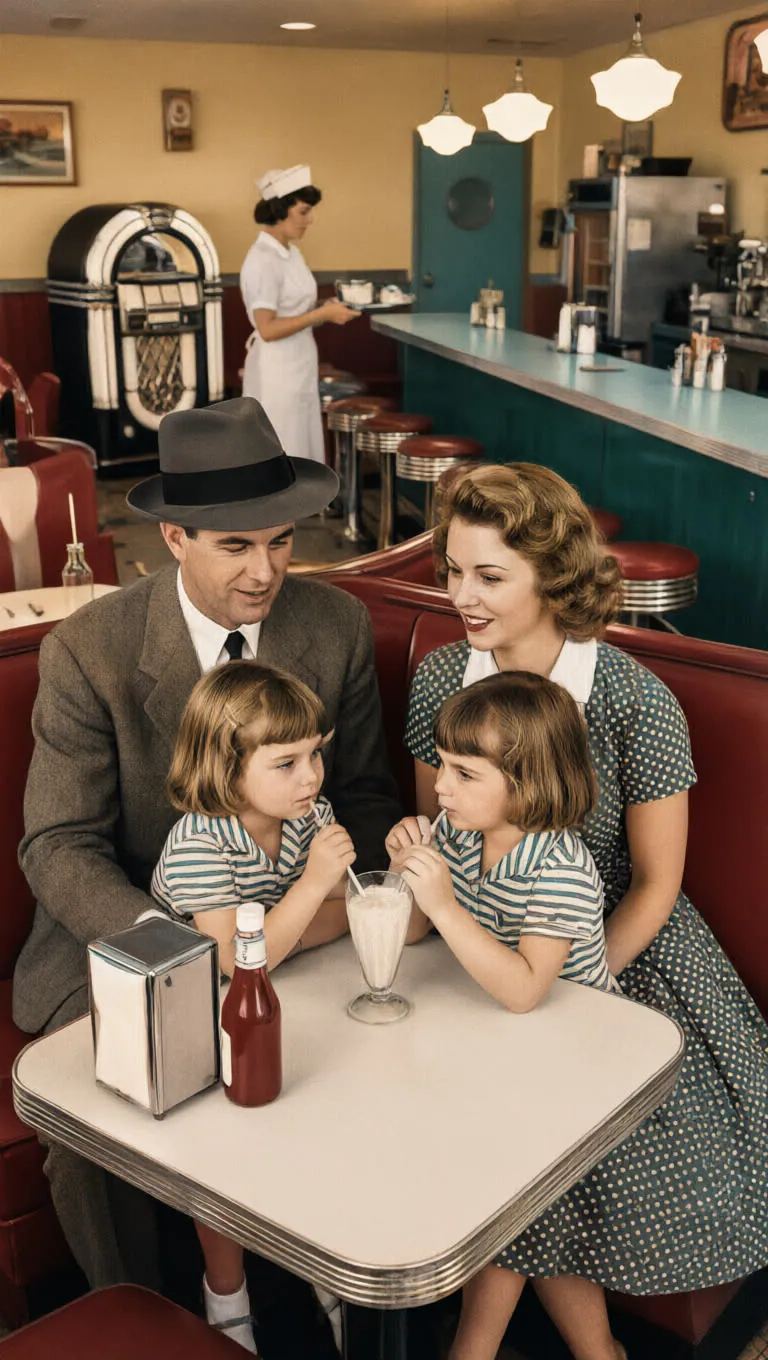
Text to image
Generate one image from text with Qwen Image 3.0 on Raywake.
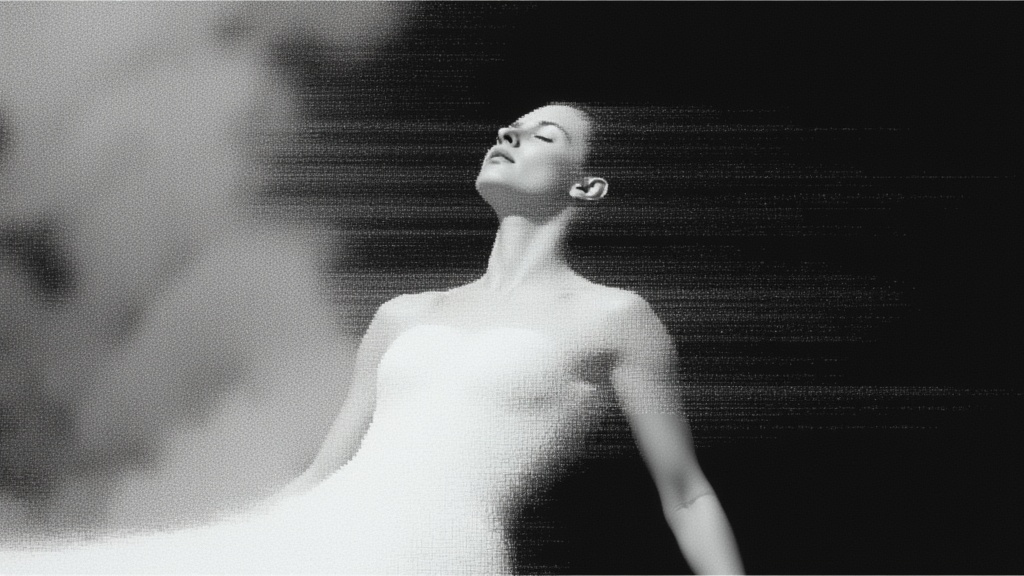
Image editing
Place a clean-background subject in a new setting with Qwen Add Background.
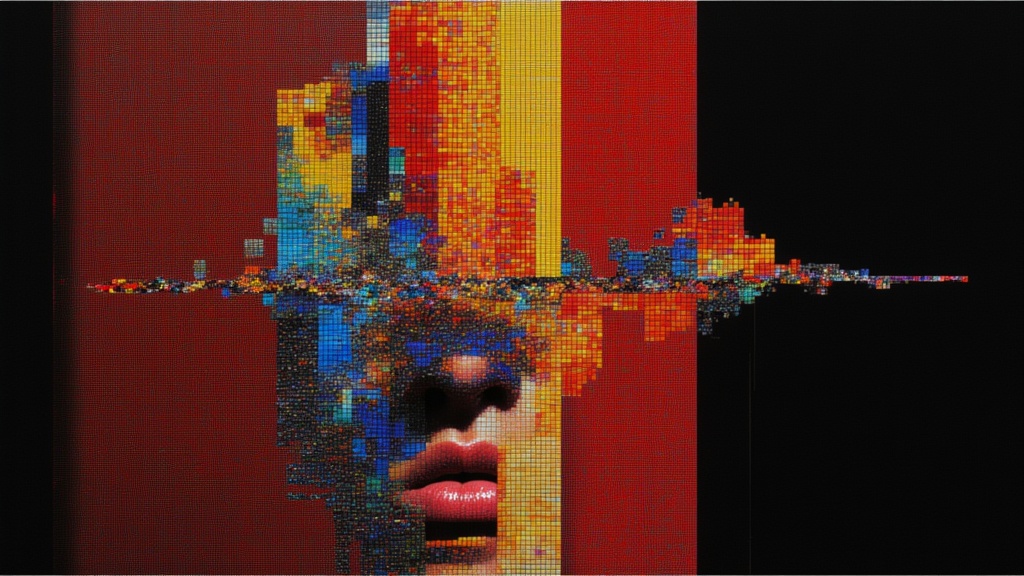
Image editing
Expand a close-up face into a portrait concept with Qwen Face to Full Portrait.
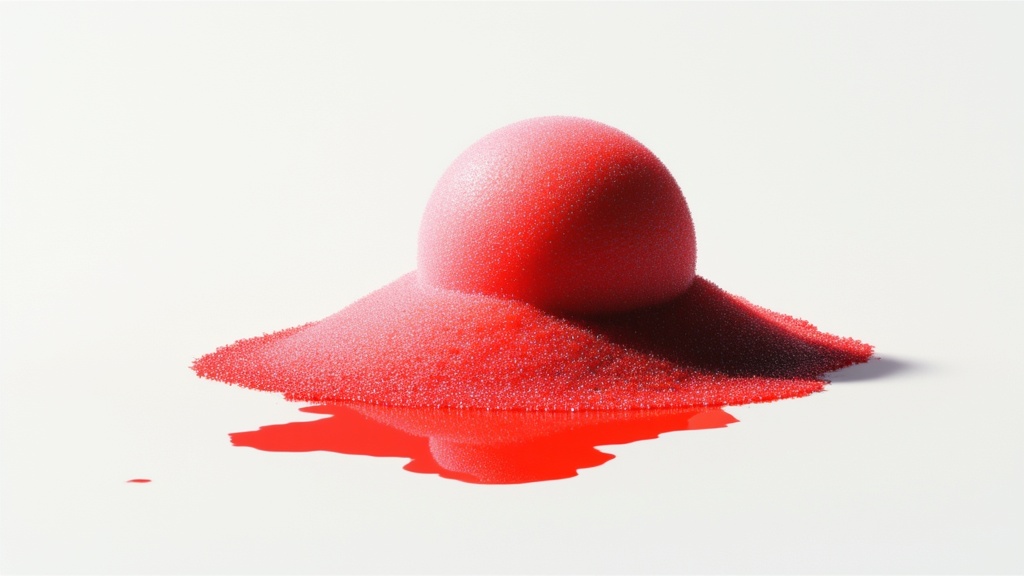
Image editing
Combine individual portraits into a shared scene with Qwen Group Photo.
Image editing
Blend a product into its surrounding scene with Qwen Integrate Product.
Image editing
Rework image lighting with Qwen Lighting Restoration.
Image editing
Explore a different viewpoint of a source scene with Qwen Multiple Angles.
Image editing
Plan a following storyboard frame with Qwen Next Scene.
Image editing
Erase a described scene element with Qwen Remove Element.
Image editing
Neutralize lighting effects in an image with Qwen Remove Lighting.
Image editing
Mock up a graphic on a worn shirt with Qwen Shirt Design.
Text to image · Image editing
Create an image from text with Qwen Image Max.
Text to image
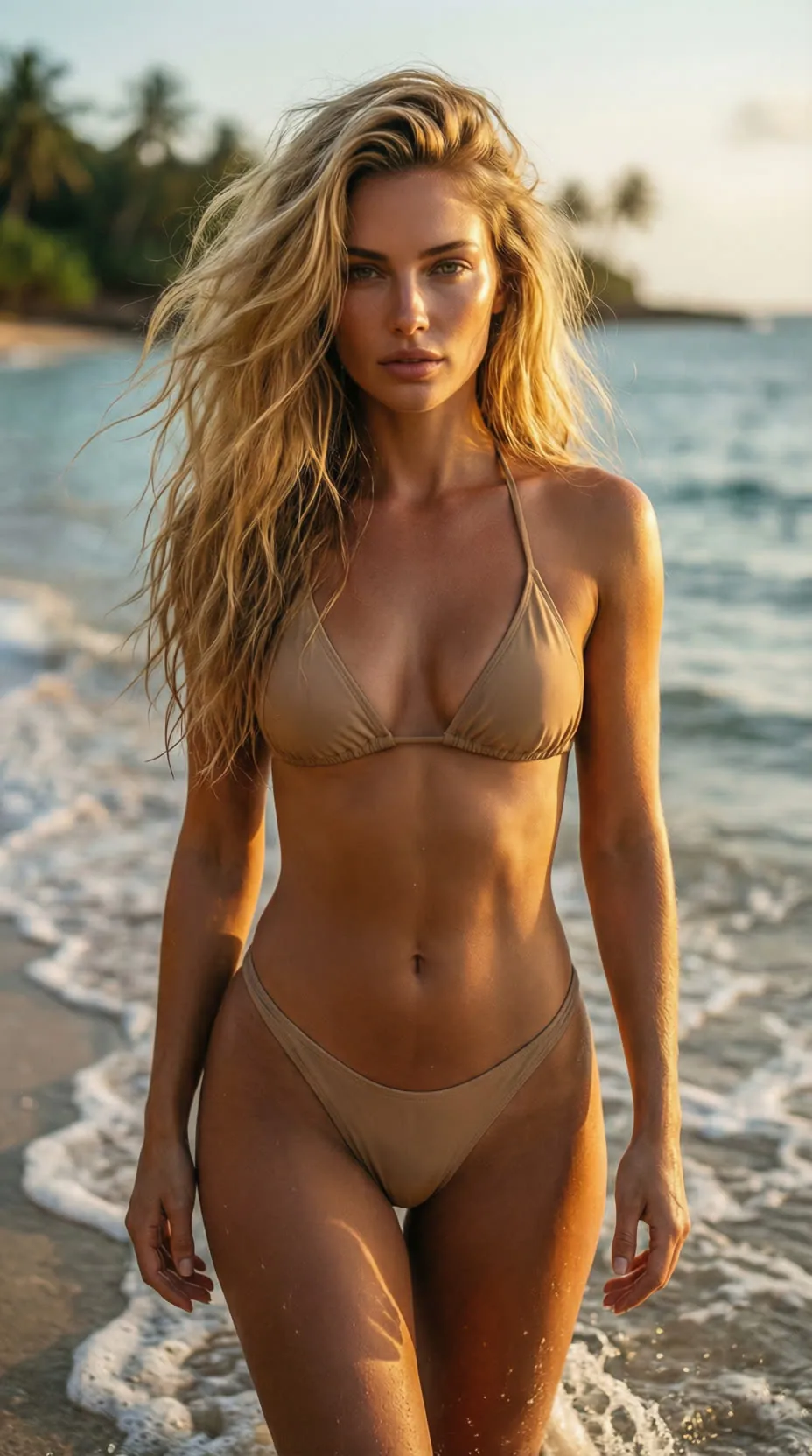
Generate or edit images with the Wiro Qwen Image Max Uncensored operation.
Text to image
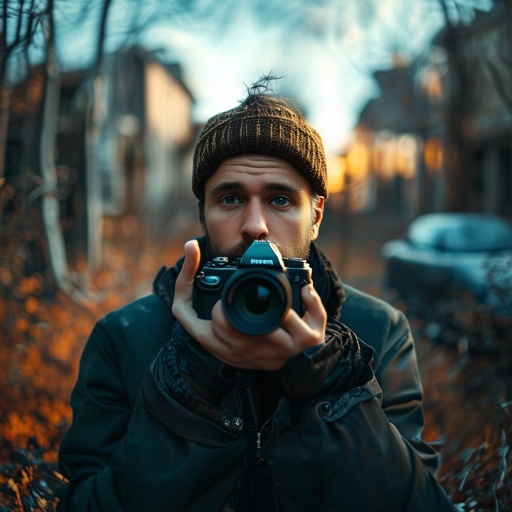
Generate a photograph-like scene with Realistic Vision.
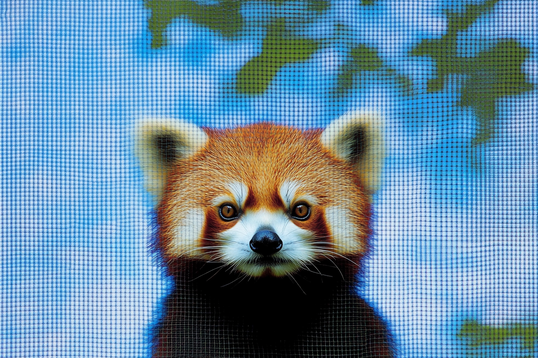
Image editing
Convert a PNG, JPG or WebP image into a scalable SVG file.
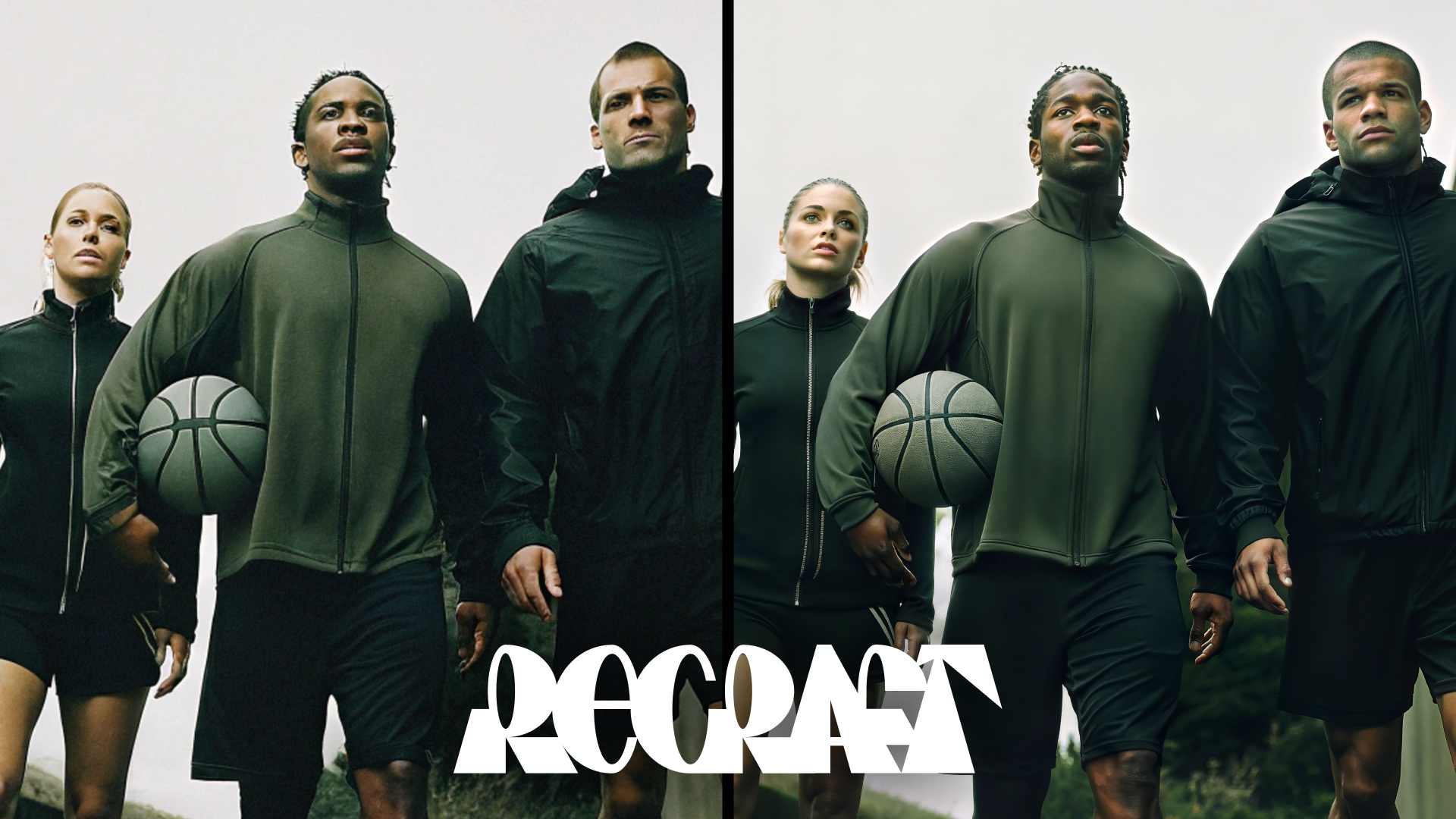
Image editing
Enlarge an existing image with the Crisp upscaler.
Take it into the studio. See the price before you create.
Browse models here without an account. Sign in when you are ready to create.