
Image
Nano Banana Pro
Explore portraits, compositions and visual ideas. Start with words or bring an image into the studio to edit.
- Text to image
- Image editing
Sign in to create. Review the credit cost in the studio before running.
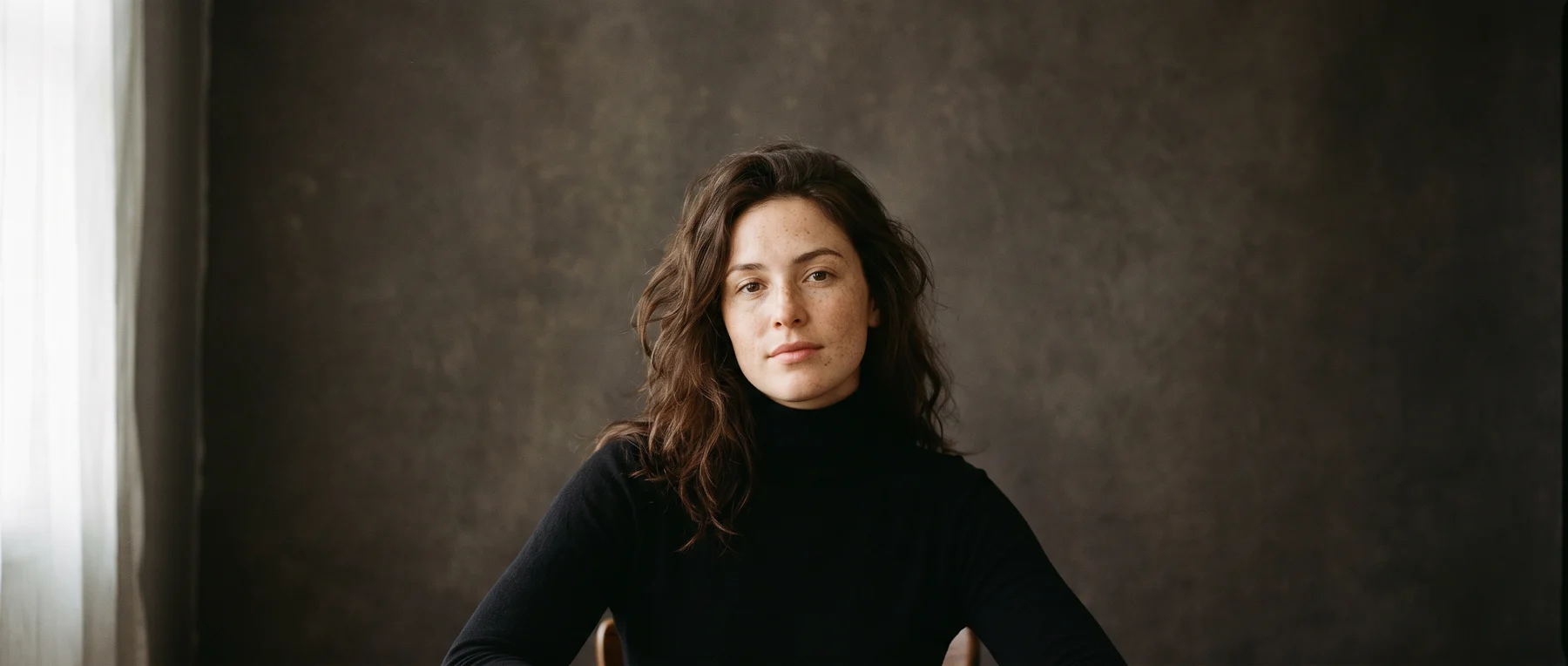
Generated with Nano Banana Pro. An example of what you can create.
A starting point.
Develop a portrait or revise an existing image in the studio. Separate the parts you want to change from the parts you want to preserve; the editorial sample uses restrained styling and a clear focal point.
Try a prompt like this
An editorial portrait in a black turtleneck, the face centered in the composition, natural skin texture, soft directional daylight and a quiet neutral backdrop.
A suggested starting prompt, not the exact prompt behind the sample. Results vary with the input and settings.
Before you publish.
Check facial details, hands and background edges. When editing, compare the result with the source image to confirm the elements you meant to preserve.
Review the quote before running. A failed generation releases its reserved credits. Download the results you want to keep; stored media is retained for 30 days.
Settings and model questionsCheck the available settings and guidance when preparing your input.
Inputs and settings
Use a text prompt for a new image. For changes to an existing photo, select the editing mode and provide its image inputs; a prompt alone does not preserve a source image.
Select aspect_ratio for your layout and resolution from the current schema. Start with one output using num_images, then request a quote before increasing resolution or the image count.
Choose output_format for delivery. Save the seed and input settings when comparing variations; inspect generated lettering and portrait detail at full size.
Does Nano Banana Pro have a Raywake API?
Yes. Raywake exposes Nano Banana Pro with the text-to-image model ID nano-banana-pro. Its separate editing operation takes source images. Check the operation schema, request a quote, then start the job through POST /v1/generate.
How much does Nano Banana Pro cost on Raywake?
Raywake charges prepaid credits per generation. Request a quote for the selected operation, resolution and image count; the studio and API share your balance. Prices and limits from a Google app or another provider do not describe your Raywake request.
Where can I see actual Nano Banana Pro outputs?
Our dated perfume comparison shows one actual Nano Banana Pro output alongside FLUX.2 Pro, Seedream 4.5 and GPT Image 2.5 Sunburst. It records the common prompt, settings, dimensions, credits and elapsed time. One sample per model does not establish a quality winner.
Inputs, all modes and APIModel IDs, current input limits and the API generation workflow.
Supported inputs
These fields come from the current studio form for nano-banana-pro. Other modes may require different inputs.
| Input | Type | Requirement | Options and limits |
|---|---|---|---|
prompt | Text | Required | Min. characters: 3 · Max. characters: 50000 |
aspect_ratio | Text | Optional | auto, 21:9, 16:9, 3:2, 4:3, 5:4, 1:1, 4:5, 3:4, 2:3, 9:16 |
num_images | Whole number | Optional | ≥ 1 · ≤ 4 |
output_format | Text | Optional | jpeg, png, webp |
resolution | Text | Optional | 1K, 2K, 4K |
safety_tolerance | Text | Optional | — |
seed | Whole number | Optional | — |
system_prompt | Text | Optional | Max. characters: 50000 |
Check the full model schema for all options and cross-field rules. Request a quote for your selected settings before generating.
Other modes and their inputs
Open the operation you need and check its inputs. Settings from one mode do not automatically apply to another.
Image editingnano-banana-pro/edit
Supported inputs
These fields come from the current studio form for nano-banana-pro/edit. Other modes may require different inputs.
| Input | Type | Requirement | Options and limits |
|---|---|---|---|
image_urls | List | Required | Min. items: 1 |
prompt | Text | Required | Min. characters: 3 · Max. characters: 50000 |
aspect_ratio | Text | Optional | auto, 21:9, 16:9, 3:2, 4:3, 5:4, 1:1, 4:5, 3:4, 2:3, 9:16 |
num_images | Whole number | Optional | ≥ 1 · ≤ 4 |
output_format | Text | Optional | jpeg, png, webp |
resolution | Text | Optional | 1K, 2K, 4K |
safety_tolerance | Text | Optional | — |
seed | Whole number | Optional | — |
system_prompt | Text | Optional | Max. characters: 50000 |
Check the full model schema for all options and cross-field rules. Request a quote for your selected settings before generating.
Use Nano Banana Pro through the API.
Start with this model ID for the endpoint featured on this page:
nano-banana-pro
Input requirements belong to this model ID. Check a different mode’s schema separately when switching modes.
Available modes
- text-to-image ·
nano-banana-pro - image-to-image ·
nano-banana-pro/edit
Check the current model schema for supported inputs and options. Other tasks may use different model IDs.
From quote to result.
Request a credit quote for your input and settings before submitting a generation. A sample output or the price of another model is not a quote for your request.
Follow the generation workflow, then poll the job for its status and result. The API and studio use the same balance.