
 Interpolation input example
AMT Interpolation
Video editing
Generate intermediate frames within an existing video.
Find a model. See what it can do.
144 models in this collection.
Interpolation input exampleVideo editing
Generate intermediate frames within an existing video.

Text to video · Video editing
AnimateDiff creates brief animated scenes from a text prompt.
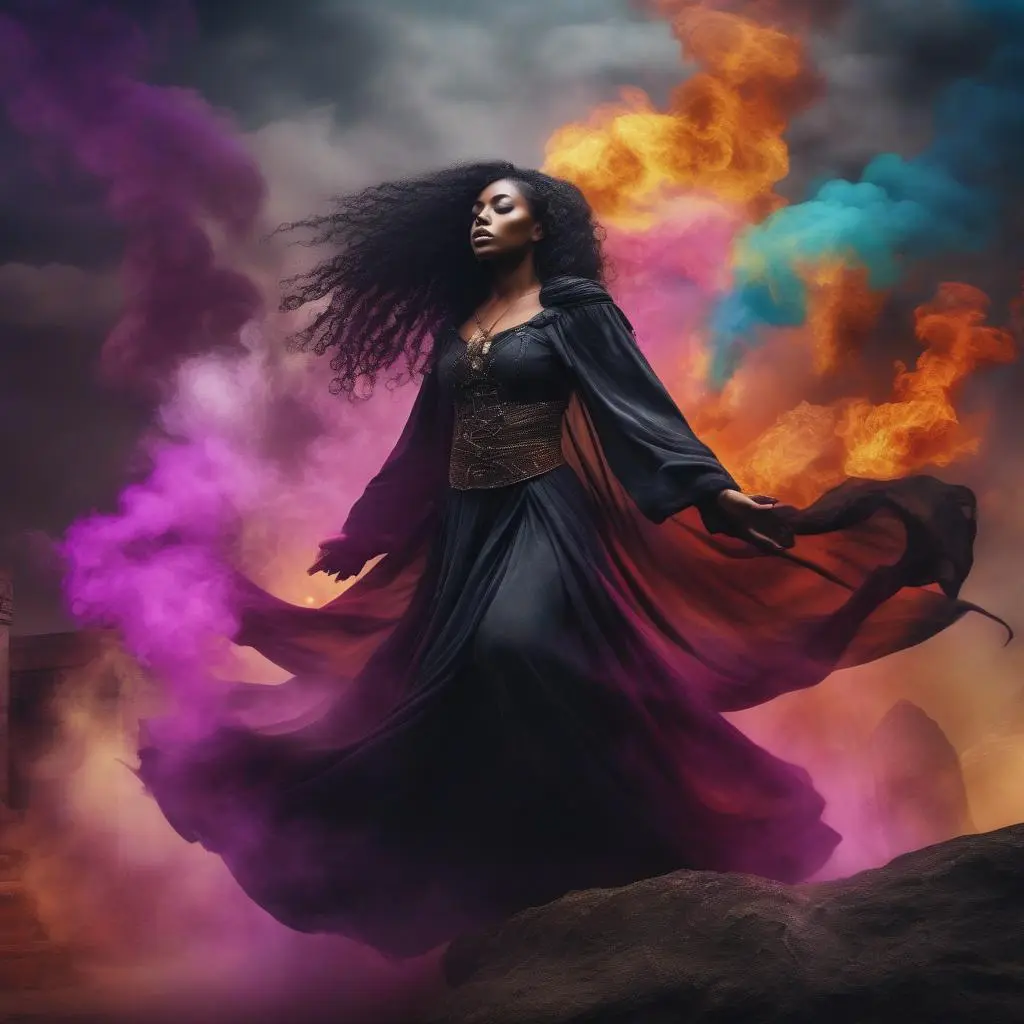
Text to video · Video editing
AnimateDiff Turbo turns text descriptions into short animations using a reduced-step setup.
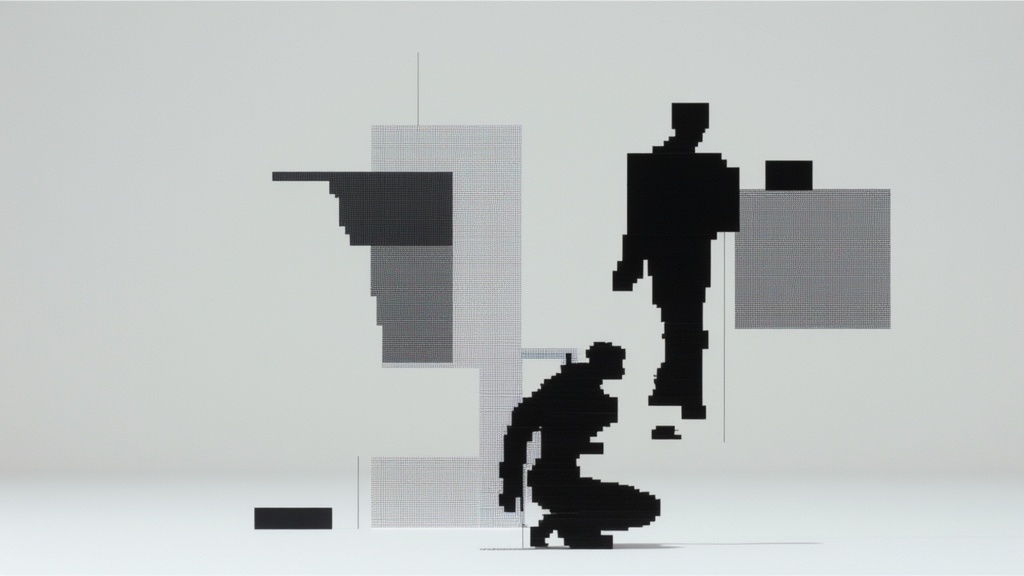
Video editing
Remove a video’s background with BiRefNet V2 and inspect the foreground across frames.
 Video
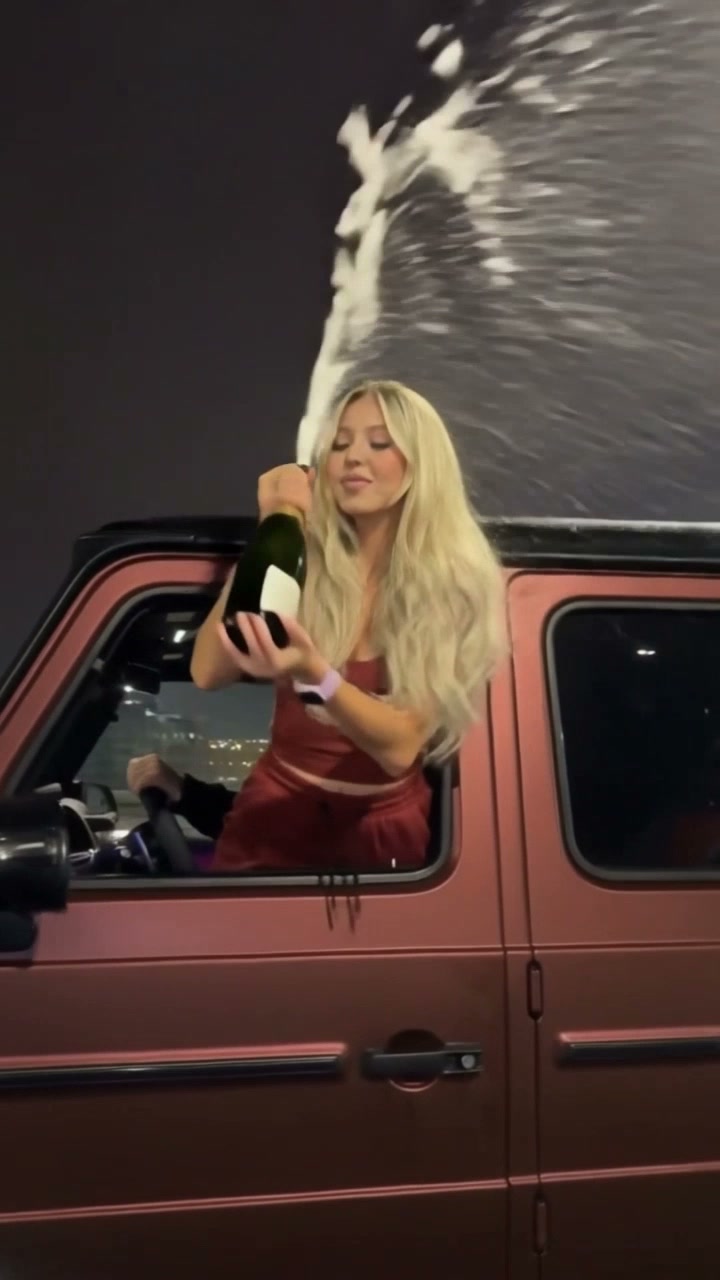
VideoImage to video
Upload a portrait to replace the passenger in this car-window celebration clip.

Video editing
Isolate a moving subject with Bria VRMBG 3.0.
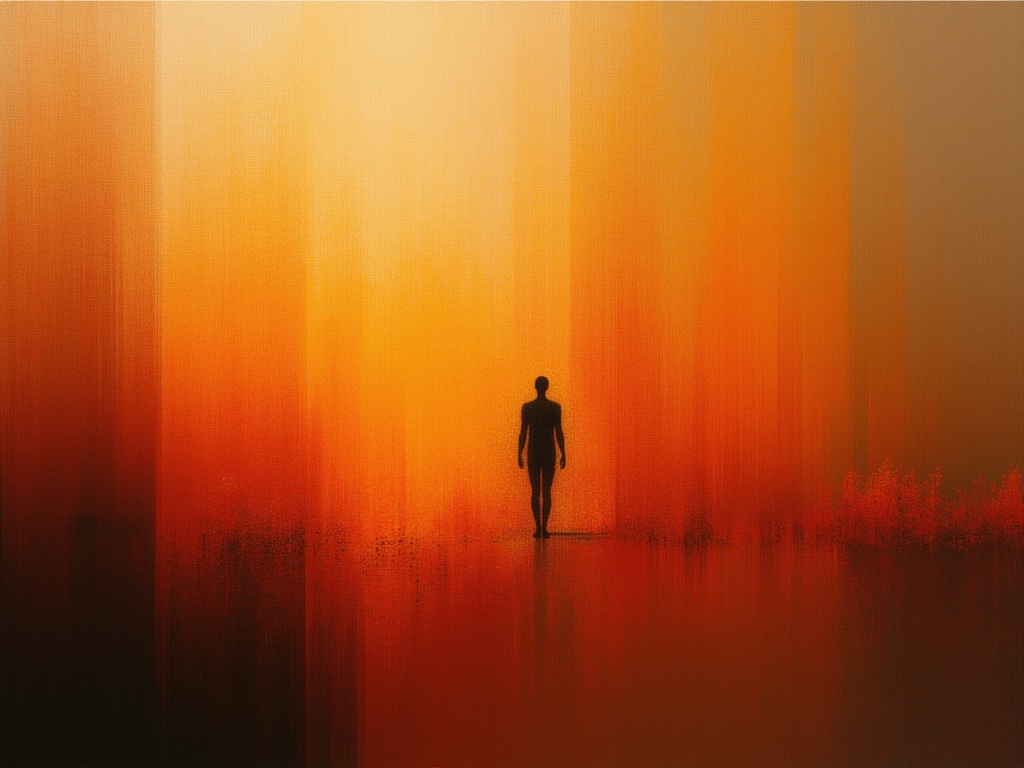
Image to video
Animate a person in an image with a supplied audio recording.
Text to video · Image to video
Create short motion studies with Seedance 1 Pro Fast.
Text to video · Image to video
Generate short videos with optional audio using Seedance 1.5 Pro.
Text to video · Image to video · Video editing
Create text-guided video scenes with Cosmos Predict 2.5.

Text to video
Generate text-guided video with the distilled Cosmos Predict 2.5 model.
audio to video
Dub an existing audio recording into a selected language with ElevenLabs.
Image to video
Turn one still image into a moving video with FLUX 3.
Image to video
Combine an image and audio with VEED Fabric 1.0 to make a talking video.
Video editing · Image to video · Text to video
FLUX.3 Edit Video [FAST] is Black Forest Labs' frontier video model. This endpoint edits an existing video from natural-language instructions, applying targeted changes while preserving the rest of the scene.
Image to video
Animate a still image into a short video with Gemini Omni Flash.
Text to video · Image to video
Create short videos with synchronized audio using Gemini Omni Flash 1.1.
 Video
VideoText to video
Generate a short video from text with Google Veo 3, optionally including audio.
 Video
VideoText to video
Create text-led short videos with the Google Veo 3 Fast operation.
 Video
VideoImage to video
Animate a source image with Google Veo 3 Fast, with optional generated audio.
 Video
VideoImage to video
Google Veo 3 animates one source image from a motion prompt, with optional generated audio.
Text to video · Image to video
Grok Imagine Video creates video with audio from text or animates an image in a separate mode.
Text to video · Image to video
Grok Imagine Video 1.5 creates video with audio and offers a separate image animation mode.
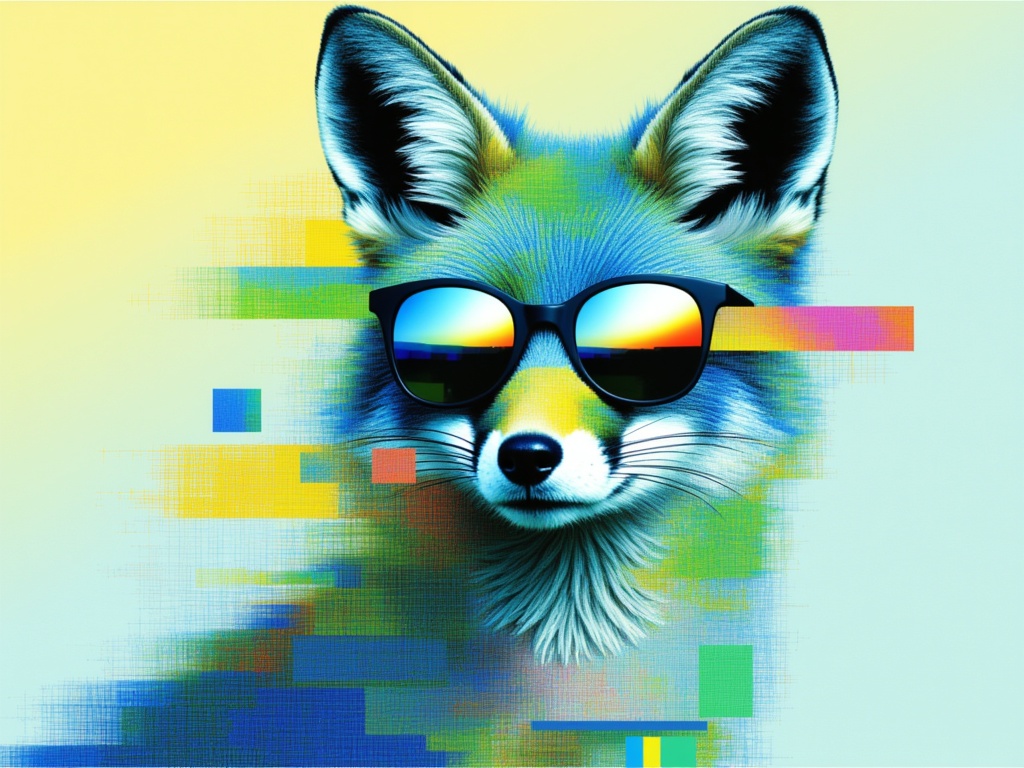
Text to video
Create a video in H3 Max’s 16-bit pixel style.
Take it into the studio. See the price before you create.
Browse models here without an account. Sign in when you are ready to create.