
Image
Nano Banana 2 Lite
Create image drafts with Nano Banana 2 Lite.
- Text to image
- Image editing
Sign in to create. Review the credit cost in the studio before running.
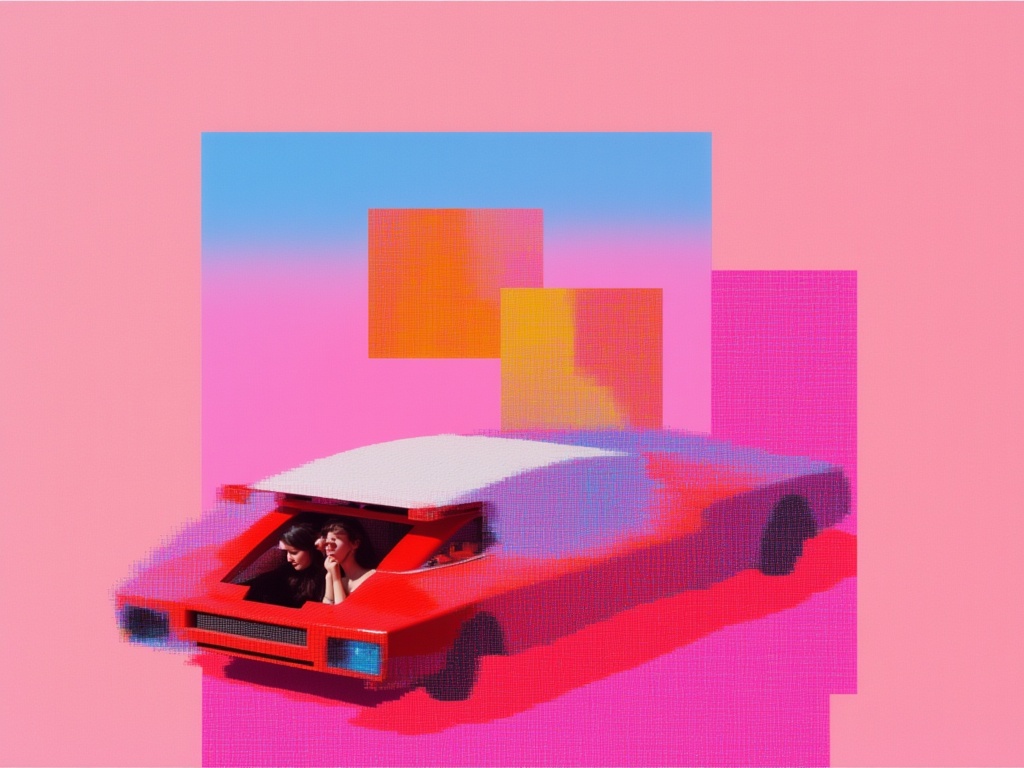
Catalog preview for Nano Banana 2 Lite. Review your own result before publishing.
A starting point.
Explore a composition before adapting it to a banner or portrait layout.
Before you publish.
Inspect lettering and subjects near the edges, especially with extreme aspect ratios.
Review the quote before running. A failed generation releases its reserved credits. Download the results you want to keep; stored media is retained for 30 days.
Settings and model questionsCheck the available settings and guidance when preparing your input.
Inputs and settings
Send prompt and choose aspect_ratio; 4:1, 1:4, 8:1 and 1:8 are available. num_images allows 1–4 outputs.
system_prompt can hold shared style instructions. To change an existing image, select the separate edit mode and supply image_urls.
Inputs, all modes and APIModel IDs, current input limits and the API generation workflow.
Supported inputs
These fields come from the current studio form for google/nano-banana-2-lite. Other modes may require different inputs.
| Input | Type | Requirement | Options and limits |
|---|---|---|---|
prompt | Text | Required | Min. characters: 3 · Max. characters: 50000 |
aspect_ratio | Text | Optional | auto, 21:9, 16:9, 3:2, 4:3, 5:4, 1:1, 4:5, 3:4, 2:3, 9:16, 4:1, 1:4, 8:1, 1:8 |
limit_generations | On/off | Optional | — |
num_images | Whole number | Optional | ≥ 1 · ≤ 4 |
output_format | Text | Optional | jpeg, png, webp |
safety_tolerance | Text | Optional | — |
seed | Whole number | Optional | — |
system_prompt | Text | Optional | Max. characters: 50000 |
thinking_level | Text | Optional | — |
Check the full model schema for all options and cross-field rules. Request a quote for your selected settings before generating.
Other modes and their inputs
Open the operation you need and check its inputs. Settings from one mode do not automatically apply to another.
Image editinggoogle/nano-banana-lite/edit
Supported inputs
These fields come from the current studio form for google/nano-banana-lite/edit. Other modes may require different inputs.
| Input | Type | Requirement | Options and limits |
|---|---|---|---|
prompt | Text | Required | Min. characters: 3 · Max. characters: 50000 |
aspect_ratio | Text | Optional | auto, 21:9, 16:9, 3:2, 4:3, 5:4, 1:1, 4:5, 3:4, 2:3, 9:16, 4:1, 1:4, 8:1, 1:8 |
image_urls | List | Optional | — |
limit_generations | On/off | Optional | — |
num_images | Whole number | Optional | ≥ 1 · ≤ 4 |
output_format | Text | Optional | jpeg, png, webp |
safety_tolerance | Text | Optional | — |
seed | Whole number | Optional | — |
system_prompt | Text | Optional | Max. characters: 50000 |
thinking_level | Text | Optional | — |
Check the full model schema for all options and cross-field rules. Request a quote for your selected settings before generating.
Use Nano Banana 2 Lite through the API.
Start with this model ID for the endpoint featured on this page:
google/nano-banana-2-lite
Input requirements belong to this model ID. Check a different mode’s schema separately when switching modes.
Available modes
- text-to-image ·
google/nano-banana-2-lite - image-to-image ·
google/nano-banana-lite/edit
Check the current model schema for supported inputs and options. Other tasks may use different model IDs.
From quote to result.
Request a credit quote for your input and settings before submitting a generation. A sample output or the price of another model is not a quote for your request.
Follow the generation workflow, then poll the job for its status and result. The API and studio use the same balance.