
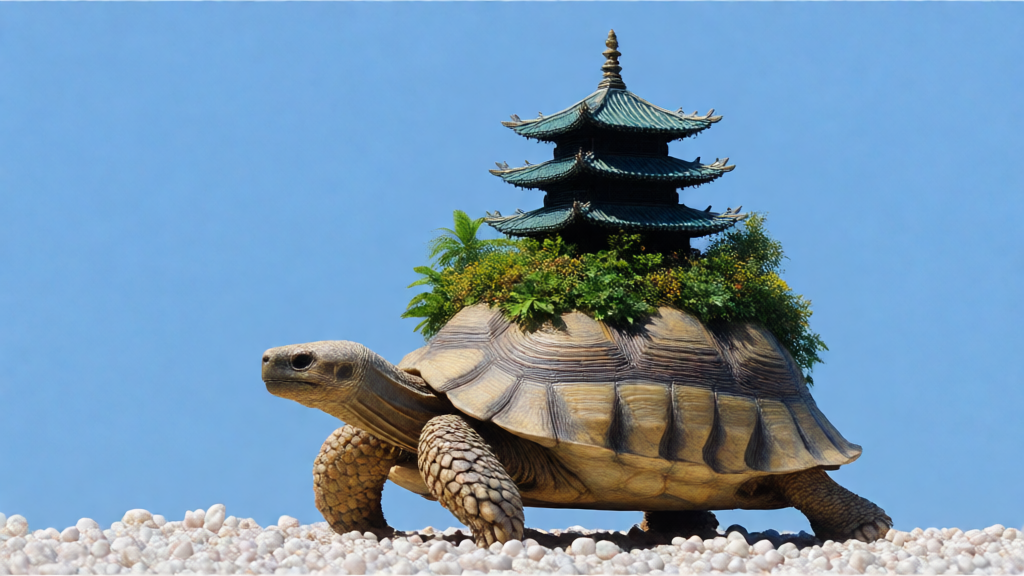
LCM Diffusion
Text to image · Image editing
LCM Diffusion generates images from text with a low-step sampling approach.
Find a model. See what it can do.
157 models in this collection.
Text to image · Image editing
LCM Diffusion generates images from text with a low-step sampling approach.
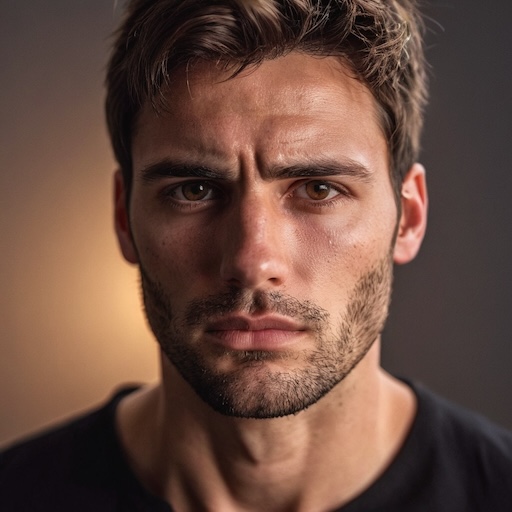
Image to video · Image editing
Transfer a driving video’s facial motion to a still portrait.
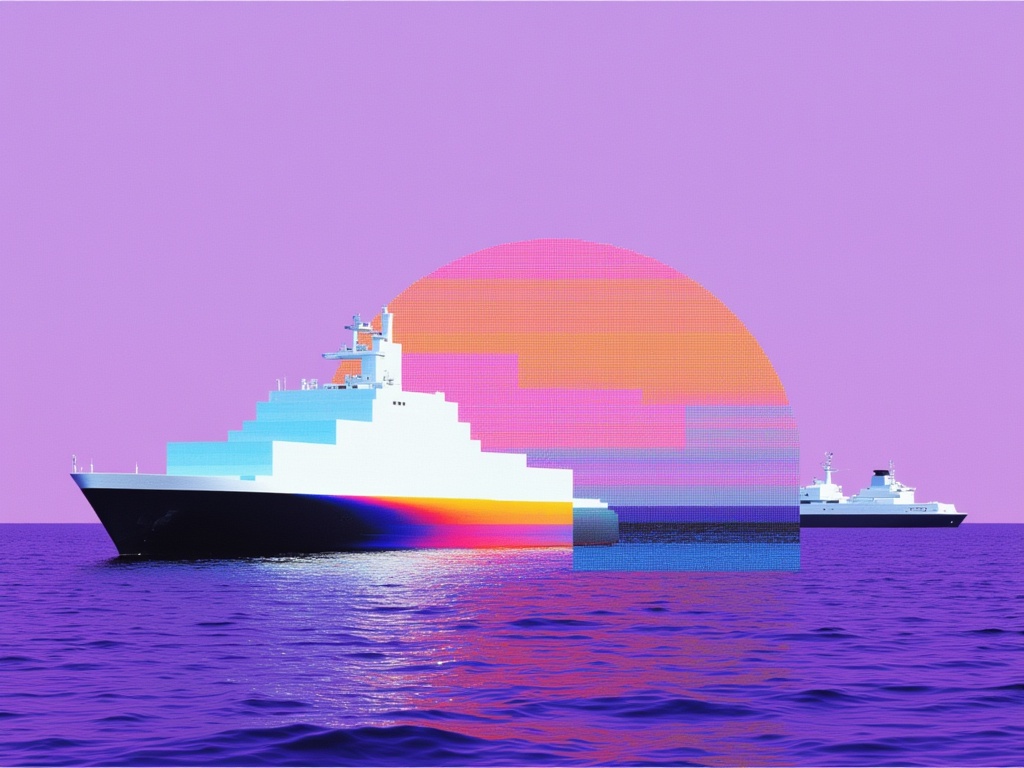
Text to image · Image editing
Create still images from a scene description with Luma Uni-1.
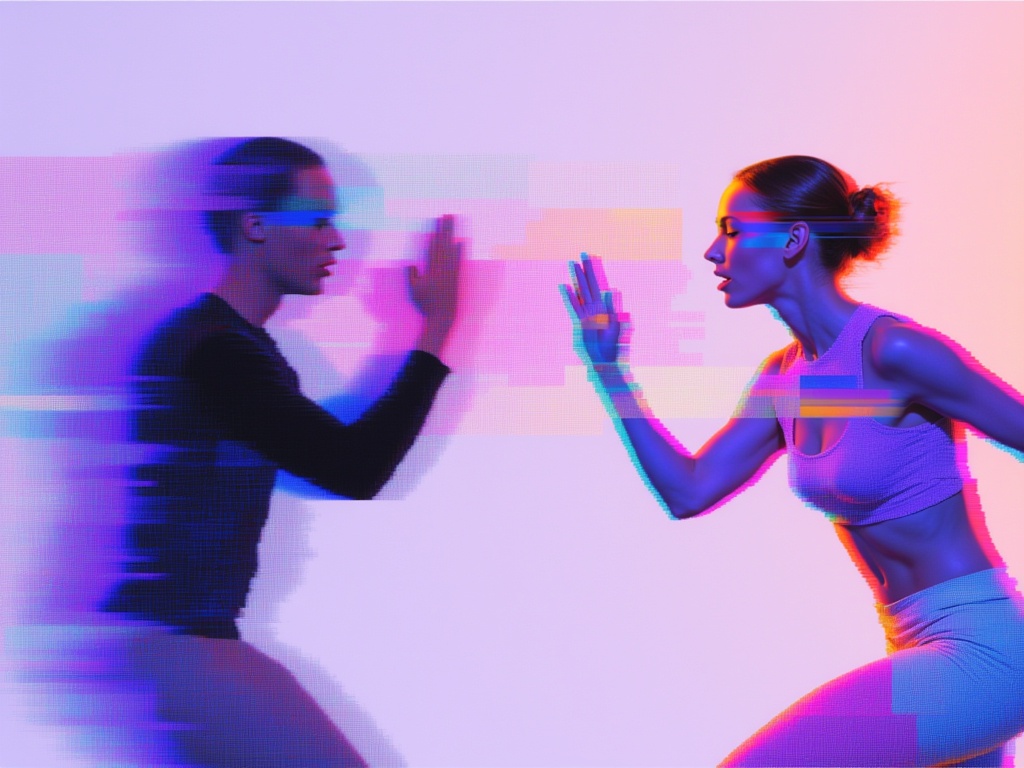
Text to image · Image editing
Generate a still with the Max tier of Luma Uni-1.
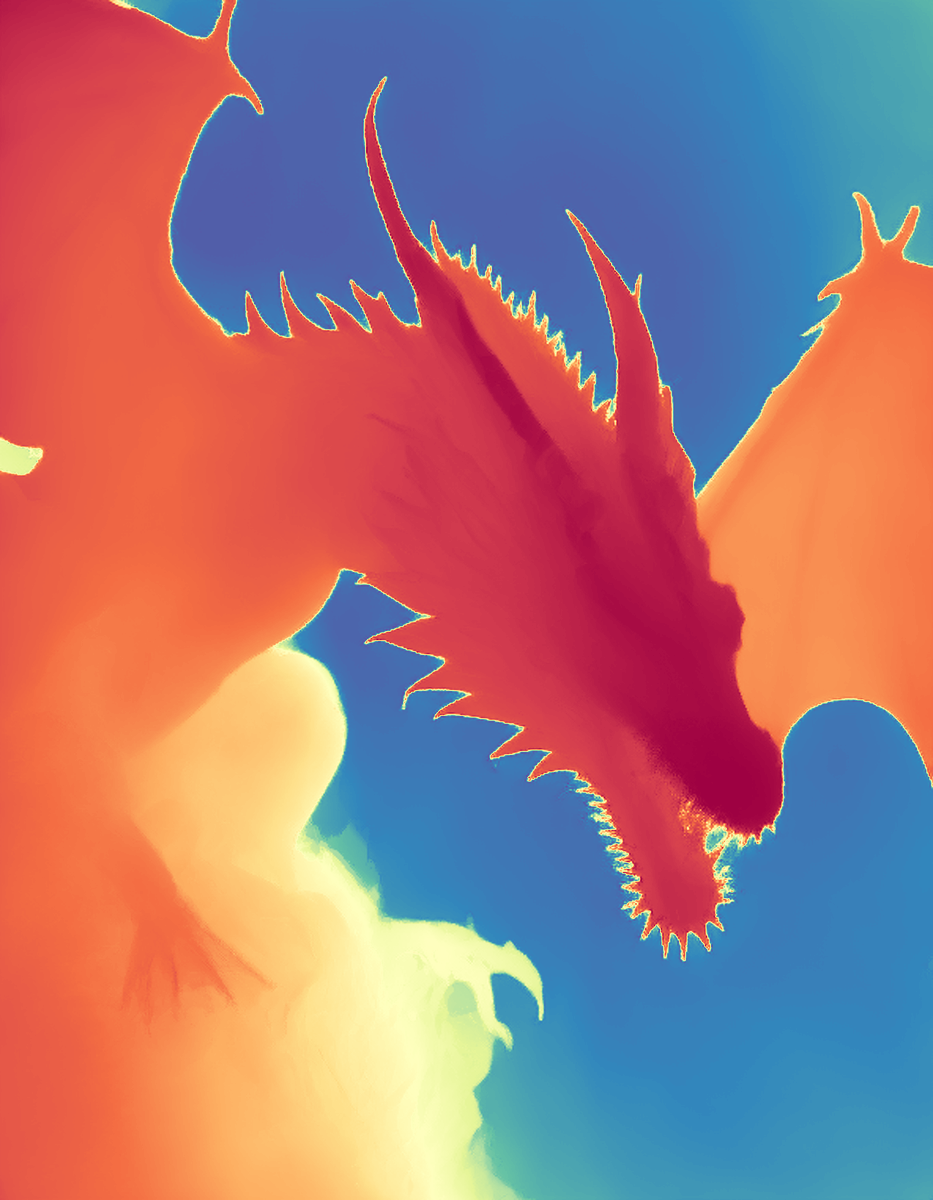
Image editing
Estimate a depth map from a single photo with Marigold.
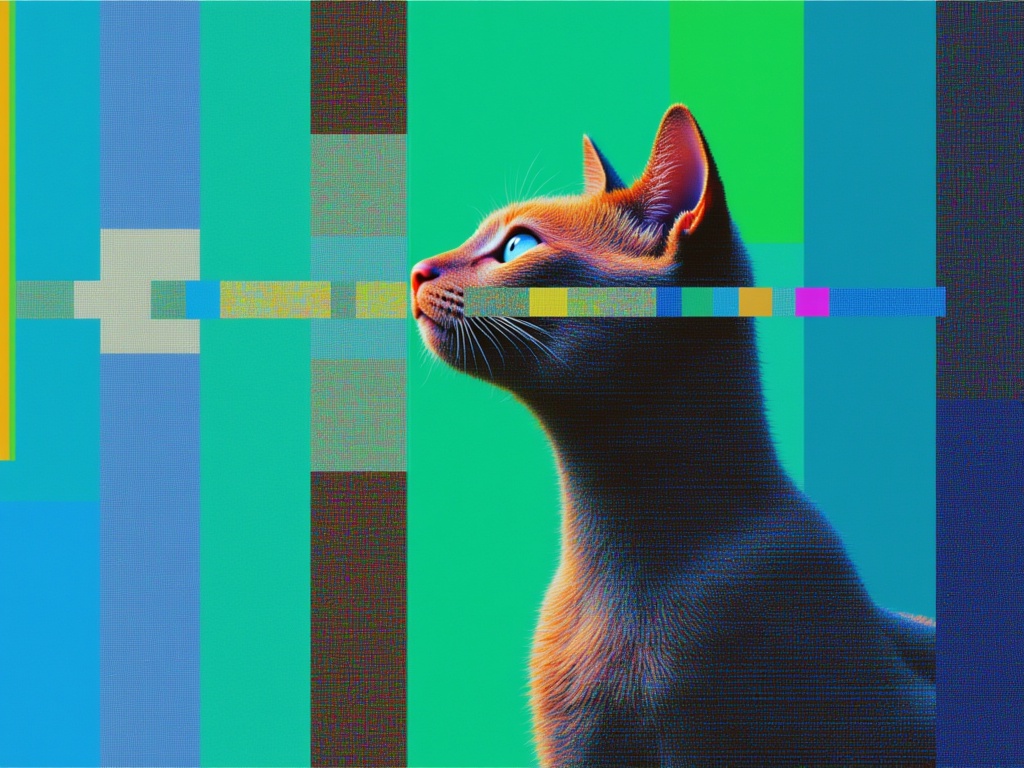
Text to image · Image editing
Generate images from detailed instructions with Meta Muse Image.
Image editing
Extract a depth representation from a photo with MiDaS.
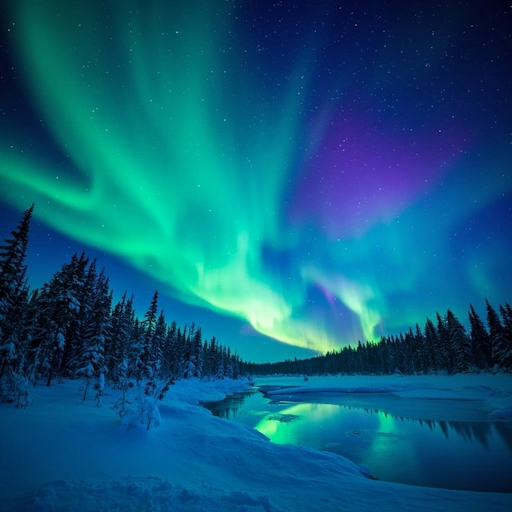
Text to image · Image editing
Generate images from text, with a separate subject-reference operation.
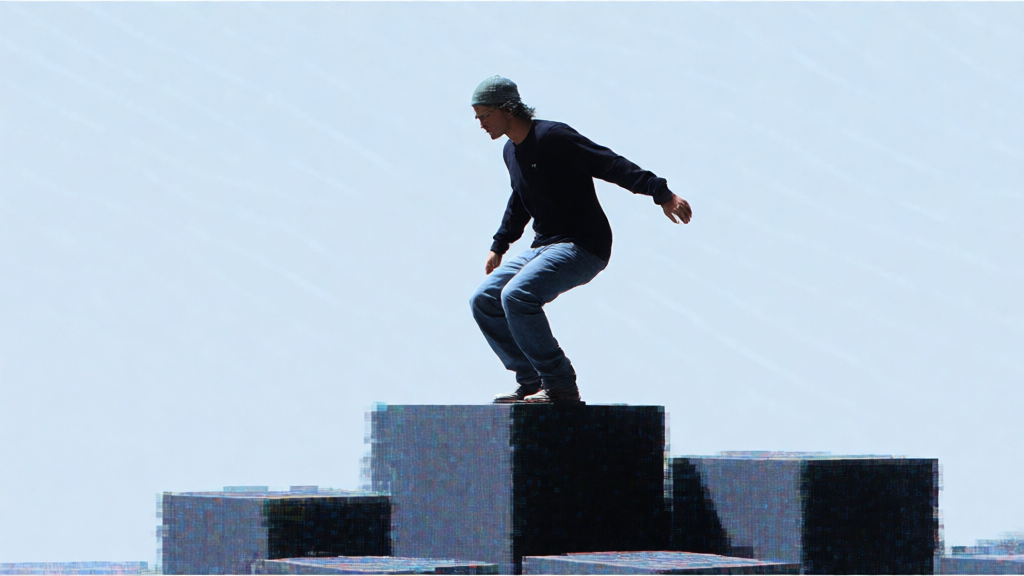
Text to image · Image editing
Create Nano Banana images from text or choose its separate editing operation.
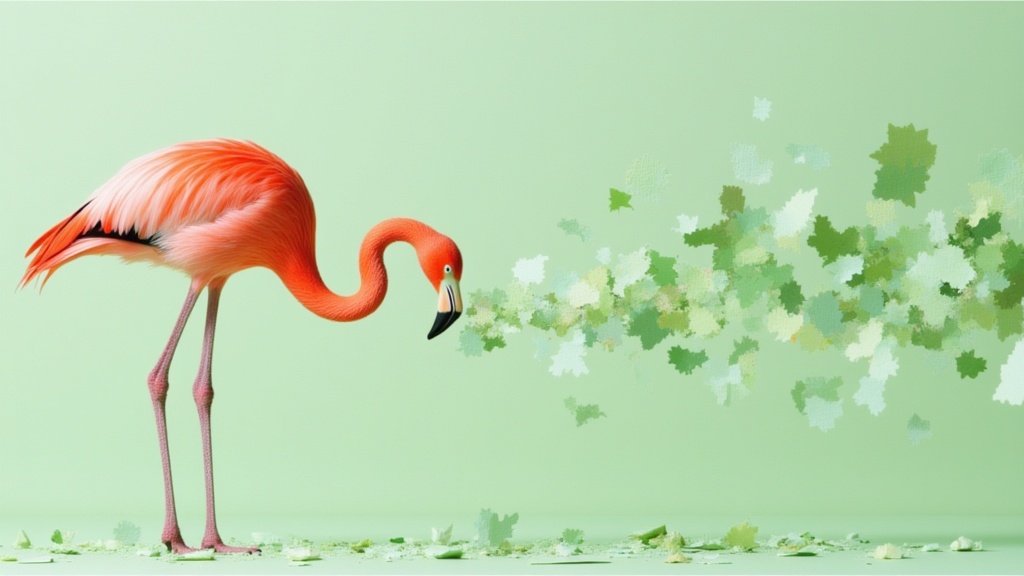
Text to image · Image editing
Generate or edit Nano Banana 2 images with selectable resolution and framing.
Text to image · Image editing
Create image drafts with Nano Banana 2 Lite.
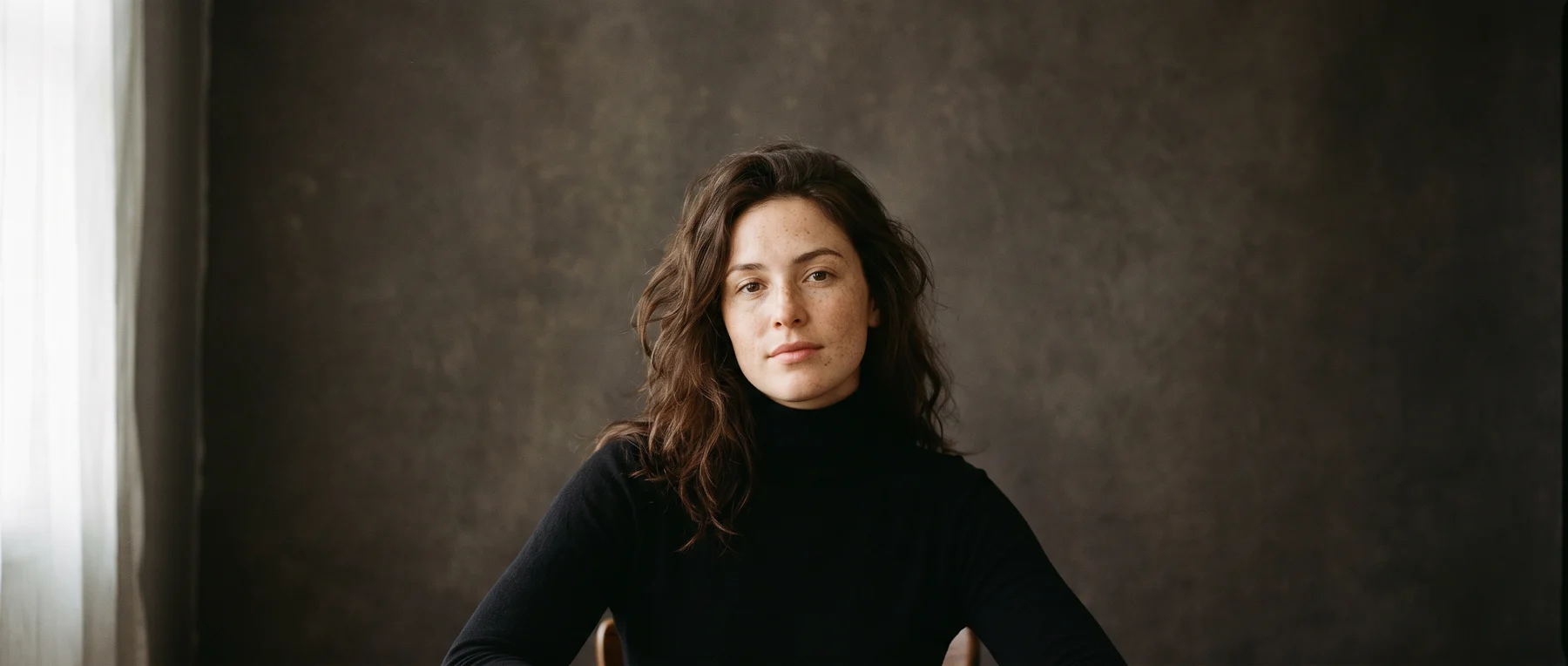
Text to image · Image editing
Explore portraits, compositions and visual ideas. Start with words or bring an image into the studio to edit.
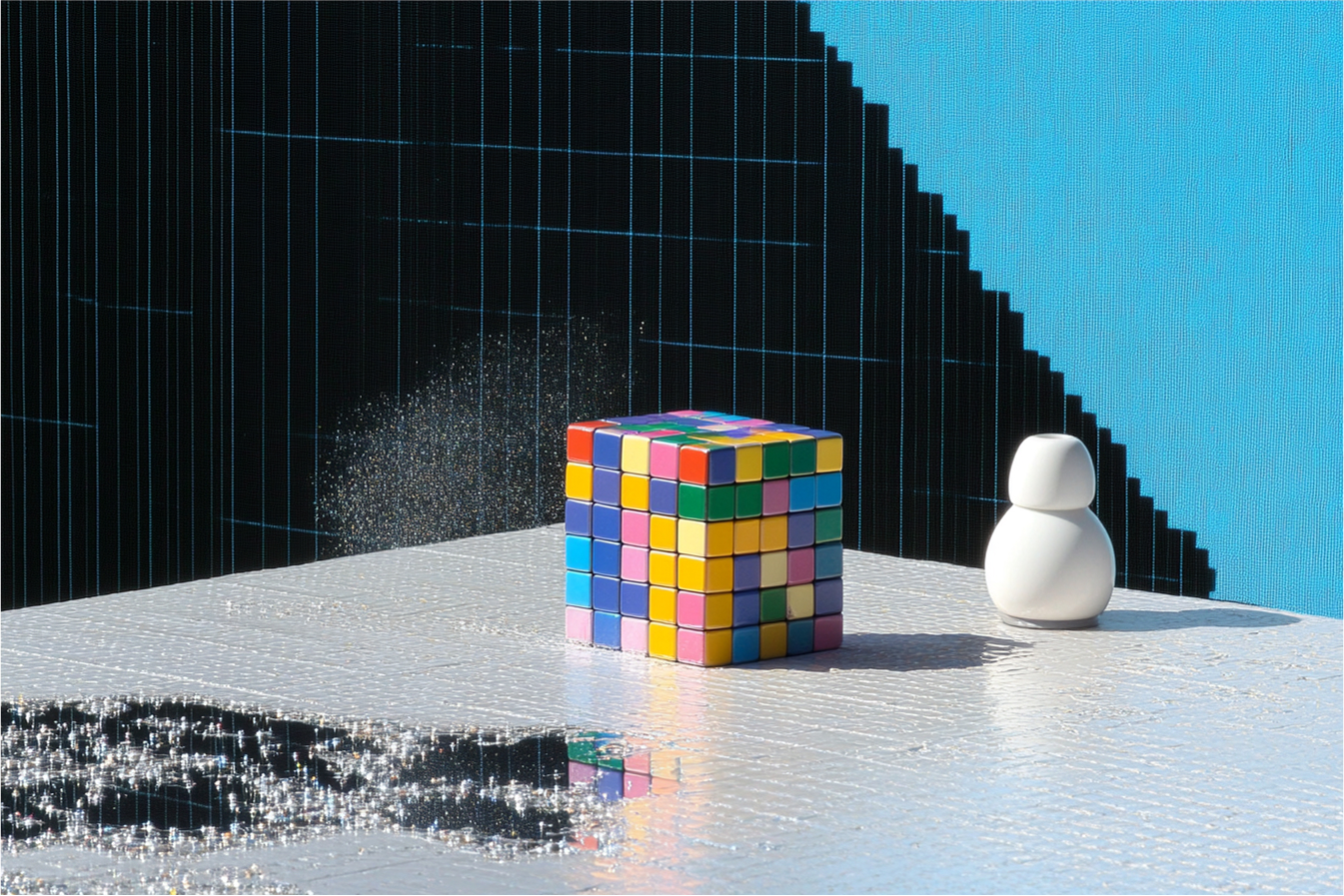
Image editing
Remove a named object using the default Object Removal operation.
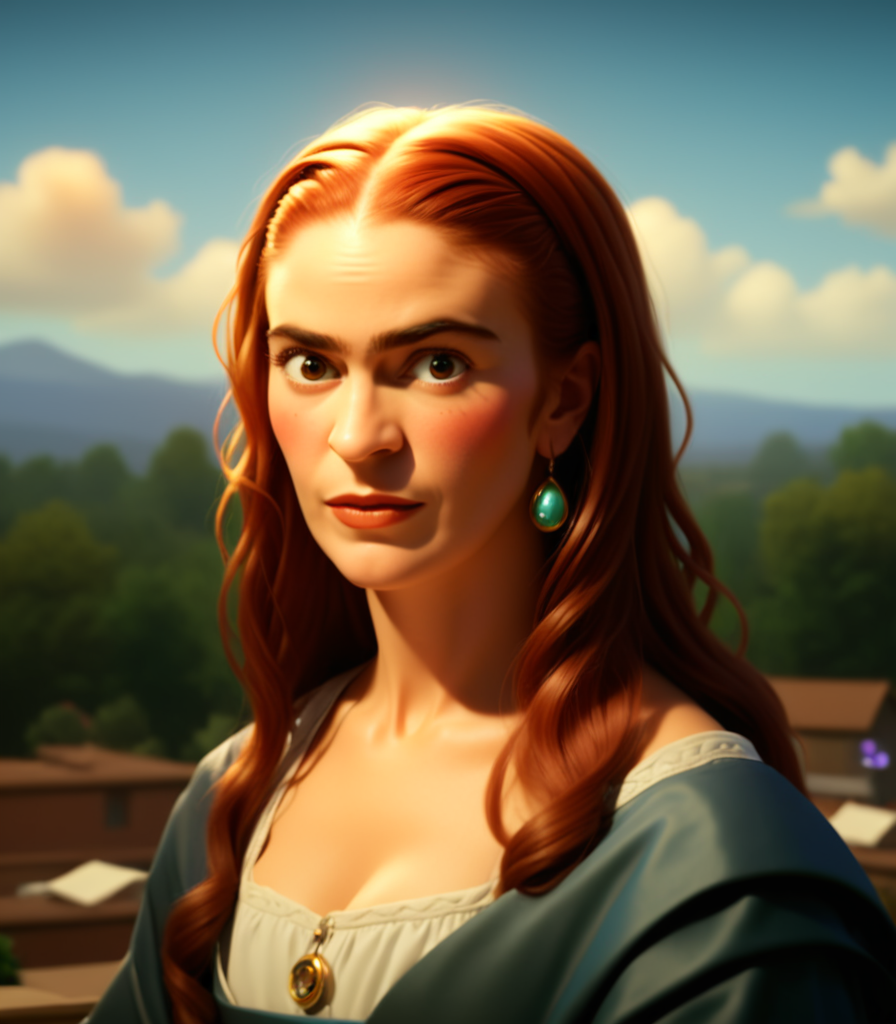
Image editing
Any pose, any style, any identity
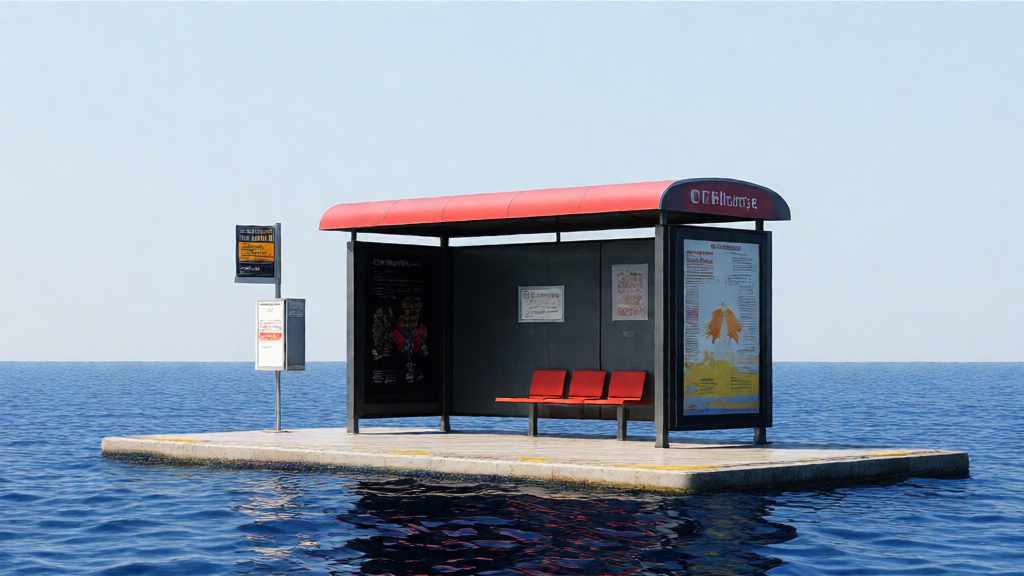
Image editing
Rework an existing image with the SDv1.5 Latent Consistency model.
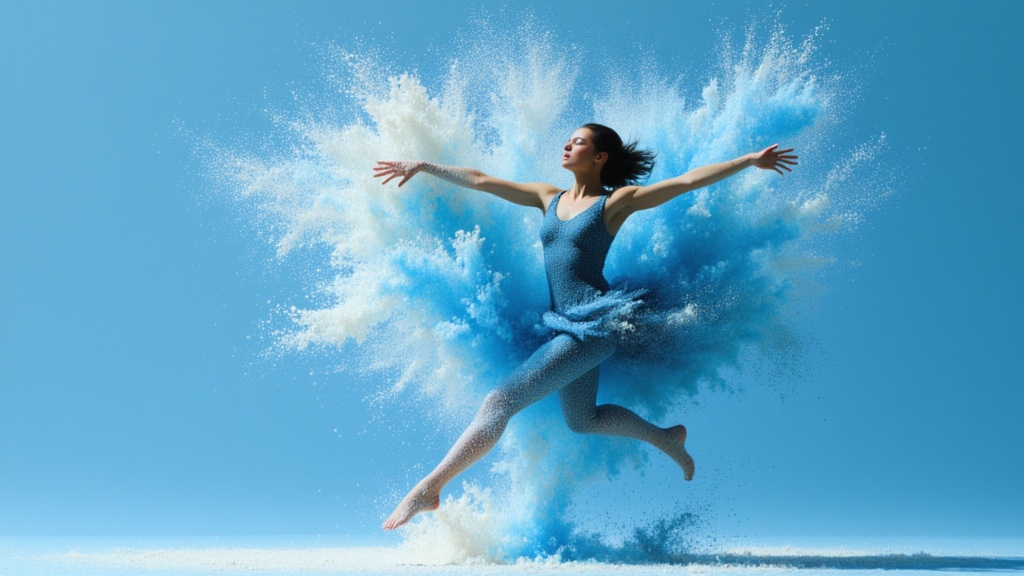
Image editing
Enhance a supplied image with optional Phota identity profiles.
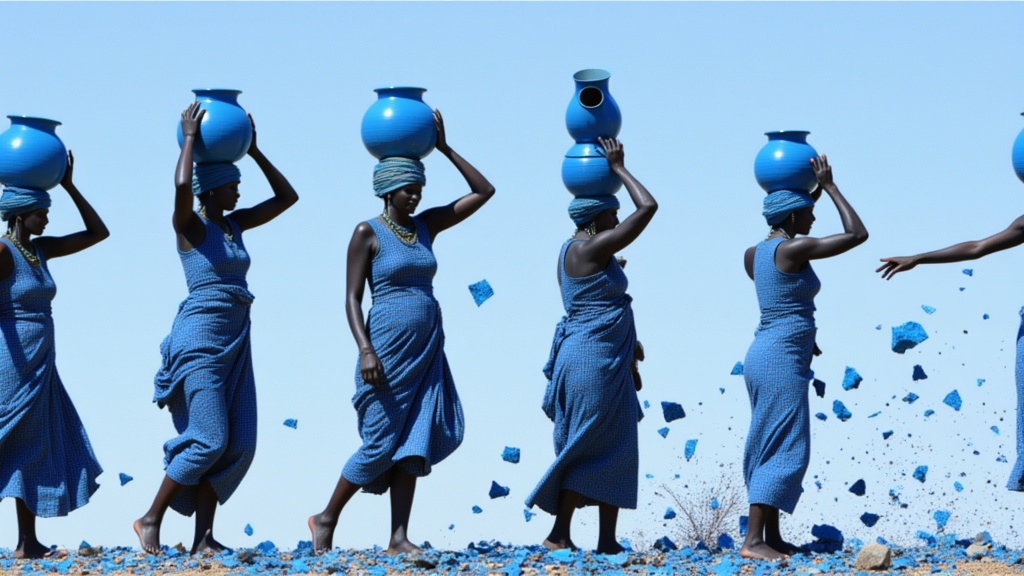
Text to image · Image editing
Create Phota images from a brief or edit existing images in its alternate operation.
Image editing
Restore old or damaged photos by fixing colors, scratches, and resolution.
Image editing
Create personalized portraits from an archive of reference images and a prompt.
Image editing
Prepare an image cutout with Pixelcut Background Remover.
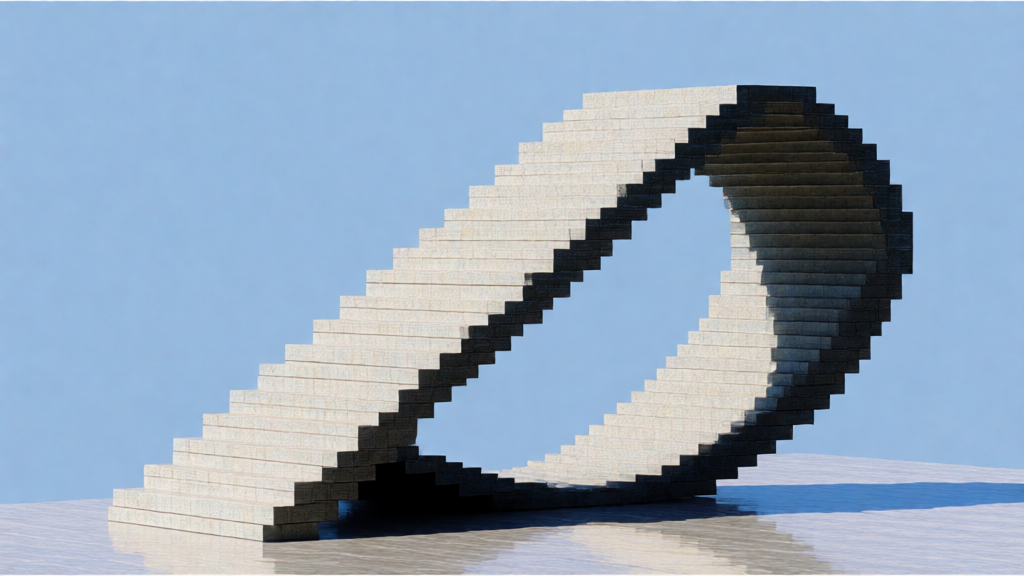
Text to image · Image editing
Create an image from a scene description with Playground v2.5.
Image editing
Apply Gaussian or Kuwahara blur effects with adjustable radius and sigma parameters
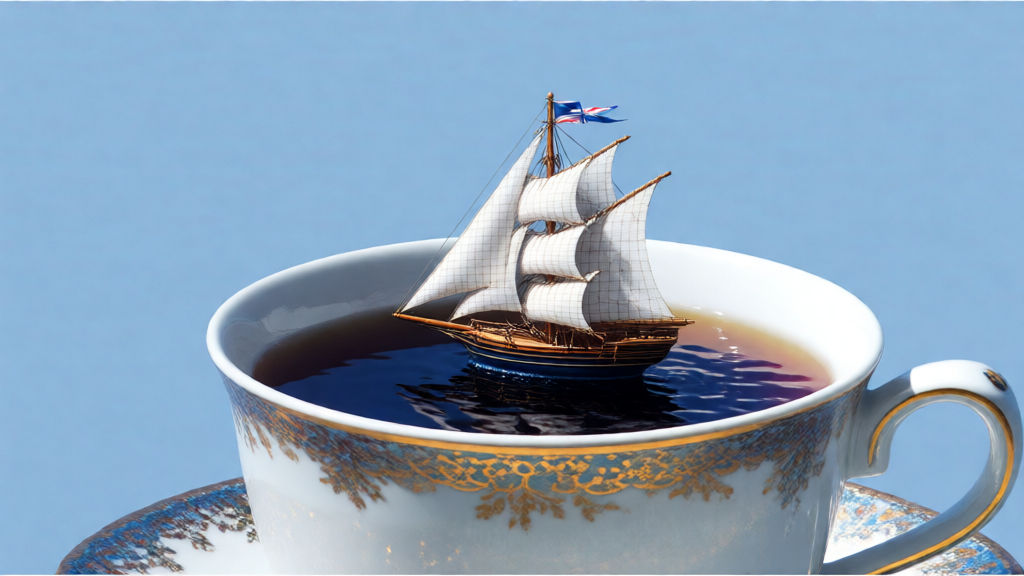
Image editing
Sharpen an image with basic, smart or contrast-adaptive sharpening.
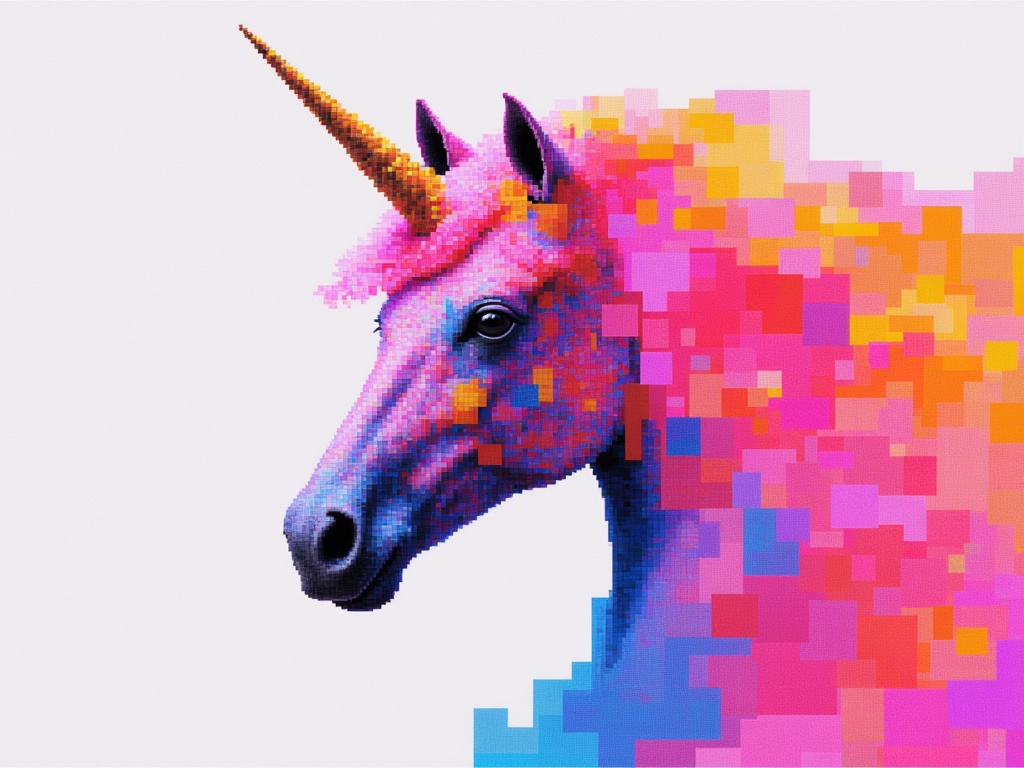
Image editing
Edit reference images with written instructions using Qwen Image 3.
Take it into the studio. See the price before you create.
Browse models here without an account. Sign in when you are ready to create.