ESRGAN Image Upscaler
Image editing
Starting price $0.28 / run
By Ideogram
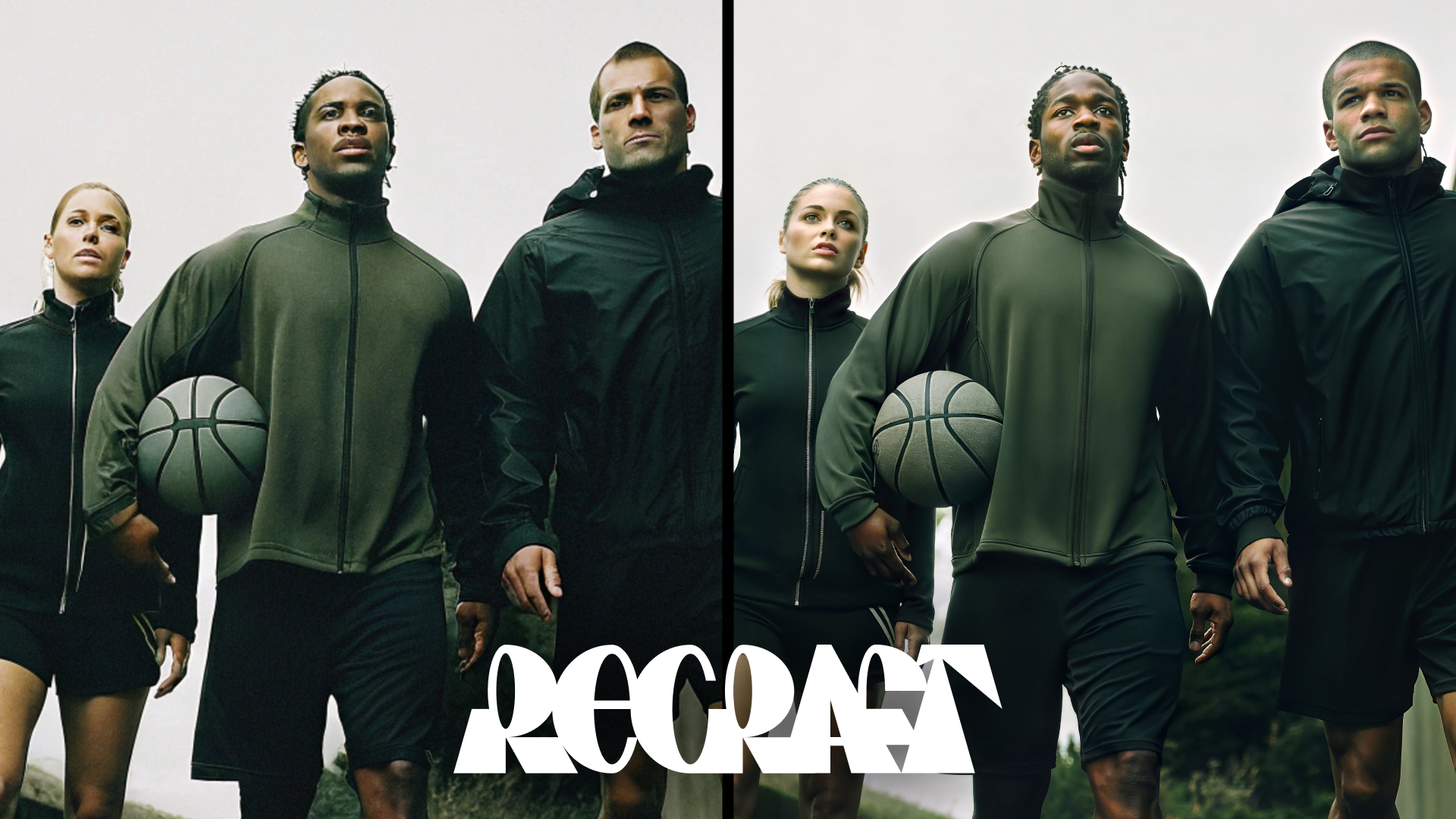
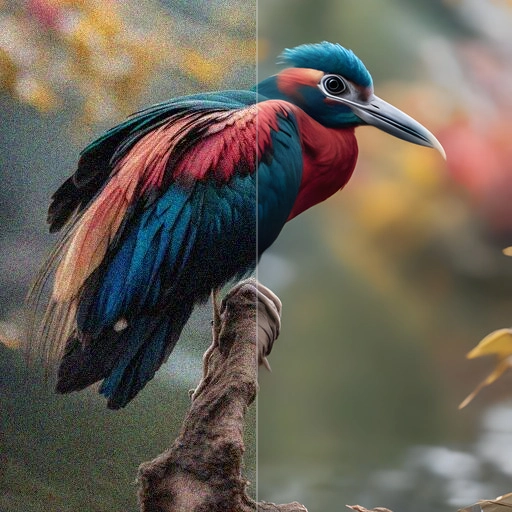
Ideogram Upscale enlarges an image and can add new detail while it does, with two sliders for how close to stay to the original.
ideogram/upscaleQuote the input, start the generation with the quote, then poll the job. Set RAYWAKE_API_KEY first; see Authentication.
# 1. Price the exact input (quotes are valid for up to 10 minutes)
curl -s https://api.raywake.com/v1/quotes \
  -H "Authorization: Bearer $RAYWAKE_API_KEY" \
  -H "Content-Type: application/json" \
  -d '{
  "model": "ideogram/upscale",
  "input": {
    "image_url": "https://example.com/input.png",
    "prompt": "A close-up product photo of a glazed ceramic mug on a linen cloth, with crisp glaze texture and clean edges."
  }
}'

# 2. Start the generation with the quote_id from step 1
curl -s https://api.raywake.com/v1/generate \
  -H "Authorization: Bearer $RAYWAKE_API_KEY" \
  -H "Content-Type: application/json" \
  -H "Idempotency-Key: $(uuidgen)" \
  -d '{"model": "ideogram/upscale", "quote_id": "QUOTE_ID", "input": {"image_url":"https://example.com/input.png","prompt":"A close-up product photo of a glazed ceramic mug on a linen cloth, with crisp glaze texture and clean edges."}}'

# 3. Poll until the status is terminal
curl -s https://api.raywake.com/v1/jobs/JOB_ID \
-H "Authorization: Bearer $RAYWAKE_API_KEY"| Name | Type | Description |
|---|---|---|
image_urlrequired | string (image URL) | The image URL to upscale |
prompt | string | The prompt to upscale the image with |
resemblance | integer | The resemblance of the upscaled image to the original image |
detail | integer | The detail of the upscaled image |
enable_prompt_expansion | boolean | Whether to expand the prompt with MagicPrompt functionality. |
seed | integer | Seed for the random number generator |
sync_mode | boolean | If `True`, the media will be returned as a data URI and the output data won't be available in the request history. |
A succeeded job lists its results under outputs, stored on our side. See Jobs for every field.
"outputs": [
  { "type": "image", "url": "https://…", "mime_type": "image/png", "thumbnail_url": "https://…" }
]The exact charge for your input comes from a quote. How charges settle
Fields marked * are required. Review the price before generating.
Upload an image and set two values from 1 to 100: resemblance, for how closely the result follows the original, and detail, for how much new texture is added. Both start at 50.
An optional prompt describes what the image shows, which helps the added detail fit the subject. Prompt expansion can rewrite a short prompt into a longer one.
Compare the source and output at equal display size, then inspect the export at full size. Look for changed lettering, invented texture and halos; added detail may not be accurate.