ESRGAN Image Upscaler
Image editing
Starting price $0.28 / run
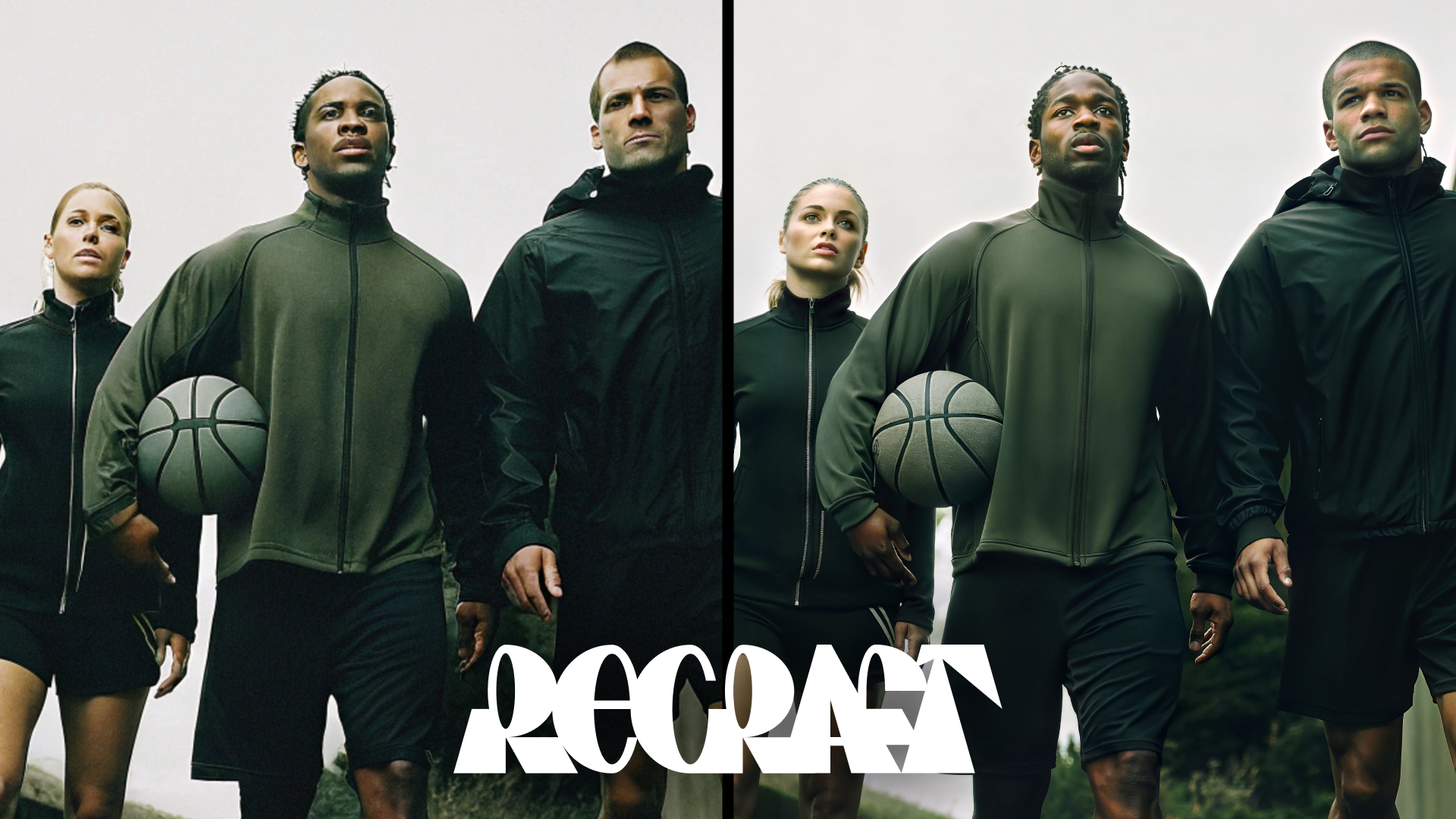
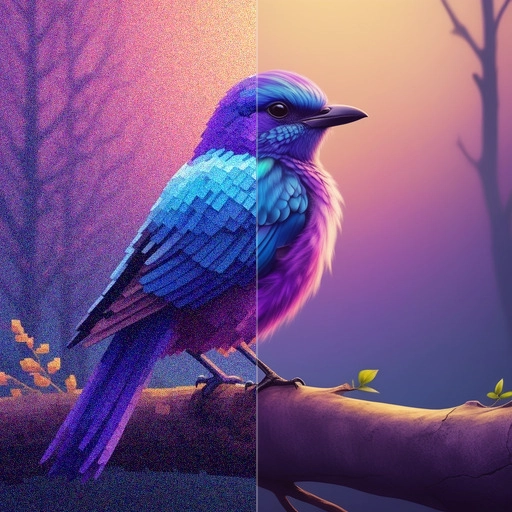
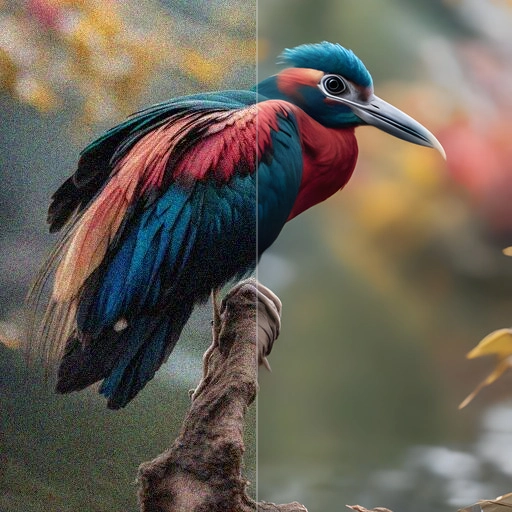
AuraSR enlarges an image without a prompt, four times by default, and lets you pick between two checkpoints of the model.
aura-srQuote the input, start the generation with the quote, then poll the job. Set RAYWAKE_API_KEY first; see Authentication.
# 1. Price the exact input (quotes are valid for up to 10 minutes)
curl -s https://api.raywake.com/v1/quotes \
  -H "Authorization: Bearer $RAYWAKE_API_KEY" \
  -H "Content-Type: application/json" \
  -d '{
  "model": "aura-sr",
  "input": {
    "image_url": "https://example.com/input.png"
  }
}'

# 2. Start the generation with the quote_id from step 1
curl -s https://api.raywake.com/v1/generate \
  -H "Authorization: Bearer $RAYWAKE_API_KEY" \
  -H "Content-Type: application/json" \
  -H "Idempotency-Key: $(uuidgen)" \
  -d '{"model": "aura-sr", "quote_id": "QUOTE_ID", "input": {"image_url":"https://example.com/input.png"}}'

# 3. Poll until the status is terminal
curl -s https://api.raywake.com/v1/jobs/JOB_ID \
-H "Authorization: Bearer $RAYWAKE_API_KEY"| Name | Type | Description |
|---|---|---|
image_urlrequired | string (image URL) | URL of the image to upscale. |
upscale_factor | integer | Upscaling factor. |
overlapping_tiles | boolean | Whether to use overlapping tiles for upscaling. Setting this to true helps remove seams but doubles the inference time. |
checkpoint | string (enum) | Checkpoint to use for upscaling. |
A succeeded job lists its results under outputs, stored on our side. See Jobs for every field.
"outputs": [
  { "type": "image", "url": "https://…", "mime_type": "image/png", "thumbnail_url": "https://…" }
]The exact charge for your input comes from a quote. How charges settle
Fields marked * are required. Review the price before generating.
Upload an image and AuraSR returns a larger copy, four times the width and height by default. Choose the v1 or v2 checkpoint, and turn on overlapping tiles if you see seams in the result; that option takes about twice as long.
Inspect tile boundaries, edges and fine texture. A larger image does not establish that newly added detail is accurate.