ESRGAN Image Upscaler
Image editing
Starting price $0.28 / run
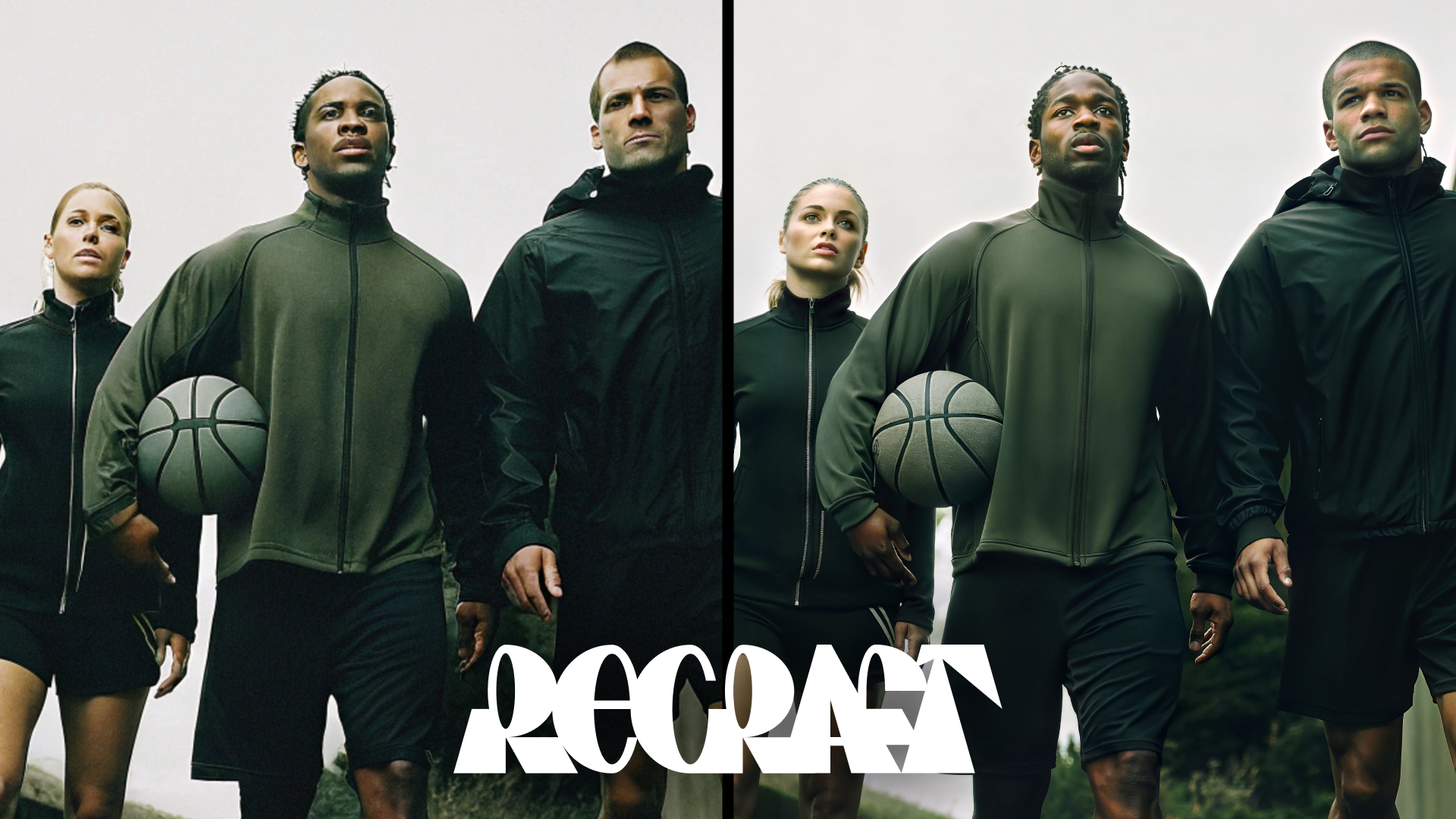
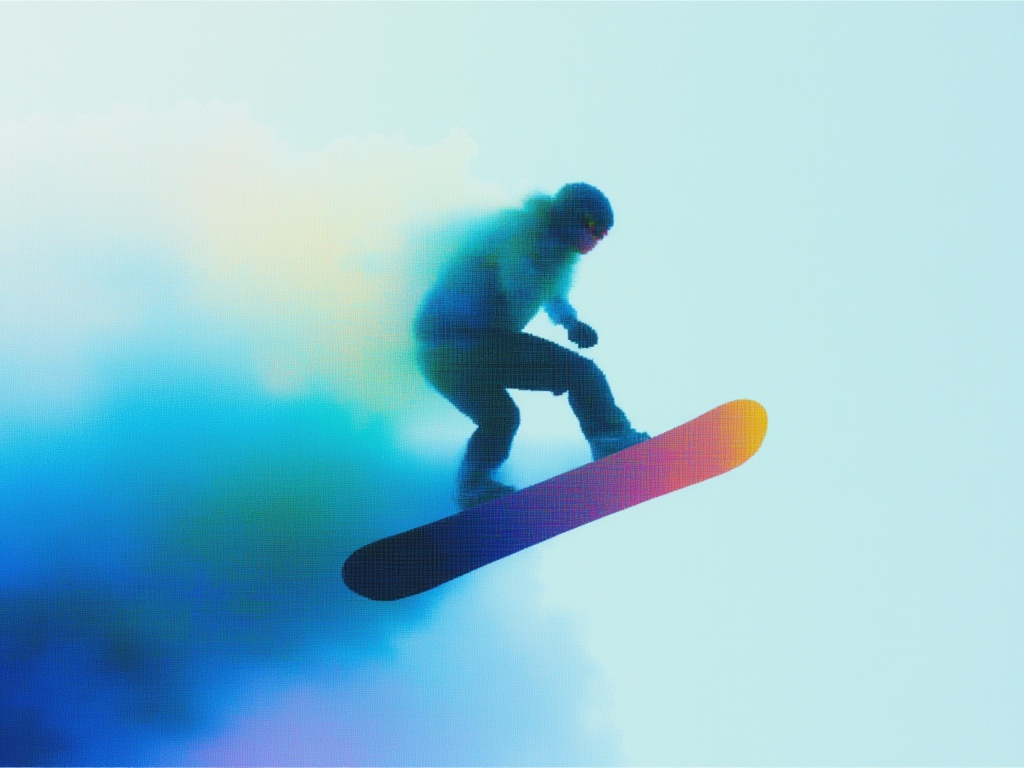
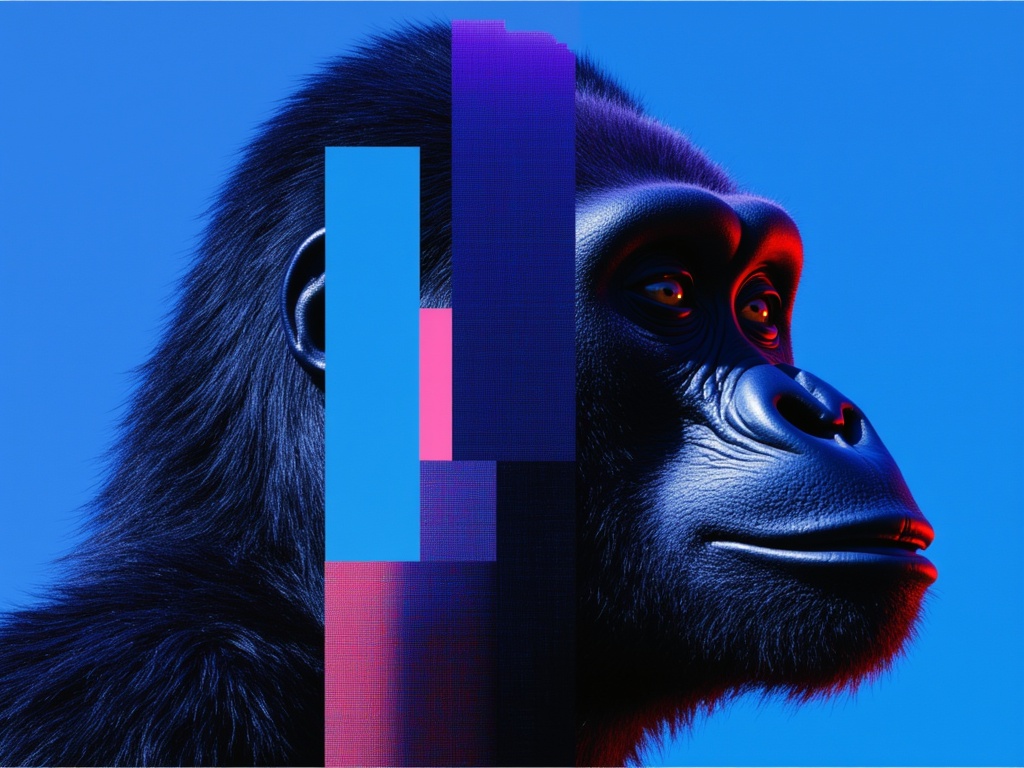
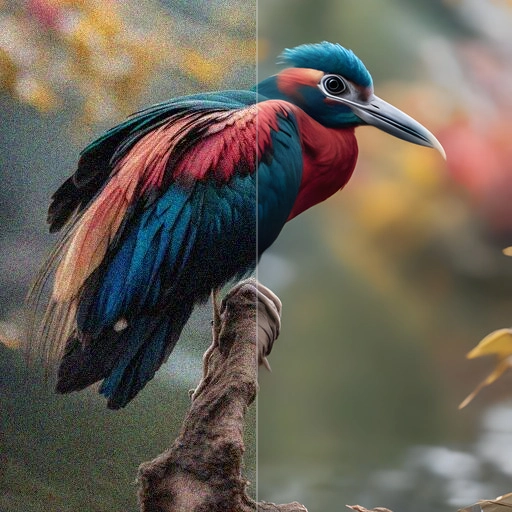
Creative Upscaler enlarges an image up to five times and redraws detail as it goes, guided by an optional prompt.
creative-upscalerQuote the input, start the generation with the quote, then poll the job. Set RAYWAKE_API_KEY first; see Authentication.
# 1. Price the exact input (quotes are valid for up to 10 minutes)
curl -s https://api.raywake.com/v1/quotes \
  -H "Authorization: Bearer $RAYWAKE_API_KEY" \
  -H "Content-Type: application/json" \
  -d '{
  "model": "creative-upscaler",
  "input": {
    "image_url": "https://example.com/input.png",
    "prompt": "An old stone harbor wall at low tide, wet rocks covered in green seaweed, rusted iron rings, soft overcast light."
  }
}'

# 2. Start the generation with the quote_id from step 1
curl -s https://api.raywake.com/v1/generate \
  -H "Authorization: Bearer $RAYWAKE_API_KEY" \
  -H "Content-Type: application/json" \
  -H "Idempotency-Key: $(uuidgen)" \
  -d '{"model": "creative-upscaler", "quote_id": "QUOTE_ID", "input": {"image_url":"https://example.com/input.png","prompt":"An old stone harbor wall at low tide, wet rocks covered in green seaweed, rusted iron rings, soft overcast light."}}'

# 3. Poll until the status is terminal
curl -s https://api.raywake.com/v1/jobs/JOB_ID \
-H "Authorization: Bearer $RAYWAKE_API_KEY"| Name | Type | Description |
|---|---|---|
model_type | string (enum) | The type of model to use for the upscaling. Default is SD_1_5 |
image_urlrequired | string (image URL) | The image to upscale. |
prompt | string | The prompt to use for generating the image. Be as descriptive as possible for best results. If no prompt is provide BLIP2 will be used to generate a prompt. |
scale | number | The scale of the output image. The higher the scale, the bigger the output image will be. |
creativity | number | How much the output can deviate from the original |
detail | number | How much detail to add |
shape_preservation | number | How much to preserve the shape of the original image |
prompt_suffix | string | The suffix to add to the prompt. This is useful to add a common ending to all prompts such as 'high quality' etc or embedding tokens. |
negative_prompt | string | The negative prompt to use.Use it to address details that you don't want in the image. This could be colors, objects, scenery and even the small details (e.g. moustache, blurry, low resolution). |
seed | integer | The same seed and the same prompt given to the same version of Stable Diffusion will output the same image every time. |
guidance_scale | number | The CFG (Classifier Free Guidance) scale is a measure of how close you want the model to stick to your prompt when looking for a related image to show you. |
num_inference_steps | integer | The number of inference steps to use for generating the image. The more steps the better the image will be but it will also take longer to generate. |
skip_ccsr | boolean | If set to true, the image will not be processed by the CCSR model before being processed by the creativity model. |
override_size_limits | boolean | Allow for large uploads that could take a very long time. |
base_model_url | string (URL) | The URL to the base model to use for the upscaling |
additional_lora_url | string (URL) | The URL to the additional LORA model to use for the upscaling. Default is None |
additional_lora_scale | number | The scale of the additional LORA model to use for the upscaling. Default is 1.0 |
additional_embedding_url | string (URL) | The URL to the additional embeddings to use for the upscaling. Default is None |
A succeeded job lists its results under outputs, stored on our side. See Jobs for every field.
"outputs": [
  { "type": "image", "url": "https://…", "mime_type": "image/png", "thumbnail_url": "https://…" }
]The exact charge for your input comes from a quote. How charges settle
Fields marked * are required. Review the price before generating.
Upload an image, set the scale and decide how far the result may drift from the original. Creativity sets how much the output can change, detail sets how much new detail is added, and shape preservation holds the original outlines in place.
It runs on a Stable Diffusion 1.5 or SDXL base. Without a prompt, a caption of your image is written for you and used instead.
Inspect faces, lettering and repeated textures for invented details.