
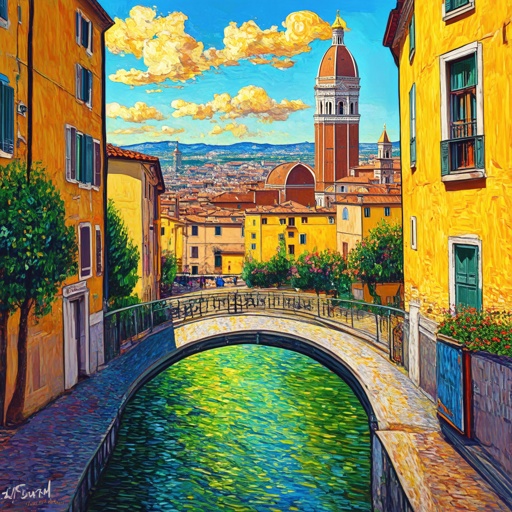
Florence-2 Dense Region Captions
Image editing
Describe individual image regions with Florence-2 dense region captions.
Find a model. See what it can do.
Browse every available model. Search by name or task.
Image editing
Describe individual image regions with Florence-2 dense region captions.
Image editing
Locate objects in a source image with Florence-2 object detection.
Image editing
Read text from an image together with its detected regions.
Image editing
Search an image for a named object with Florence-2 open-vocabulary detection.
Image editing
Select an image region using a referring expression with Florence-2 segmentation.
Image editing
Find candidate regions in an image with Florence-2 region proposals.
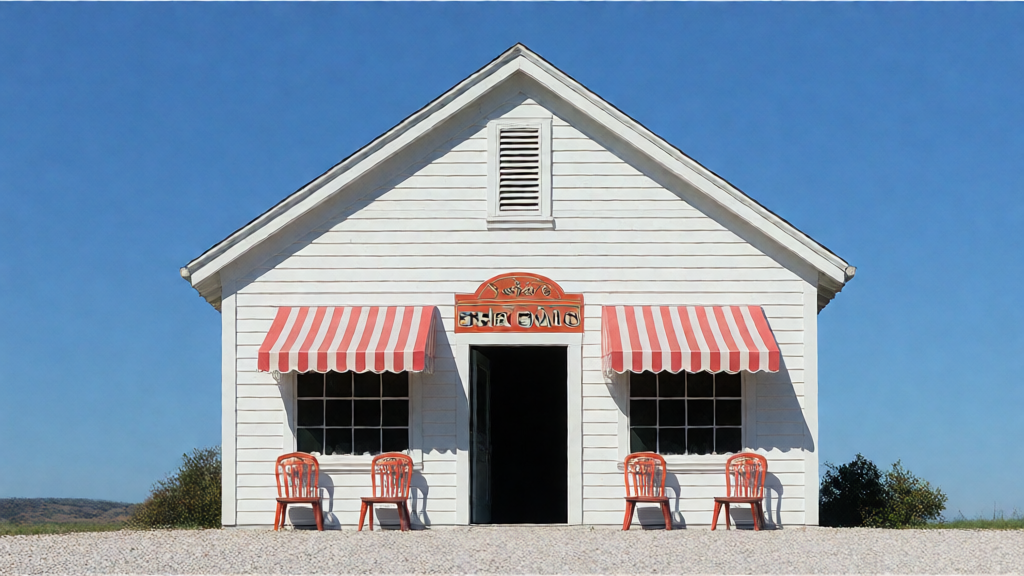
Image editing
Transform a photo using source and target descriptions with Flow-Edit.
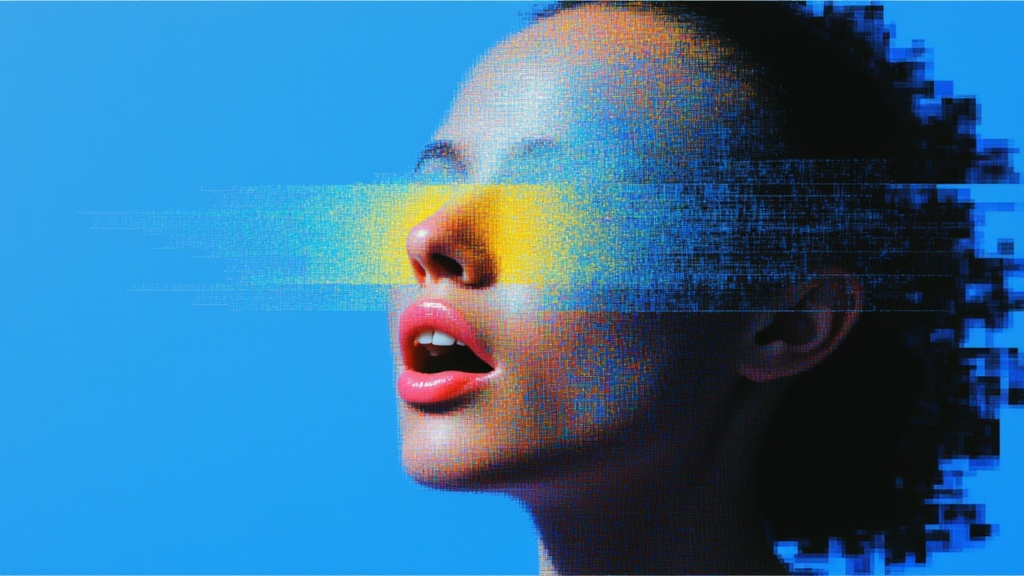
Text to image
Text-to-image generation with FLUX.2 [flex] from Black Forest Labs. Features adjustable inference steps and guidance scale for fine-tuned control. Enhanced typography and text rendering capabilities.
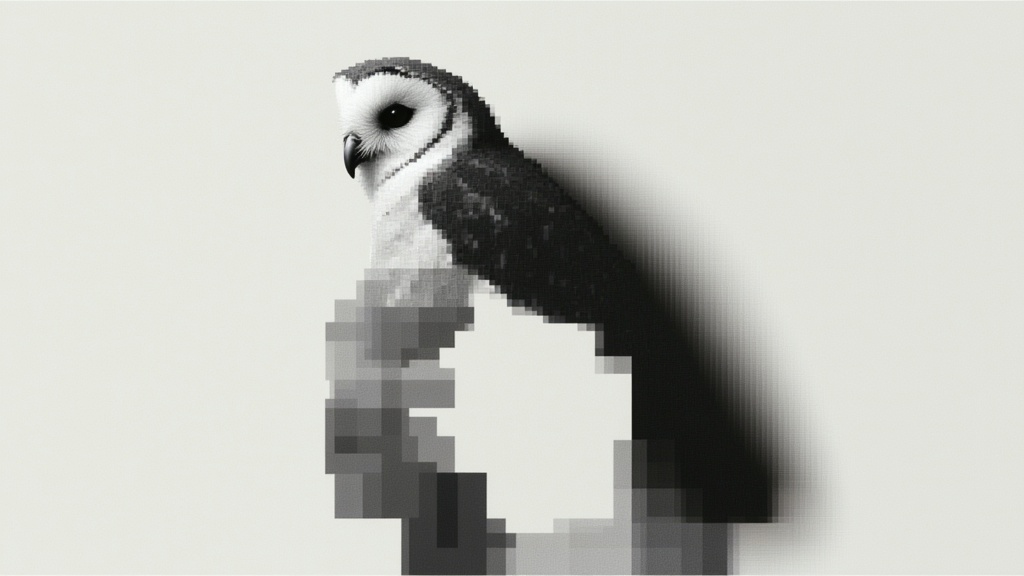
Text to image
Generate a ballpoint sketch from text with FLUX 2 Ballpoint Pen Sketch.
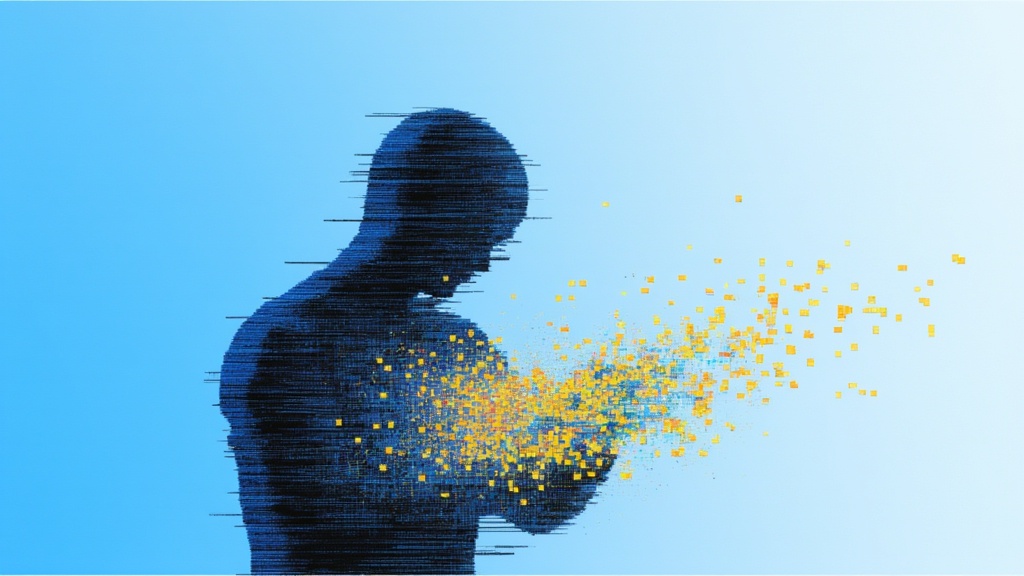
Text to image
Build a comic-style scene from text with FLUX 2 Digital Comic Art.
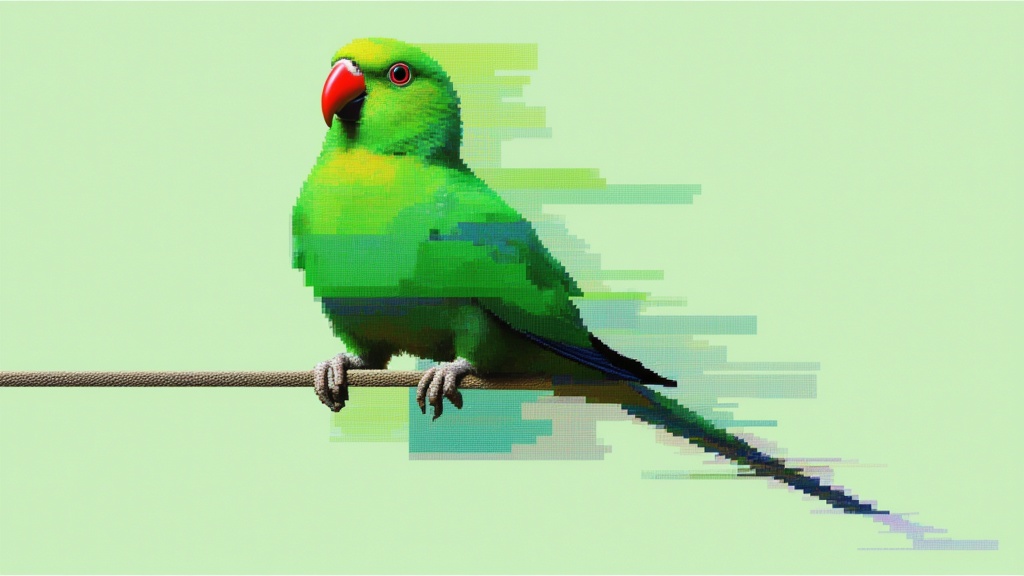
Image editing
Generates same object from different angles (azimuth/elevation)
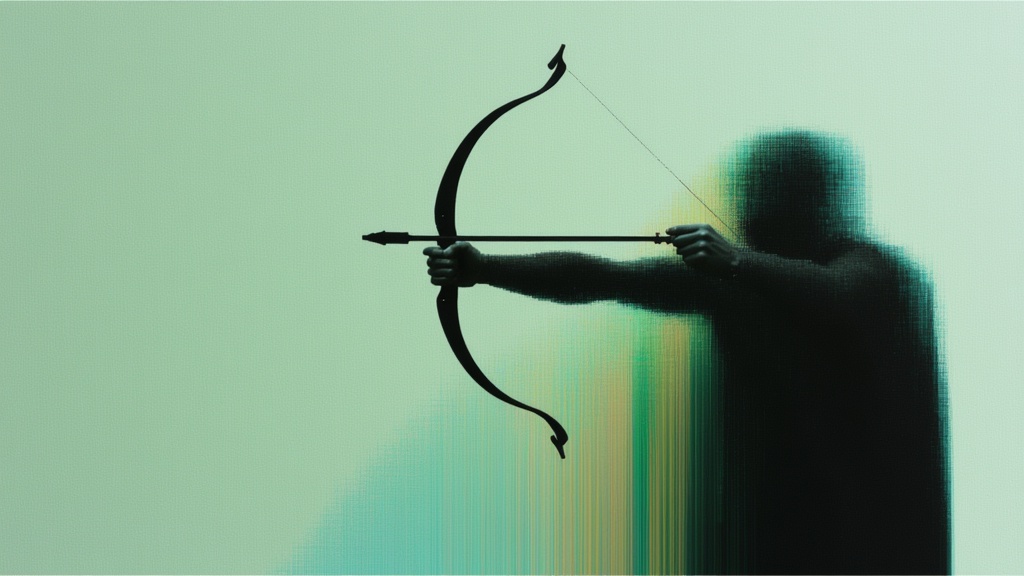
Text to image
Create an imagined aerial scene with FLUX 2 Satellite View Style.
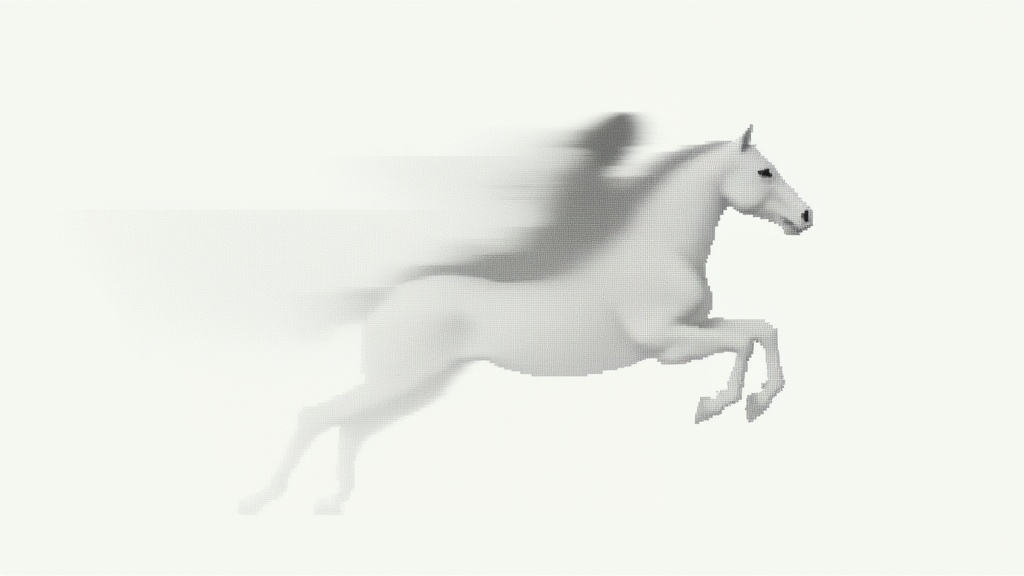
Text to image
Generate a sepia-toned photographic concept with FLUX 2 Sepia Vintage.
Image editing
Virtual clothing try-on (2 images: person + garment)
Text to image
FLUX.2 [max] delivers state-of-the-art image generation and advanced image editing with exceptional realism, precision, and consistency.
Image editing
FLUX.2 Max edits supplied images using a text instruction.
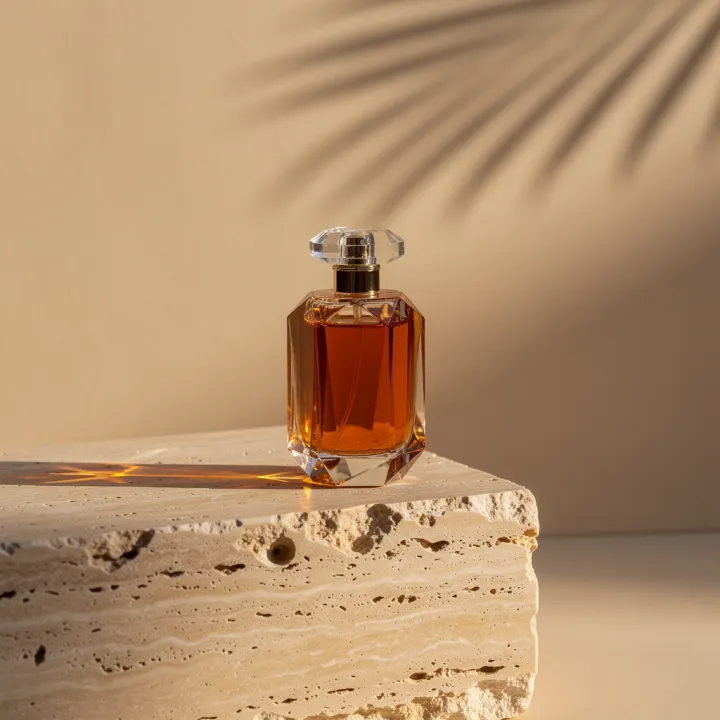
Text to image
Shape a product shot, an editorial scene or a new visual idea from a written prompt.
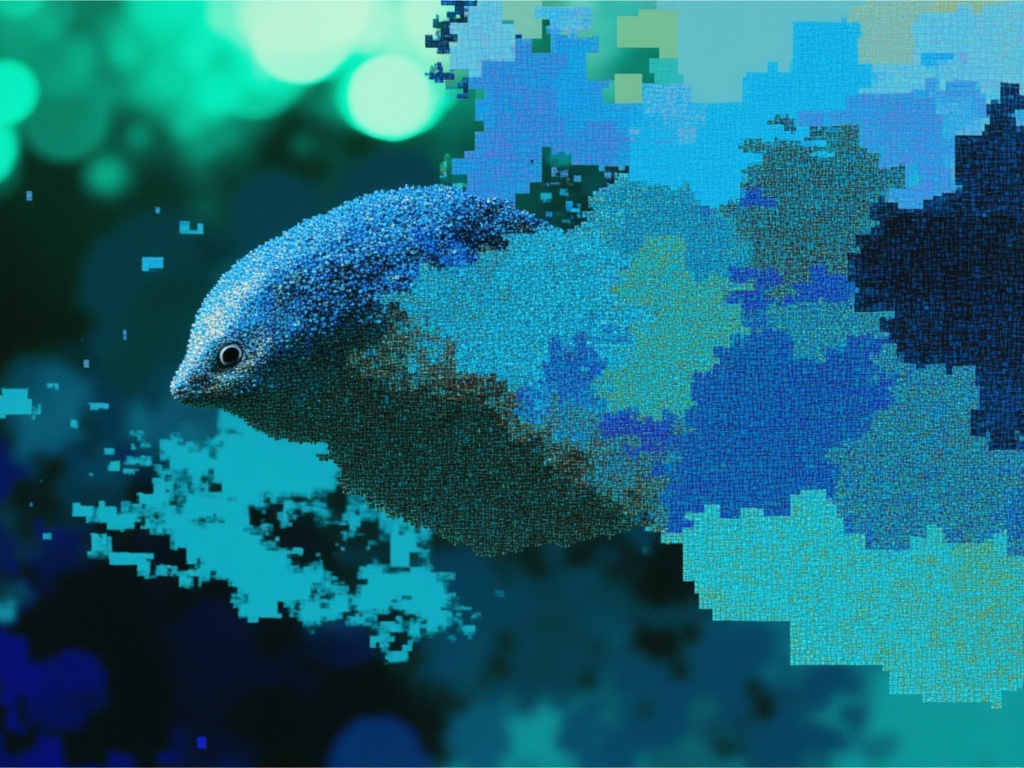
Video editing · Image to video · Text to video
FLUX.3 Edit Video [FAST] is Black Forest Labs' frontier video model. This endpoint edits an existing video from natural-language instructions, applying targeted changes while preserving the rest of the scene.
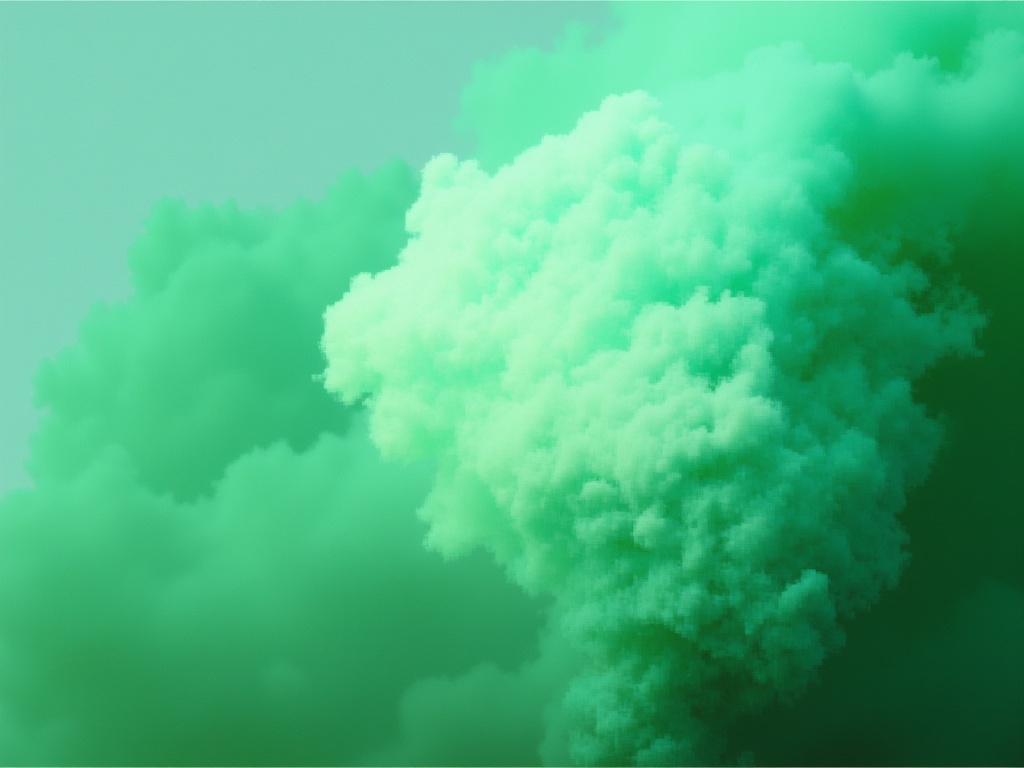
Text to image · Image editing
Create an image from text or edit with up to ten ordered reference images using FLUX.3 Image.
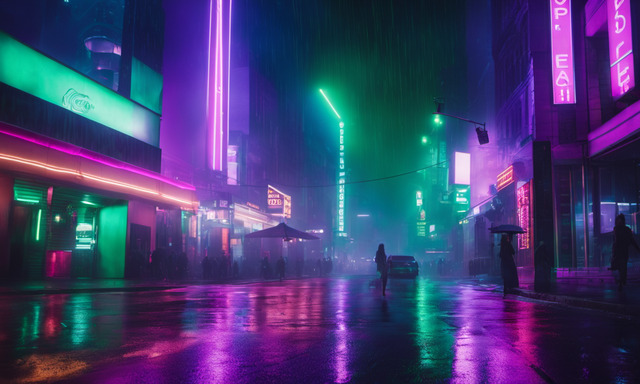
Text to image
Rework an existing image with Fooocus using a text instruction.
Text to image
Generate styled images, edit a masked region or upscale and vary an existing image with Fooocus.
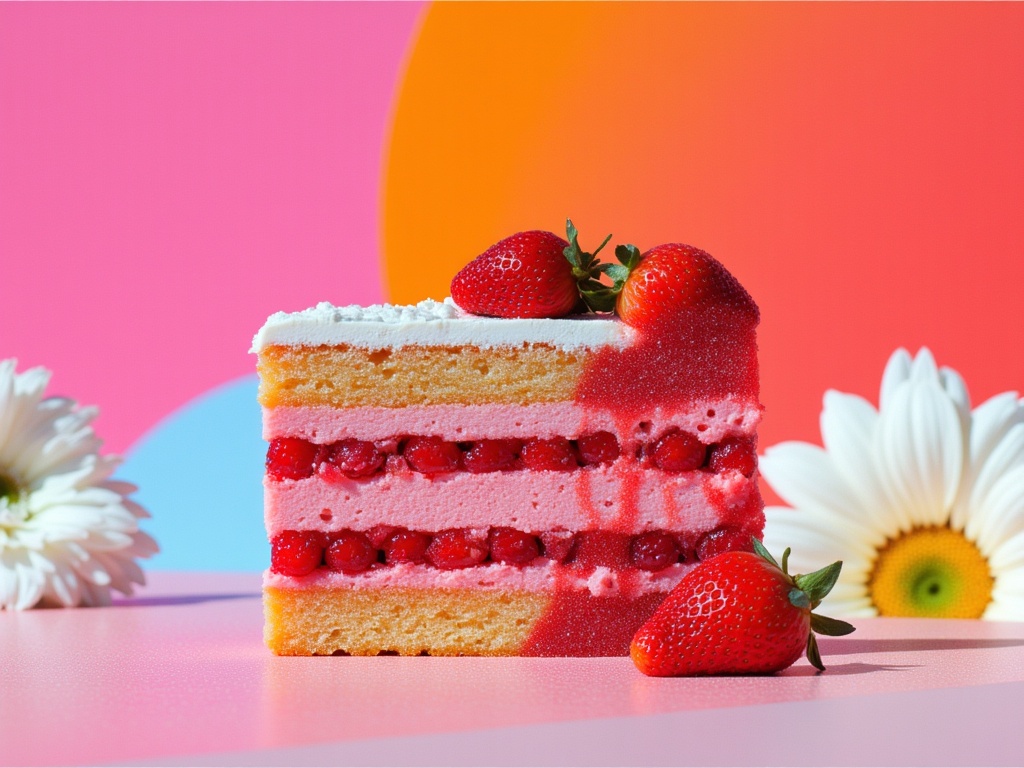
Text to image
Generate illustrated scenes and text-bearing visuals with GLM Image.
Text to image · Image editing
Generate images from written briefs with GPT Image 1 Mini.
Text to image · Image editing
Create GPT Image 2 visuals from text or switch to image editing.
Take it into the studio. See the price before you create.
Browse models here without an account. Sign in when you are ready to create.