
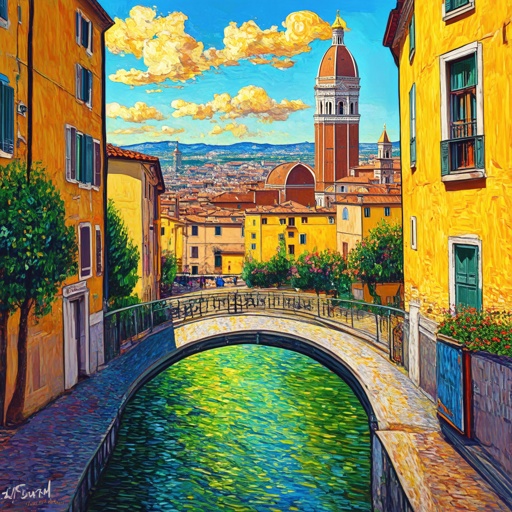
Florence-2 Dense Region Captions
Image editing
Describe individual image regions with Florence-2 dense region captions.
Find a model. See what it can do.
157 models in this collection.
Image editing
Describe individual image regions with Florence-2 dense region captions.
Image editing
Locate objects in a source image with Florence-2 object detection.
Image editing
Read text from an image together with its detected regions.
Image editing
Search an image for a named object with Florence-2 open-vocabulary detection.
Image editing
Select an image region using a referring expression with Florence-2 segmentation.
Image editing
Find candidate regions in an image with Florence-2 region proposals.
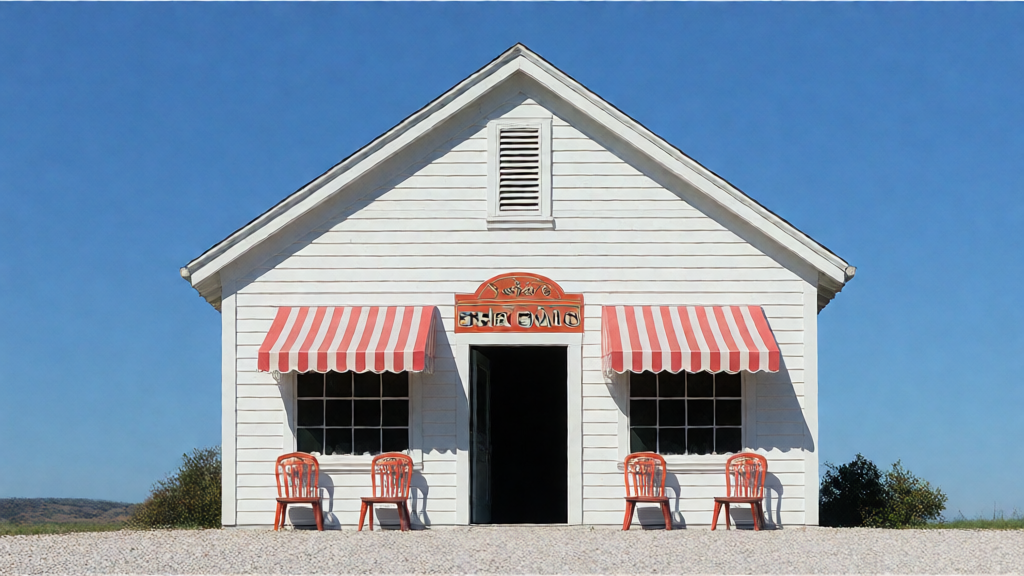
Image editing
Transform a photo using source and target descriptions with Flow-Edit.
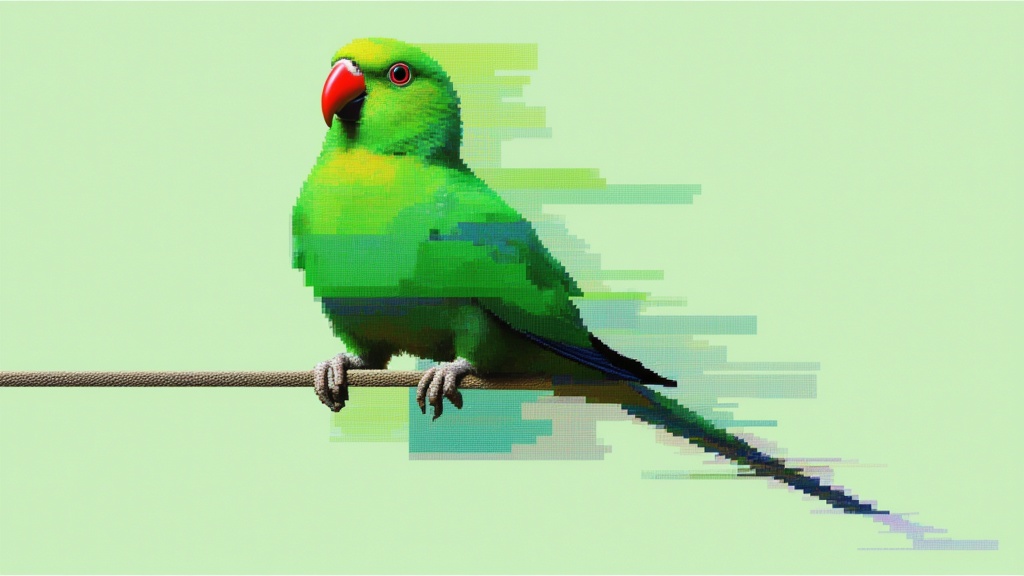
Image editing
Generates same object from different angles (azimuth/elevation)
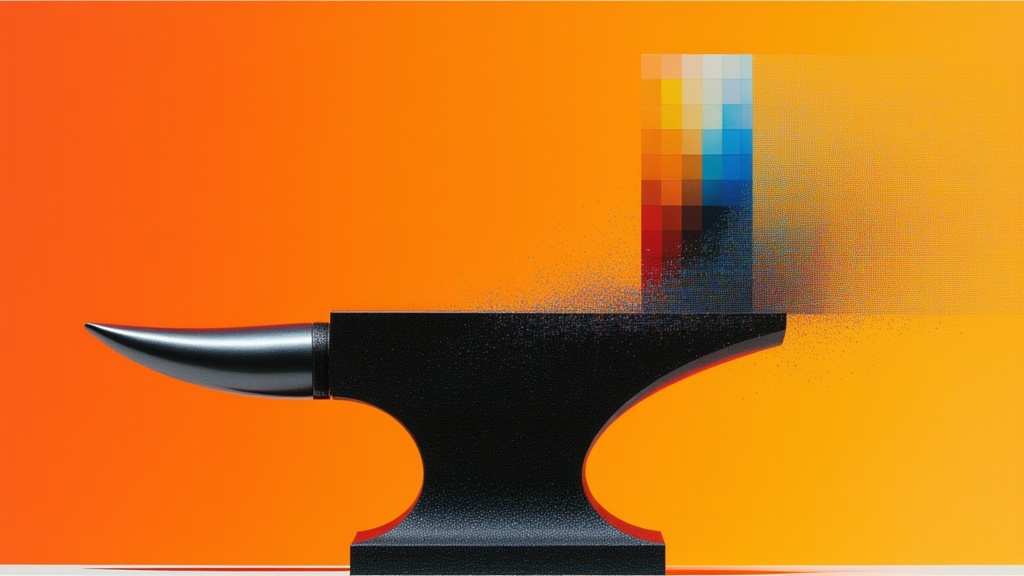
Image editing
Virtual clothing try-on (2 images: person + garment)
Image editing
FLUX.2 Max edits supplied images using a text instruction.
Text to image · Image editing
Create an image from text or edit with up to ten ordered reference images using FLUX.3 Image.
Text to image · Image editing
Generate images from written briefs with GPT Image 1 Mini.
Text to image · Image editing
Create GPT Image 2 visuals from text or switch to image editing.
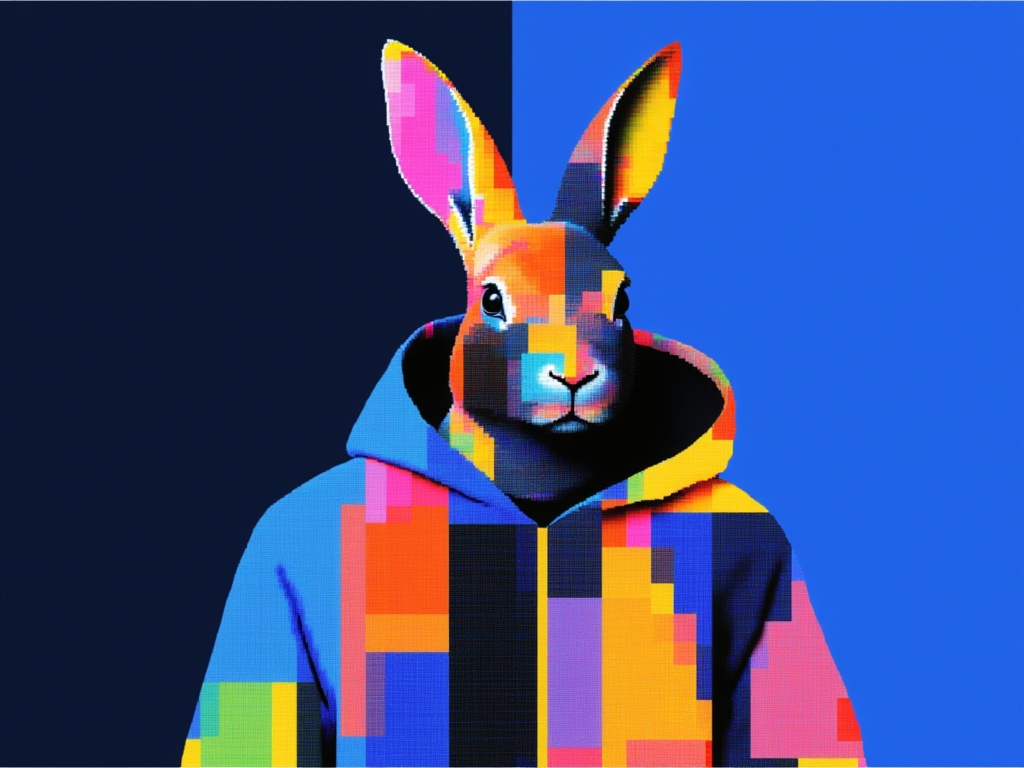
Text to image · Image editing
Generate GPT Image 2.5 Flare visuals, with a separate editing operation.
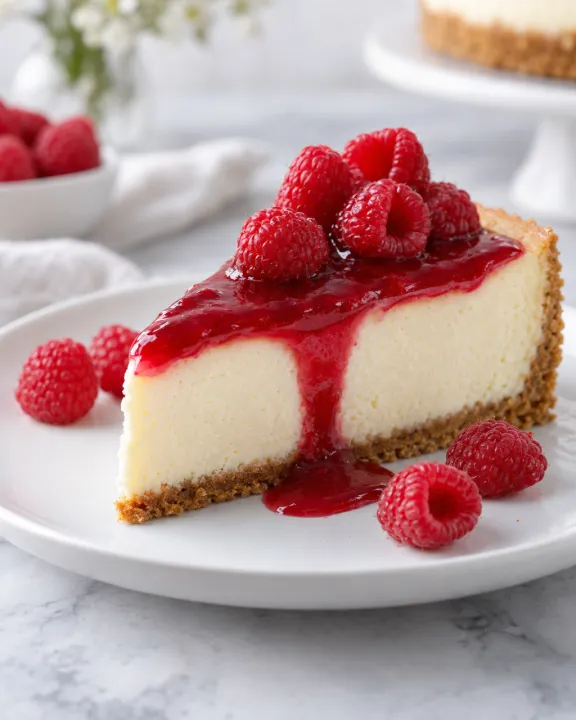
Text to image · Image editing
Turn a detailed brief into an image, then explore a different interpretation with image editing.
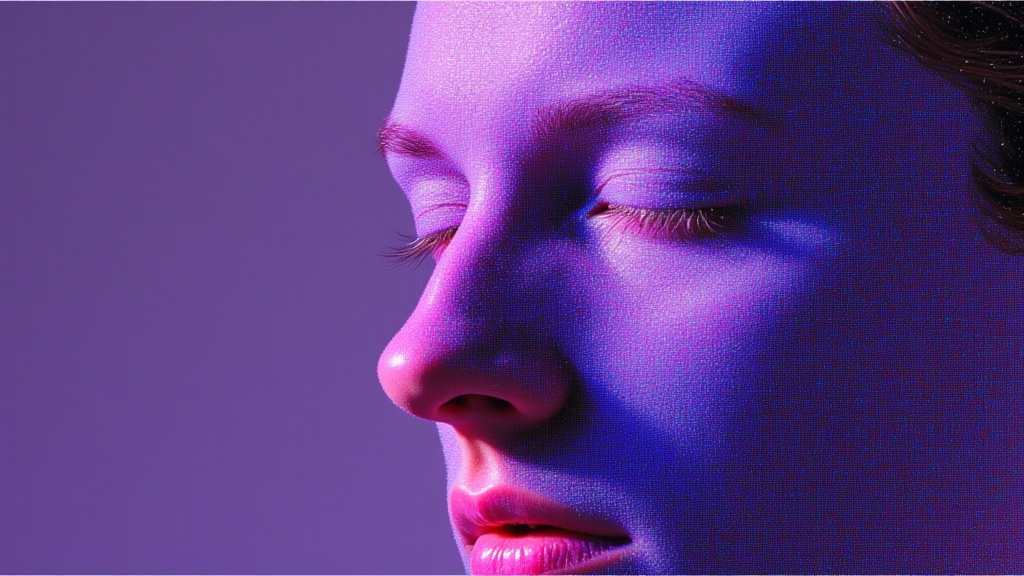
Text to image · Image editing
Create detailed compositions from text with GPT Image 1.5.
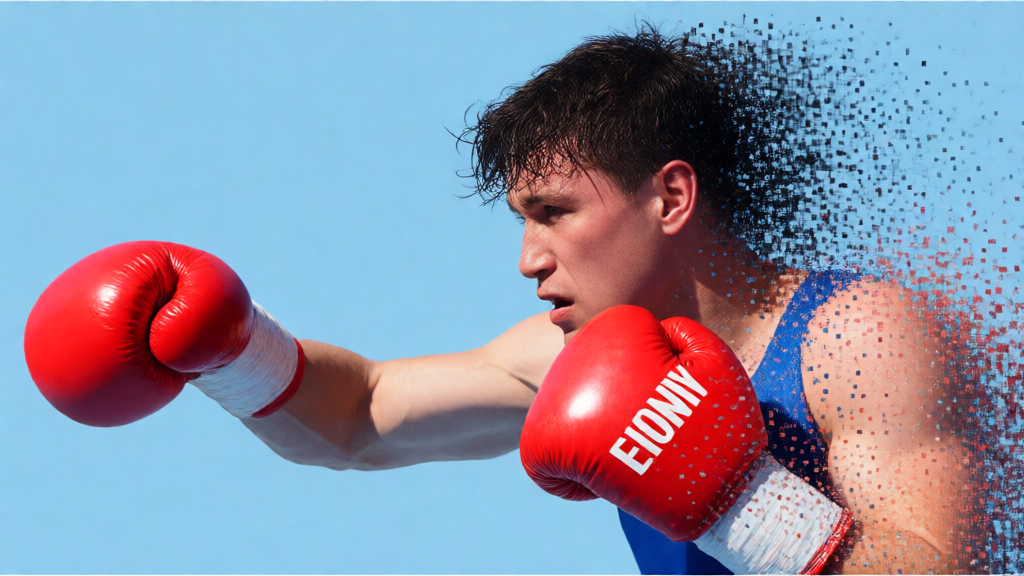
Image editing
Edit supplied images with Gemini 2.5 Flash Image and a text instruction.
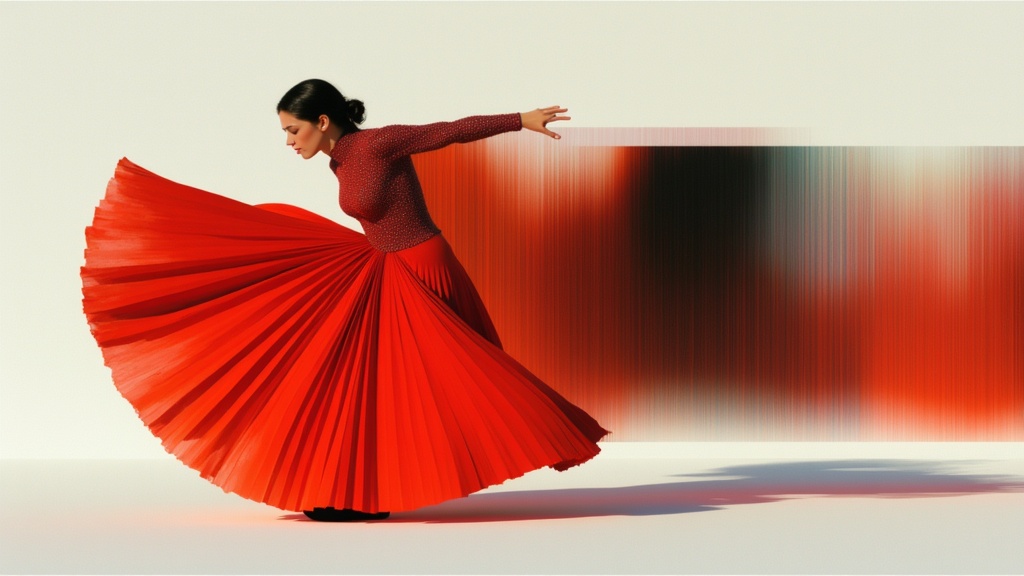
Text to image · Image editing
Create images from text with Gemini 3 Pro Image, with a separate image editing mode.
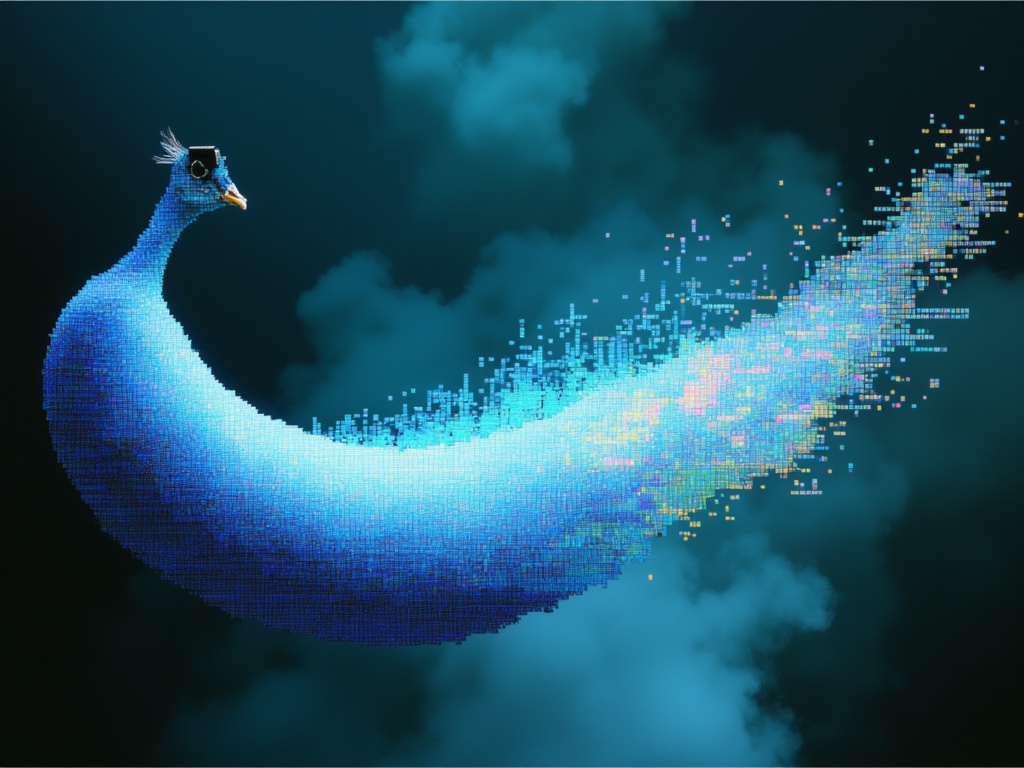
Text to image · Image editing
Generate images with Gemini 3.1 Flash Image, including very wide or tall layouts.
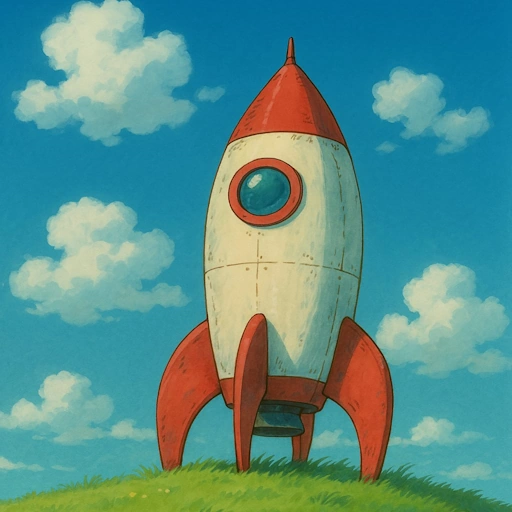
Image editing
Explore an animated illustration treatment of a photo with Ghiblify Images.
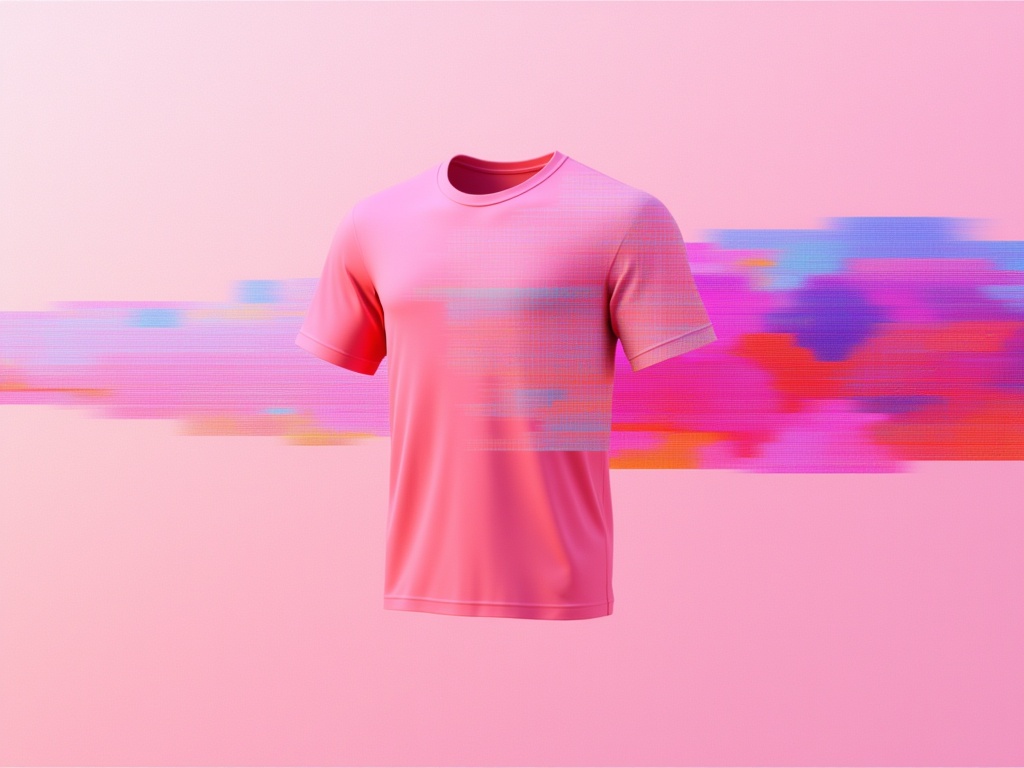
Image editing
Preview clothing on a person with Google Virtual Try On.
Text to image · Image editing
Grok Imagine Image creates images from text and edits references through a separate mode.
Text to image · Image editing
Grok Imagine Image 2.0 generates images from text and offers a separate reference editing mode.
Image editing
Expand an image into a panorama with Hunyuan World.
Take it into the studio. See the price before you create.
Browse models here without an account. Sign in when you are ready to create.