
Image
Qwen Image 2.1 Turbo
Create images from a text brief or edit up to ten reference images in a separate mode. Choose preset dimensions and one to six outputs.
- Text to image
- Image editing
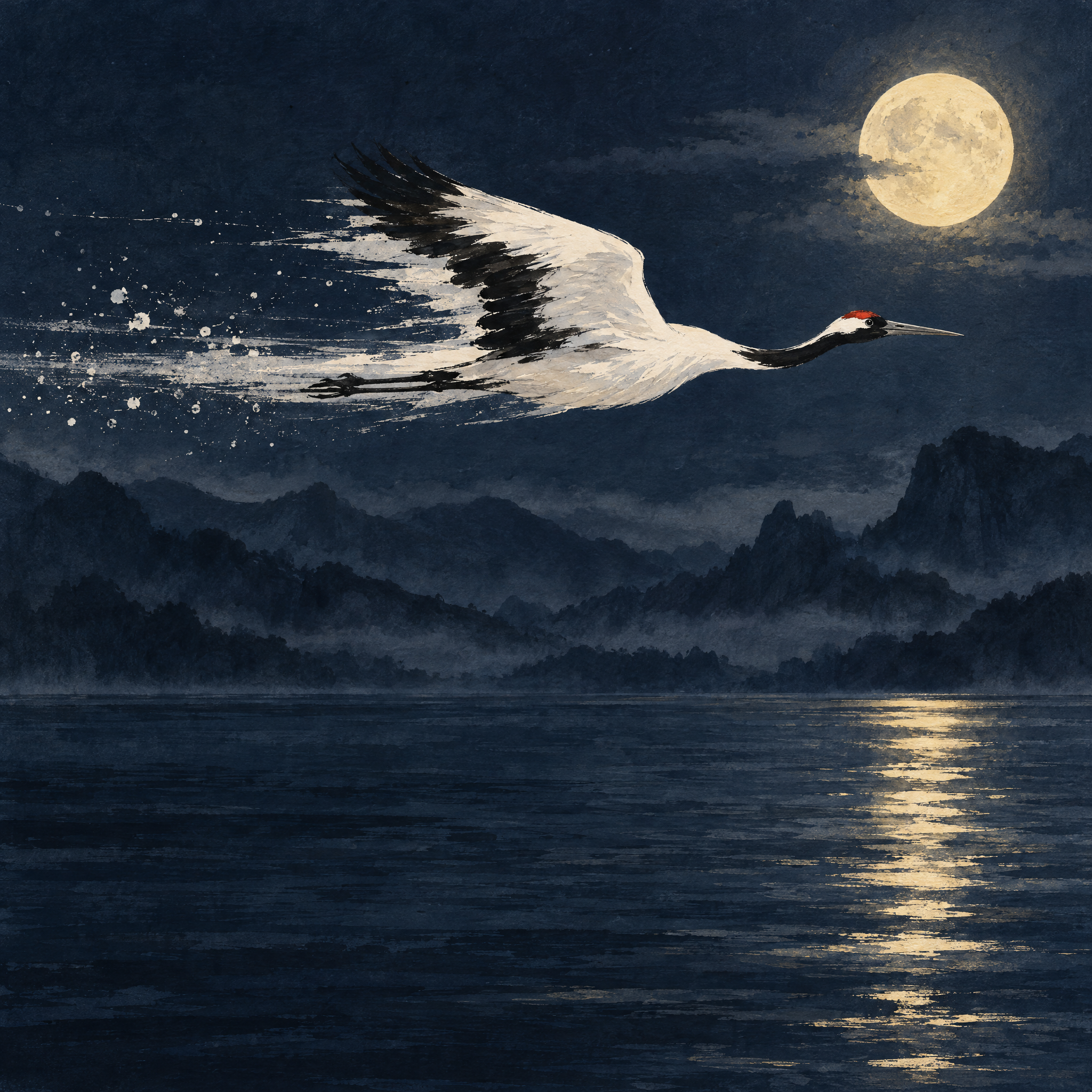
Catalog preview.
How to use Qwen Image 2.1 Turbo
Use text-to-image to explore a product photograph, poster composition or illustration before choosing a direction. Describe the subject, its placement, lighting and any text separately. If a particular product or person must come from your own photo, switch to Qwen Image 2.1 Turbo Edit and supply references; text-to-image does not accept a source photo.
Example prompt
A matte blue ceramic coffee cup on a pale oak table beside a window. Soft morning light from the left, a small natural shadow, eye-level product photograph, plain cream background and empty space on the right for a headline. No lettering on the cup.
Technical details
Review your result
Inspect the handle, rim, shadow and any requested lettering at full size. For edits, compare the result with each reference: object shape, face details and branding can change. Keep the prompt, selected mode, size and seed with the chosen image.
Inputs and settings
Start with prompt in English or Chinese and n set to 1. The model accepts 1–6 outputs; increasing n changes the quoted price. The example above is a starting brief, not a demonstrated output.
Text-to-image uses size presets such as 1024*1024, 2048*2048, 2688*1536 and 1536*2688. Select landscape or portrait dimensions for the intended placement; this operation has no custom width or height fields.
prompt_extend rewrites the brief. enable_thinking is effective only when prompt_extend is enabled. Keep these settings and seed fixed while comparing a single change in the prompt.
Editing requires prompt and image_urls with 1–10 references. Give each reference a clear role. The editing mode has its own size list, including auto, and supports only direct prompt enhancement.
Can I use the same settings for generation and editing?
The operations share some controls, but their inputs and size options differ. Text-to-image requires a prompt; editing also requires reference images. Choose the operation before copying its API inputs.
How do I check the price for several images?
Request a quote for the selected operation, size and n. Review the total before generating; changing the image count requires a new quote.
Supported inputs
qwen-image-2.1-turbo
| Input | Type | Requirement | Options and limits |
|---|---|---|---|
prompt | Text | Required | Min. characters: 1 |
enable_thinking | On/off | Optional | — |
n | Whole number | Optional | ≥ 1 · ≤ 6 |
prompt_extend | On/off | Optional | — |
prompt_extend_mode | Text | Optional | — |
seed | Whole number | Optional | ≥ 0 · ≤ 2147483647 |
size | Text | Optional | — |
Other modes and their inputs
Image editingqwen-image-2.1-turbo/edit
Supported inputs
qwen-image-2.1-turbo/edit
| Input | Type | Requirement | Options and limits |
|---|---|---|---|
image_urls | List | Required | Min. items: 1 · Max. items: 10 |
prompt | Text | Required | Min. characters: 1 |
enable_thinking | On/off | Optional | — |
n | Whole number | Optional | ≥ 1 · ≤ 6 |
prompt_extend | On/off | Optional | — |
prompt_extend_mode | Text | Optional | — |
seed | Whole number | Optional | ≥ 0 · ≤ 2147483647 |
size | Text | Optional | — |