
Image
GPT Image 2.6 Flare
OpenAI's default image model for most applications. Fast, high-quality generation with natural lighting, rich textures, and support for complex layouts including transparent backgrounds.
- Text to image
- Image editing
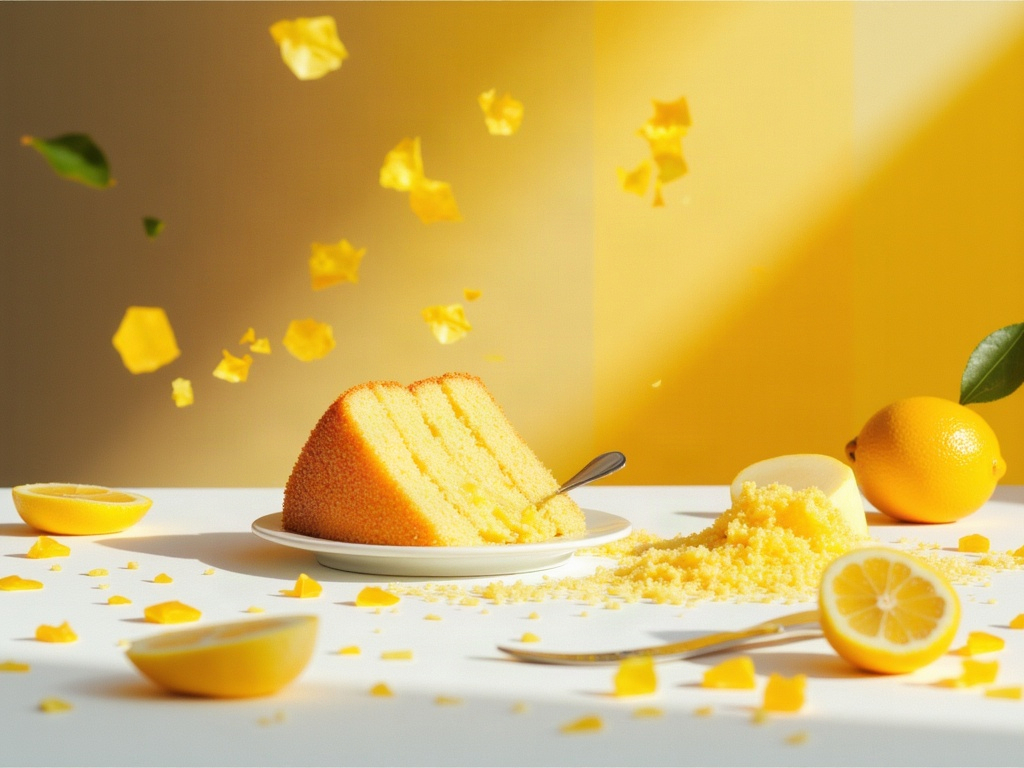
Catalog preview.
Technical details
Supported inputs
openai/gpt-image-2.6/flare/text-to-image
| Input | Type | Requirement | Options and limits |
|---|---|---|---|
prompt | Text | Required | Min. characters: 1 · Max. characters: 32000 |
background | Text | Optional | — |
frame_count | Whole number | Optional | ≥ 2 · ≤ 16 |
frame_duration_ms | Whole number | Optional | ≥ 20 · ≤ 2000 |
num_images | Whole number | Optional | ≥ 1 · ≤ 10 |
output_compression | Whole number | Optional | ≥ 0 · ≤ 100 |
output_format | Text | Optional | jpeg, png, webp |
quality | Text | Optional | auto, low, medium, high, xhigh, max |
reasoning_effort | Text | Optional | — |
svg_model | Text | Optional | — |
Other modes and their inputs
Image editingopenai/gpt-image-2.6/flare/edit
Supported inputs
openai/gpt-image-2.6/flare/edit
| Input | Type | Requirement | Options and limits |
|---|---|---|---|
image_urls | List | Required | Max. items: 16 |
prompt | Text | Required | Min. characters: 1 · Max. characters: 32000 |
background | Text | Optional | — |
frame_count | Whole number | Optional | ≥ 2 · ≤ 16 |
frame_duration_ms | Whole number | Optional | ≥ 20 · ≤ 2000 |
markup_image_url | Text | Optional | — |
mask_url | Text | Optional | — |
num_images | Whole number | Optional | ≥ 1 · ≤ 10 |
output_compression | Whole number | Optional | ≥ 0 · ≤ 100 |
output_format | Text | Optional | jpeg, png, webp |
quality | Text | Optional | auto, low, medium, high, xhigh, max |
reasoning_effort | Text | Optional | — |