Recraft V4.1 Flash
Text to image
Starting price $0.02 / image
By Recraft
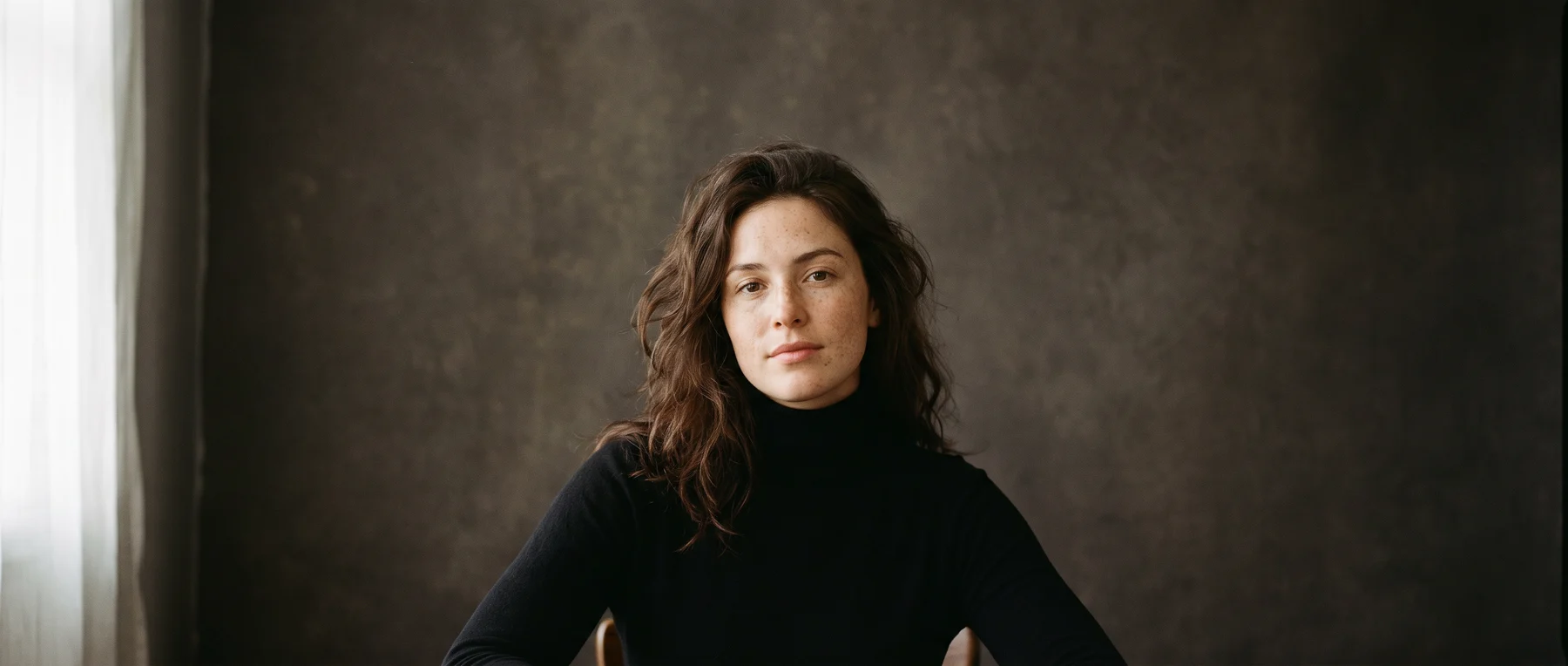
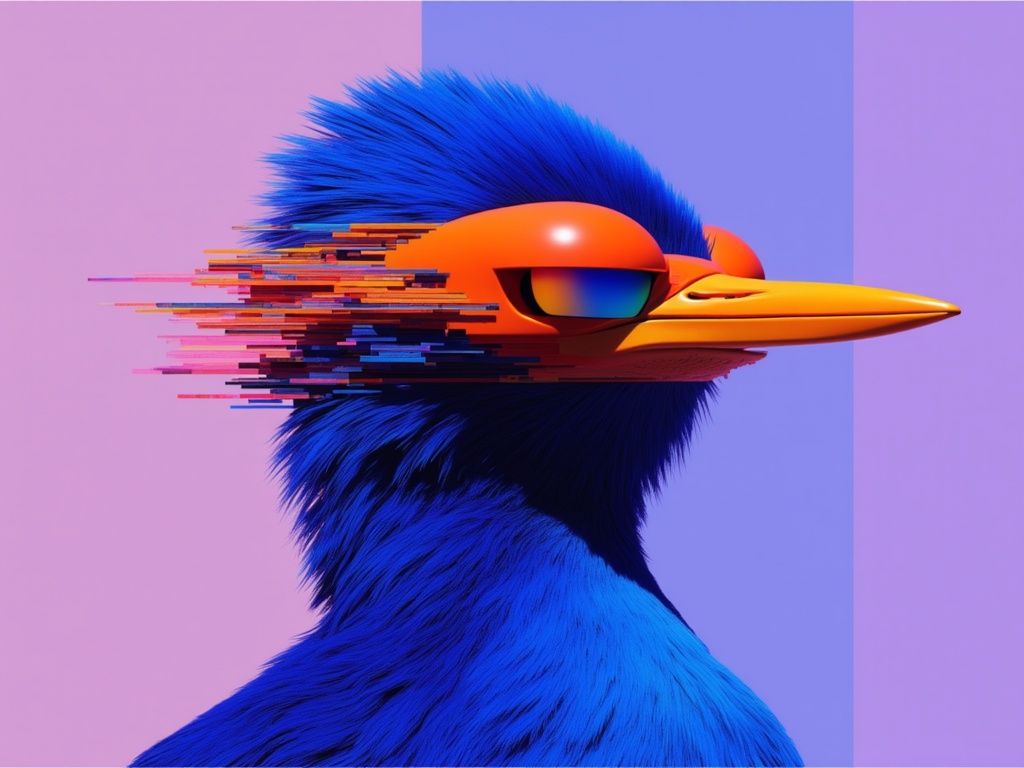
Recraft V4 Pro makes design-ready images from a written prompt, with a color palette and background color you choose.
recraft/v4/pro/text-to-imageQuote the input, start the generation with the quote, then poll the job. Set RAYWAKE_API_KEY first; see Authentication.
# 1. Price the exact input (quotes are valid for up to 10 minutes)
curl -s https://api.raywake.com/v1/quotes \
  -H "Authorization: Bearer $RAYWAKE_API_KEY" \
  -H "Content-Type: application/json" \
  -d '{
  "model": "recraft/v4/pro/text-to-image",
  "input": {
    "prompt": "An editorial illustration of a woman tending a rooftop vegetable garden above a dense city, bold flat shapes, soft paper texture and a calm, limited palette."
  }
}'

# 2. Start the generation with the quote_id from step 1
curl -s https://api.raywake.com/v1/generate \
  -H "Authorization: Bearer $RAYWAKE_API_KEY" \
  -H "Content-Type: application/json" \
  -H "Idempotency-Key: $(uuidgen)" \
  -d '{"model": "recraft/v4/pro/text-to-image", "quote_id": "QUOTE_ID", "input": {"prompt":"An editorial illustration of a woman tending a rooftop vegetable garden above a dense city, bold flat shapes, soft paper texture and a calm, limited palette."}}'

# 3. Poll until the status is terminal
curl -s https://api.raywake.com/v1/jobs/JOB_ID \
-H "Authorization: Bearer $RAYWAKE_API_KEY"| Name | Type | Description |
|---|---|---|
promptrequired | string | Prompt |
image_size | string (enum) | Image Size |
colors | array of colors | An array of preferable colors |
background_color | color | The preferable background color of the generated images. |
A succeeded job lists its results under outputs, stored on our side. See Jobs for every field.
"outputs": [
  { "type": "image", "url": "https://…", "mime_type": "image/png", "thumbnail_url": "https://…" }
]The exact charge for your input comes from a quote. How charges settle
Fields marked * are required. Review the price before generating.
Recraft V4 Pro works from text alone and takes long, detailed prompts. Pick one of six square, portrait or landscape sizes, add the colors the image should lean on, and set a preferred background color.
Inspect textures, silhouettes and requested lettering. Compare both outputs at a common display size; do not mistake enlargement for improved detail.