Available nowNew

MiniMax H3 Image: image editing

By MiniMax

MiniMax H3 Image draws detailed images from a prompt, up to 4K, and edits or combines up to 16 images you upload.

Model ID
Maker
MiniMax
Added
November 12, 2026

Model id

Use this in every request
minimax/h3-image/edit

This model has other modes with their own ids: minimax/h3-image/text-to-image.

Run it

Quote the input, start the generation with the quote, then poll the job. Set RAYWAKE_API_KEY first; see Authentication.

# 1. Price the exact input (quotes are valid for up to 10 minutes)
curl -s https://api.raywake.com/v1/quotes \
  -H "Authorization: Bearer $RAYWAKE_API_KEY" \
  -H "Content-Type: application/json" \
  -d '{
  "model": "minimax/h3-image/edit",
  "input": {
    "prompt": "Put the red raincoat from Image 2 on the woman in Image 1. Keep her face, her pose and the street behind her the same.",
    "image_urls": [
      "https://example.com/input.png"
    ]
  }
}'

# 2. Start the generation with the quote_id from step 1
curl -s https://api.raywake.com/v1/generate \
  -H "Authorization: Bearer $RAYWAKE_API_KEY" \
  -H "Content-Type: application/json" \
  -H "Idempotency-Key: $(uuidgen)" \
  -d '{"model": "minimax/h3-image/edit", "quote_id": "QUOTE_ID", "input": {"prompt":"Put the red raincoat from Image 2 on the woman in Image 1. Keep her face, her pose and the street behind her the same.","image_urls":["https://example.com/input.png"]}}'

# 3. Poll until the status is terminal
curl -s https://api.raywake.com/v1/jobs/JOB_ID \
  -H "Authorization: Bearer $RAYWAKE_API_KEY"

Input

Input fields for minimax/h3-image/edit
NameTypeDescription
promptrequiredstring
The edit to make. Refer to the images as Image 1, Image 2 and so on, in the order you added them.
image_urlsrequiredarray of image URLs
Up to 16 images to edit or combine, each 128 to 8,192 pixels per side.
image_sizeenum
Image Size

Default: auto

One of: auto, {"width":2048,"height":2048}, {"width":2368,"height":1760}, {"width":1760,"height":2368}, {"width":2720,"height":1536}, {"width":1536,"height":2720}, {"width":3552,"height":1184}, {"width":1184,"height":3552}, {"width":4096,"height":4096}, {"width":4736,"height":3552}, {"width":3552,"height":4736}, {"width":5472,"height":3072}, {"width":3072,"height":5472}, {"width":7104,"height":2368}, {"width":2368,"height":7104}

num_imagesinteger
Number of images to generate, all from one expanded prompt.

Default: 1

output_formatstring (enum)
The format of the generated image.

Default: png

One of: jpeg, png, webp, jpg

sync_modeboolean
If `True`, the media will be returned as a data URI and the output data won't be available in the request history.

Default: false

Output

A succeeded job lists its results under outputs, stored on our side. See Jobs for every field.

Job excerpt
"outputs": [
  { "type": "image", "url": "https://…", "mime_type": "image/png", "thumbnail_url": "https://…" }
]

Pricing

  • 1K or 2K · before reference images$0.04/ image
  • 4K · before reference images$0.12/ image

The exact charge for your input comes from a quote. How charges settle

API docs

About this model

Overview

MiniMax H3 Image works from a prompt you write. With prompt expansion on, a short idea is first turned into a full description of the scene; switch it off when your prompt already says everything and should be used as written.

Its edit mode takes up to 16 images, which your prompt calls Image 1, Image 2 and so on, and returns up to ten results per run. Sizes run from square to wide and tall frames, up to 4K.
What you can build

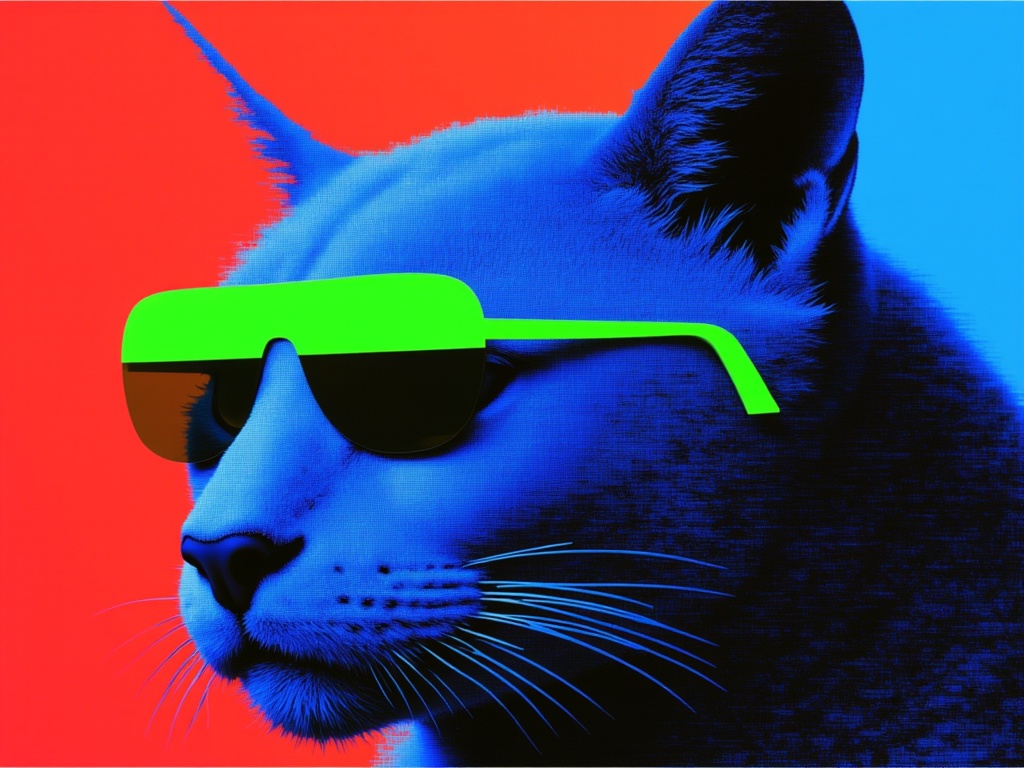
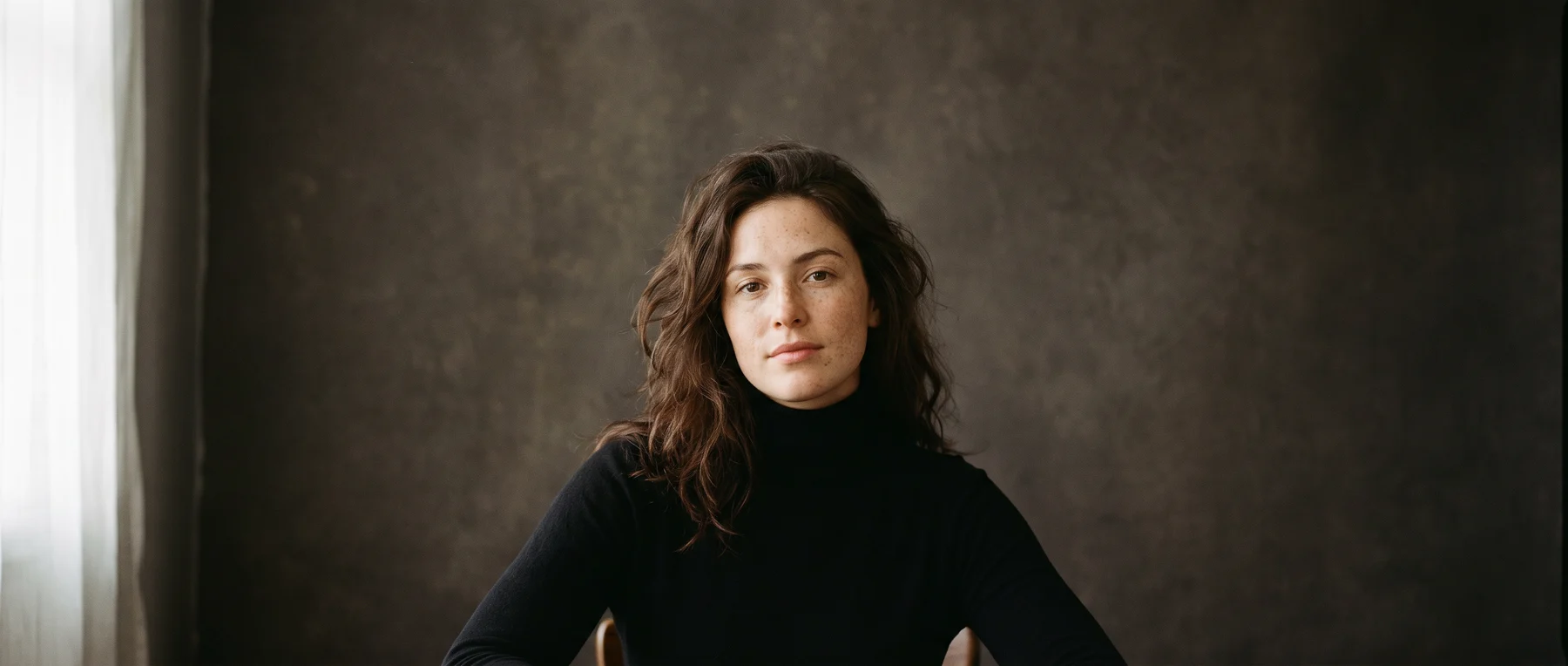
  • Detailed scenes and concept art from a short idea
  • Wide banners and tall posters at 4K
  • One subject combined with the setting and style of other images
  • Several takes of one prompt to compare

Prompting tips

  • For edits, refer to your uploads by number, for example "put the jacket from Image 2 on the person in Image 1".
  • Say what must stay the same in an edit, such as the face, the pose or the background.
  • Turn prompt expansion off when you need your exact wording, for example for a layout you have planned.

Inputs

  • Prompt (required): The edit to make. Refer to the images as Image 1, Image 2 and so on, in the order you added them.
  • Images (required): Up to 16 images to edit or combine, each 128 to 8,192 pixels per side.
  • Image Size (optional) Options: Auto (your image's shape), 2048 × 2048 (1:1), 2368 × 1760 (4:3), 1760 × 2368 (3:4), 2720 × 1536 (16:9), 1536 × 2720 (9:16), 3552 × 1184 (3:1), 1184 × 3552 (1:3), 4096 × 4096 (1:1, 4K), 4736 × 3552 (4:3, 4K), 3552 × 4736 (3:4, 4K), 5472 × 3072 (16:9, 4K), 3072 × 5472 (9:16, 4K), 7104 × 2368 (3:1, 4K), 2368 × 7104 (1:3, 4K).
  • Number of Images (optional): Number of images to generate, all from one expanded prompt. From 1 to 10.
  • Output Format (optional): The format of the generated image. Options: jpeg, png, webp, jpg.

Output and limits

  • Image sizes: Auto (your image's shape), 2048 × 2048 (1:1), 2368 × 1760 (4:3), 1760 × 2368 (3:4), 2720 × 1536 (16:9), 1536 × 2720 (9:16), 3552 × 1184 (3:1), 1184 × 3552 (1:3), 4096 × 4096 (1:1, 4K), 4736 × 3552 (4:3, 4K), 3552 × 4736 (3:4, 4K), 5472 × 3072 (16:9, 4K), 3072 × 5472 (9:16, 4K), 7104 × 2368 (3:1, 4K), 2368 × 7104 (1:3, 4K).
  • File formats: JPEG, PNG, WEBP.
  • Up to 10 images per run.
  • No transparent backgrounds and no masked edits: an edit follows your prompt, not a painted area.
  • Small or dense text in the image can come out misspelled.
  • Hands, crowds and complex poses can show artifacts; generate a few variations and pick the best.
  • Some prompts or outputs can be refused by safety checks.

Price guide

  • 1K or 2K · before reference images: $0.04 / image
  • 4K · before reference images: $0.12 / image