

Gemini Omni Flash 1.2
Text to video · Image to video · Video editing
Starting price $0.0433 / second
By Lightricks
Lightricks' LTX-2.5 Pro makes clips of up to 10 seconds with sound from a prompt or a start image, at 720p or 1080p, with preset camera moves.
lightricks/ltx-2.5/image-to-video/proThis model has other modes with their own ids: lightricks/ltx-2.5/text-to-video/pro.
Quote the input, start the generation with the quote, then poll the job. Set RAYWAKE_API_KEY first; see Authentication.
# 1. Price the exact input (quotes are valid for up to 10 minutes)
curl -s https://api.raywake.com/v1/quotes \
  -H "Authorization: Bearer $RAYWAKE_API_KEY" \
  -H "Content-Type: application/json" \
  -d '{
  "model": "lightricks/ltx-2.5/image-to-video/pro",
  "input": {
    "image_url": "https://example.com/input.png",
    "prompt": "The perfume bottle in the image catches the light as petals fall slowly around it. A soft chime plays as the focus settles on the label."
  }
}'

# 2. Start the generation with the quote_id from step 1
curl -s https://api.raywake.com/v1/generate \
  -H "Authorization: Bearer $RAYWAKE_API_KEY" \
  -H "Content-Type: application/json" \
  -H "Idempotency-Key: $(uuidgen)" \
  -d '{"model": "lightricks/ltx-2.5/image-to-video/pro", "quote_id": "QUOTE_ID", "input": {"image_url":"https://example.com/input.png","prompt":"The perfume bottle in the image catches the light as petals fall slowly around it. A soft chime plays as the focus settles on the label."}}'

# 3. Poll until the status is terminal
curl -s https://api.raywake.com/v1/jobs/JOB_ID \
-H "Authorization: Bearer $RAYWAKE_API_KEY"| Name | Type | Description |
|---|---|---|
image_urlrequired | string (image URL) | The URL of the start image to use for the generated video. |
end_image_url | string (image URL) | The URL of the end image to use for the generated video. When provided, generates a transition video between start and end frames. |
promptrequired | string | The prompt to use for the generated video |
duration | enum | The duration of the generated video in seconds, up to 10 seconds. Set to 'auto' to let the model choose the duration automatically. |
resolution | string (enum) | The resolution of the generated video. |
aspect_ratio | string (enum) | The aspect ratio of the generated video. If 'auto', the aspect ratio will be determined automatically based on the input image. |
fps | number (enum) | The frames per second of the generated video. |
generate_audio | boolean | Whether to generate audio for the generated video |
camera_motion | string (enum) | Optional camera motion applied to the generated video. |
A succeeded job lists its results under outputs, stored on our side. See Jobs for every field.
"outputs": [
  { "type": "video", "url": "https://…", "mime_type": "video/mp4", "thumbnail_url": "https://…" }
]The exact charge for your input comes from a quote. How charges settle
Fields marked * are required. Review the price before generating.
LTX-2.5 Pro renders 6, 8 or 10 seconds, or lets the model pick the length, in 16:9 or 9:16 at 24, 25 or 50 frames per second. Sound is on by default.
A camera motion setting adds a dolly in, out, left or right, a jib up or down, a focus shift or a locked-off shot. The image mode starts from your picture and, with an end image, makes a transition between the two.
Text to video · Image to video · Video editing
Starting price $0.0433 / second
 Video
Text to video · Image to video · Video editing
Starting price $0.0793 / second
 Video
Text to video · Image to video · Video editing
Starting price $0.1775 / second
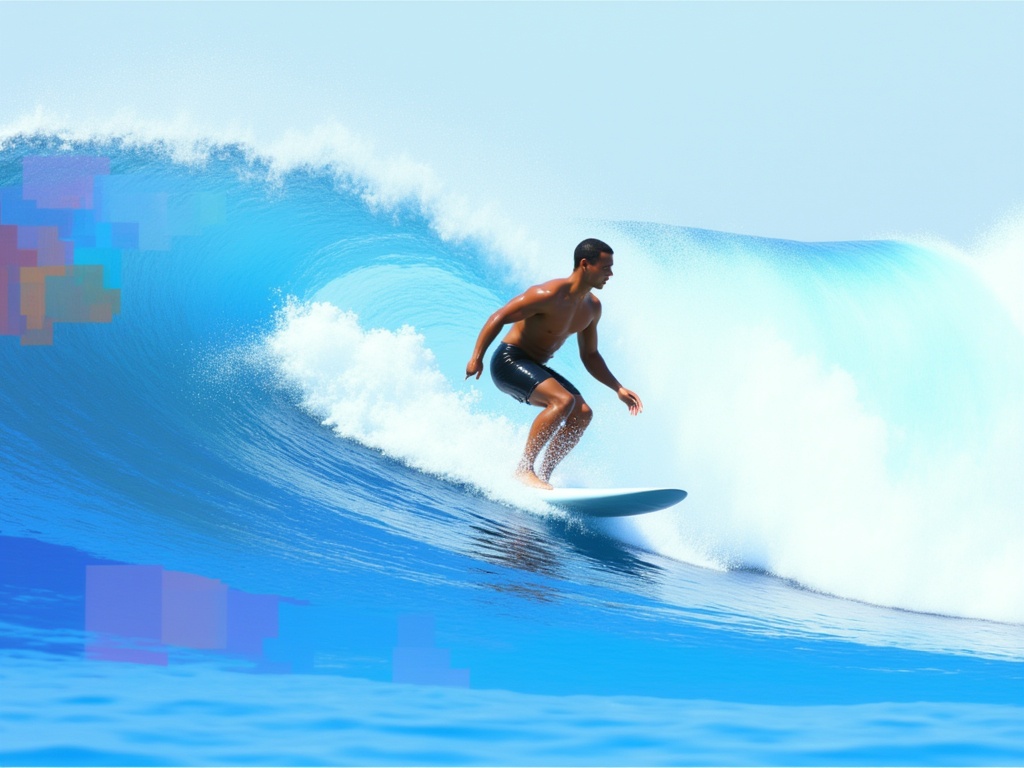
Text to video · Image to video · Video editing
Starting price $0.1585 / second