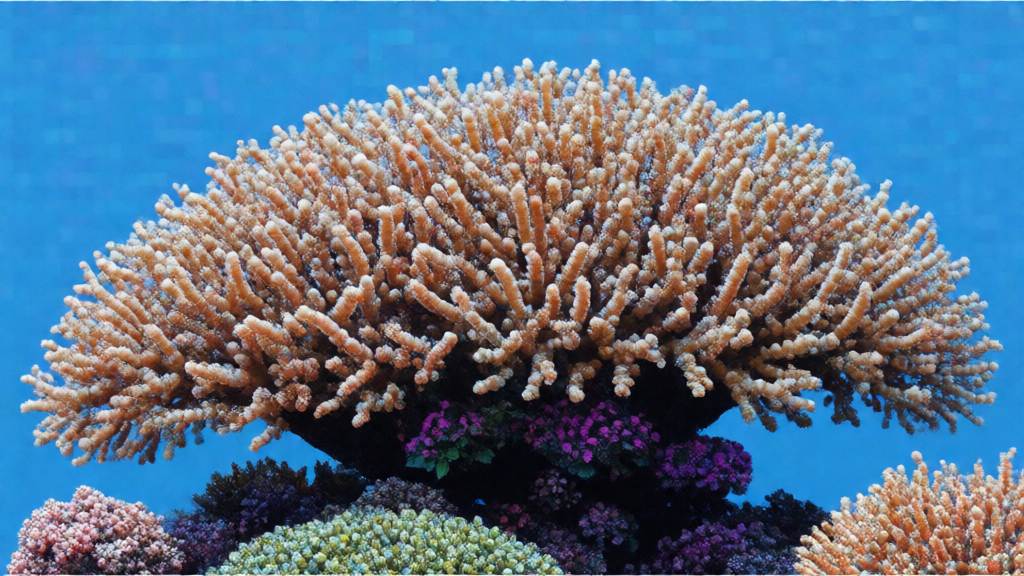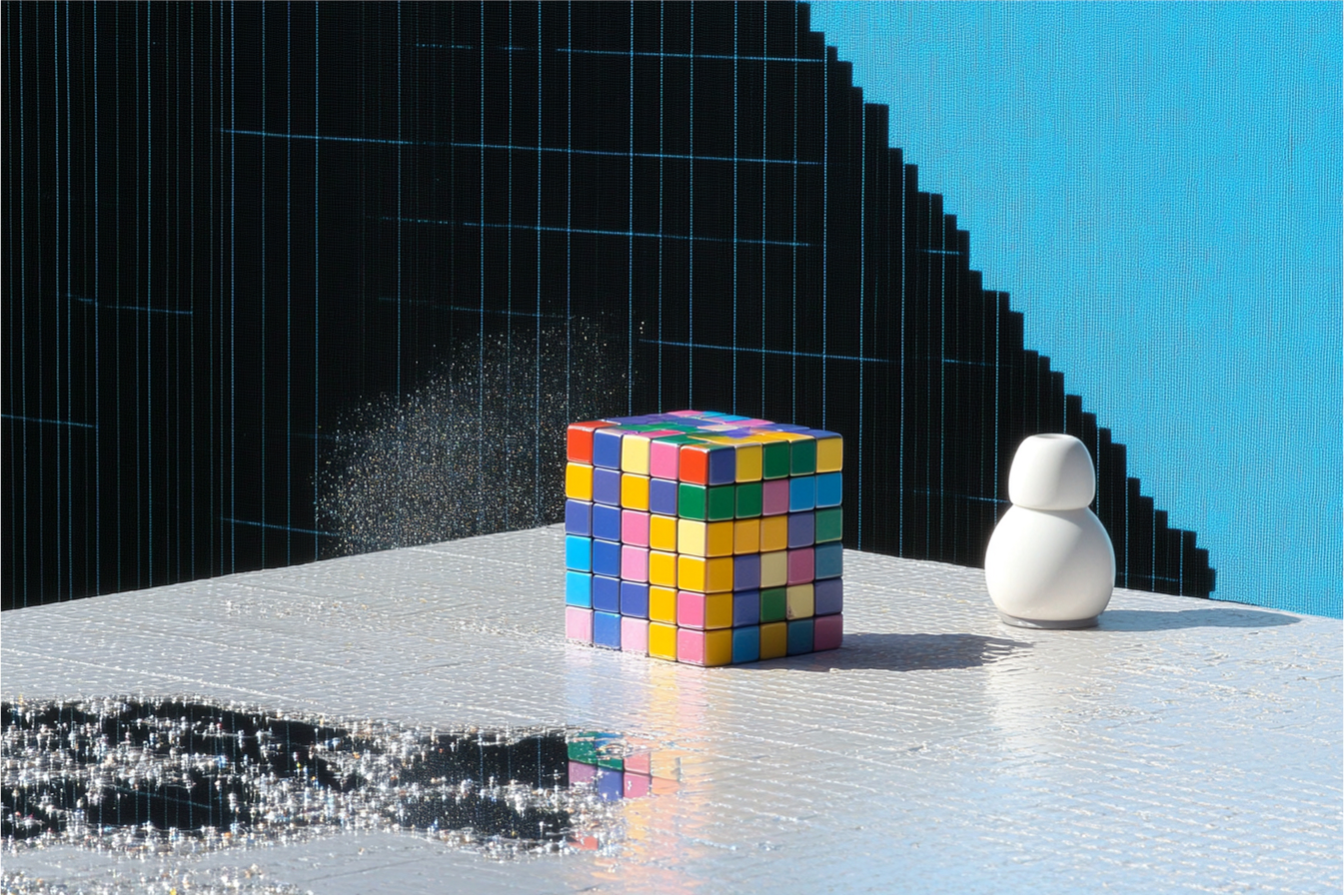
FIBO Edit [Erase by Text]
Image editing
Starting price $0.07 / run
Finegrain Eraser removes the object you describe from a photo and fills the gap with matching background. No mask to draw.
finegrain-eraserQuote the input, start the generation with the quote, then poll the job. Set RAYWAKE_API_KEY first; see Authentication.
# 1. Price the exact input (quotes are valid for up to 10 minutes)
curl -s https://api.raywake.com/v1/quotes \
  -H "Authorization: Bearer $RAYWAKE_API_KEY" \
  -H "Content-Type: application/json" \
  -d '{
  "model": "finegrain-eraser",
  "input": {
    "image_url": "https://example.com/input.png",
    "prompt": "the parked scooter on the left side of the street"
  }
}'

# 2. Start the generation with the quote_id from step 1
curl -s https://api.raywake.com/v1/generate \
  -H "Authorization: Bearer $RAYWAKE_API_KEY" \
  -H "Content-Type: application/json" \
  -H "Idempotency-Key: $(uuidgen)" \
  -d '{"model": "finegrain-eraser", "quote_id": "QUOTE_ID", "input": {"image_url":"https://example.com/input.png","prompt":"the parked scooter on the left side of the street"}}'

# 3. Poll until the status is terminal
curl -s https://api.raywake.com/v1/jobs/JOB_ID \
-H "Authorization: Bearer $RAYWAKE_API_KEY"| Name | Type | Description |
|---|---|---|
image_urlrequired | string (image URL) | URL of the image to edit |
promptrequired | string | Text description of what to erase |
mode | string (enum) | Erase quality mode |
seed | integer | Random seed for reproducible generation |
A succeeded job lists its results under outputs, stored on our side. See Jobs for every field.
"outputs": [
  { "type": "image", "url": "https://…", "mime_type": "image/png", "thumbnail_url": "https://…" }
]The exact charge for your input comes from a quote. How charges settle
Fields marked * are required. Review the price before generating.
Upload an image and name what should go, such as "the person on the bench" or "the power lines". The model finds it, erases it and rebuilds the area behind it. Three quality modes are available: express, standard and premium.
Check the filled area, shadows and nearby objects for unwanted changes.