
MiniMax H3 Max Recast
Video editing
Replace people in a video with reference photos using MiniMax H3 Max Recast.
Find a model. See what it can do.
Browse every available model. Search by name or task.
Video editing
Replace people in a video with reference photos using MiniMax H3 Max Recast.
Text to video · Image to video
Generate a video scene with MiniMax H3 Max Turbo.
Text to video · Image to video
Create short videos with synchronized sound from a written scene.
Text to video · Image to video
Generate short videos with native audio using Happy Horse 1.1.
Text to image
Generate images from text with the full HiDream O1 Image model.
Text to image
Try text-based image concepts with HiDream O1 Image Dev.
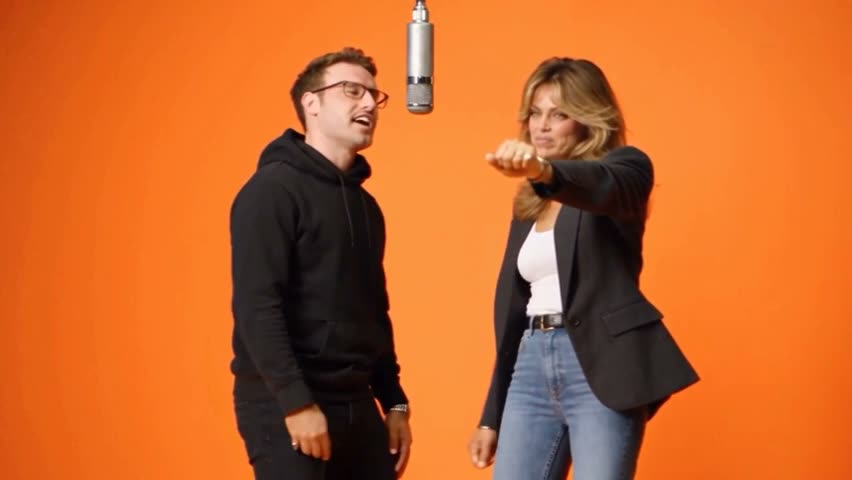 Video
VideoImage to video
Place one or two people into a prepared dance clip with Hotel Lobby Studio Video.

Video editing
Reinterpret an existing clip with Hunyuan Video video-to-video.
Image editing
Expand an image into a panorama with Hunyuan World.
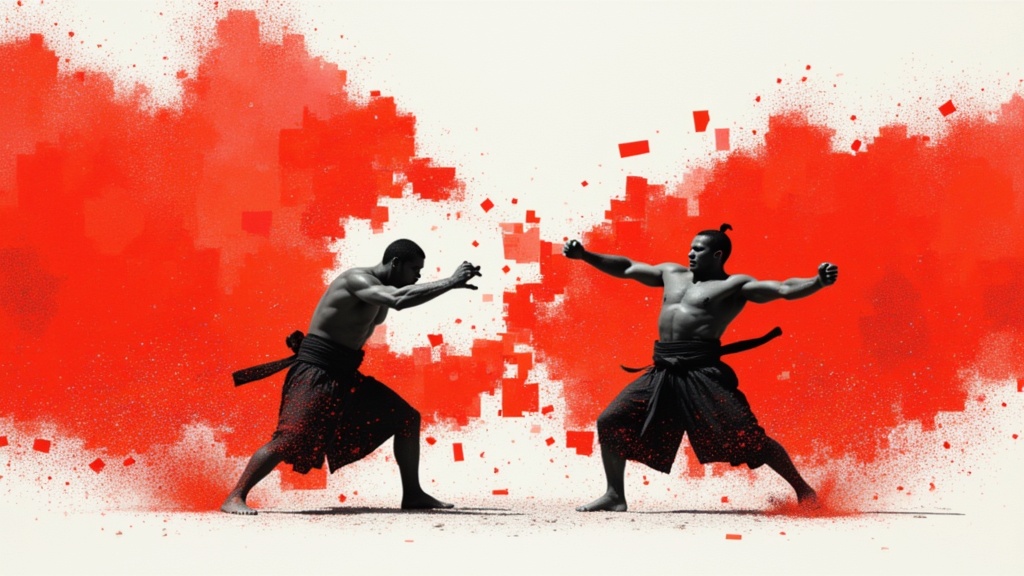
Text to image
Generate images with a trained Ideogram custom model.
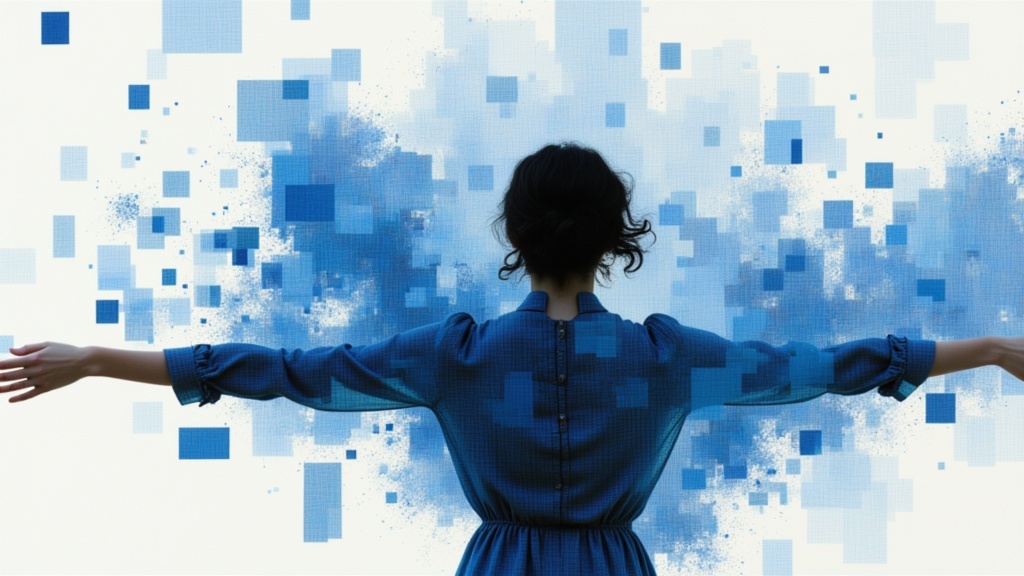
Image editing
Ideogram Layerize takes an existing flat graphic, removes text, and returns structured text containers you can edit/recompose in html or json format.
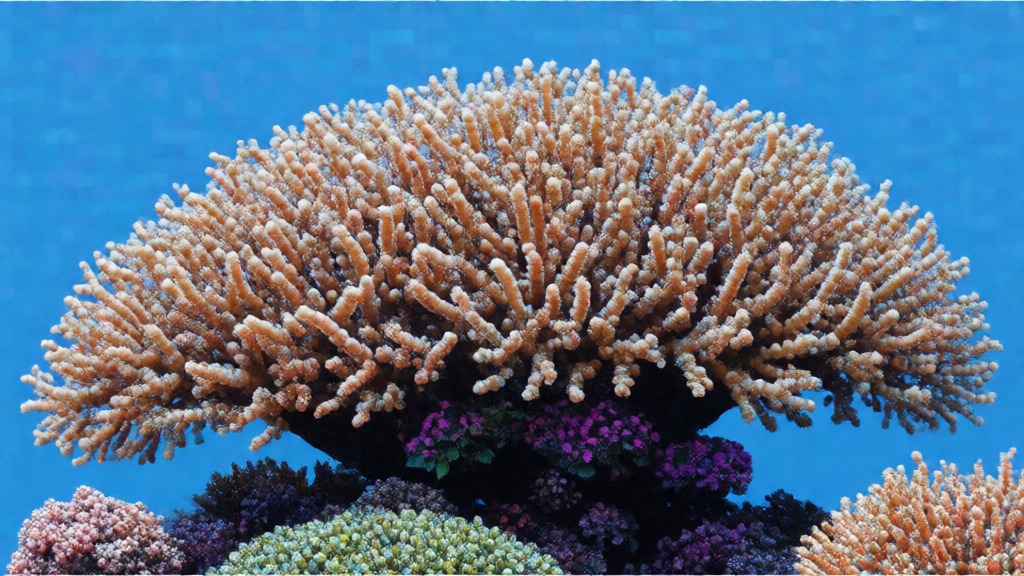
Image editing
Reframe an existing image into a new canvas with Ideogram V3.
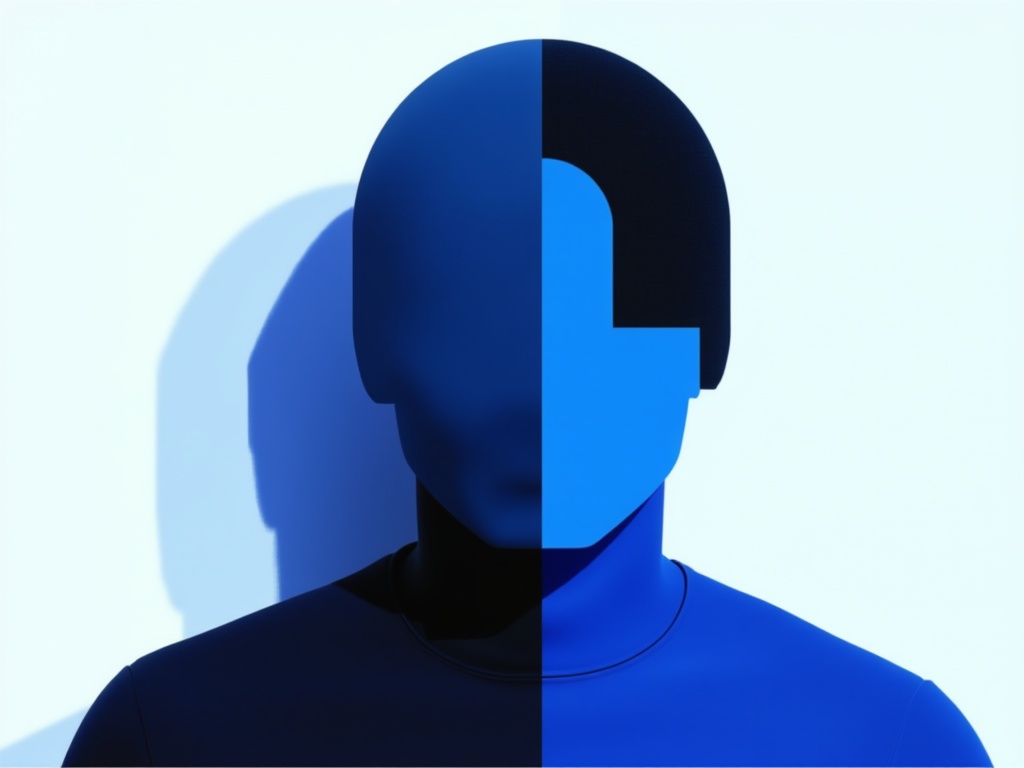
Image editing
Remove a selected object from an existing image using a mask.
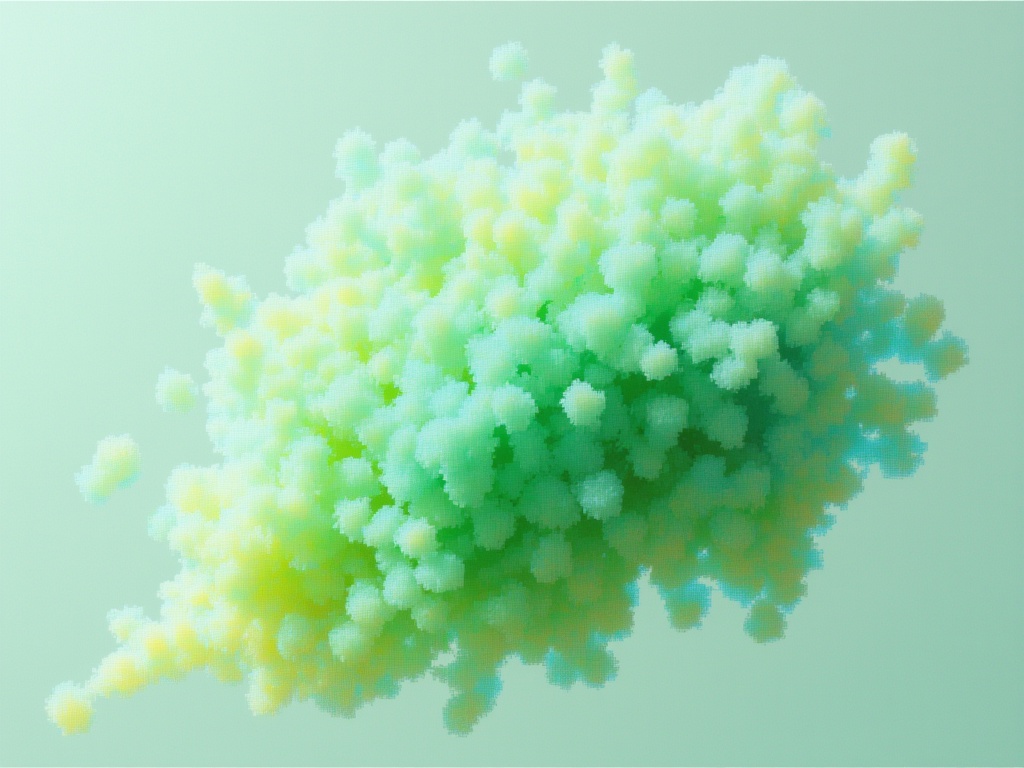
Image editing
Prepare a foreground cutout from a product or portrait photo.
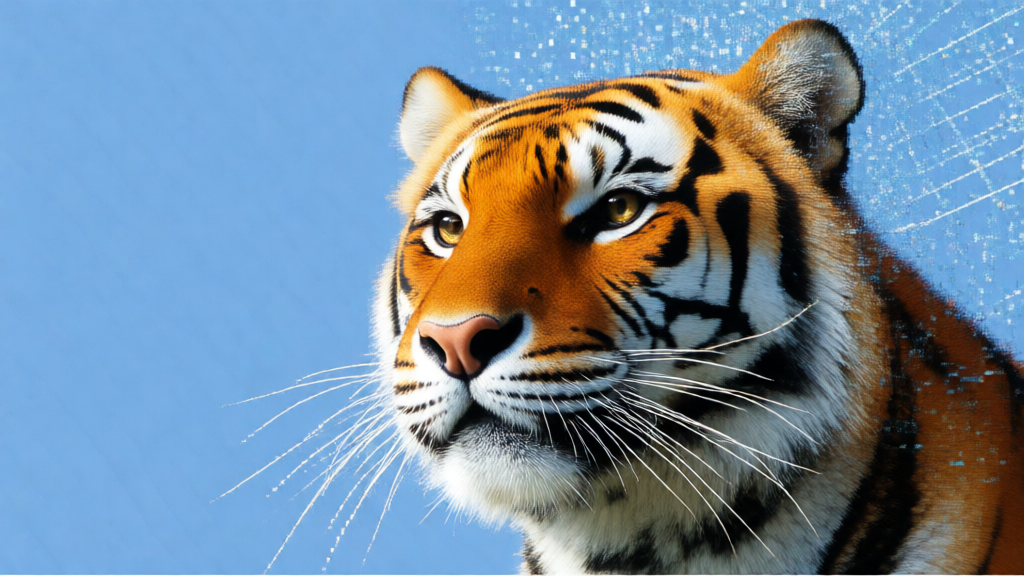
Text to image · Image editing
Generate typography and style-guided visuals with Ideogram V3.

Image editing
Enlarge an existing image while reviewing the balance between source resemblance and added detail.
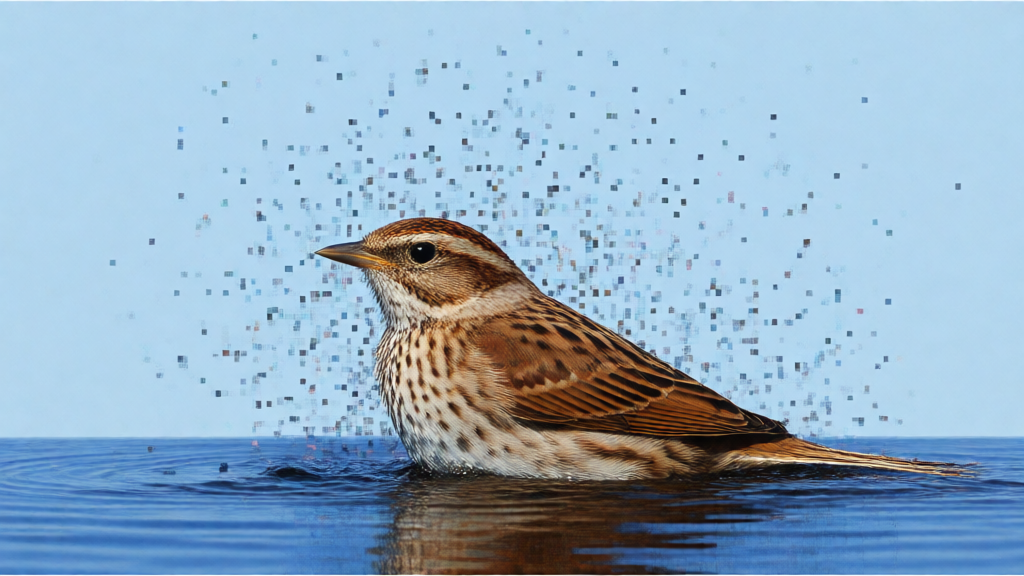
Text to image
Create text-bearing graphics with Ideogram V2.
Text to image
Draft text-based graphics with Ideogram V2 Turbo.
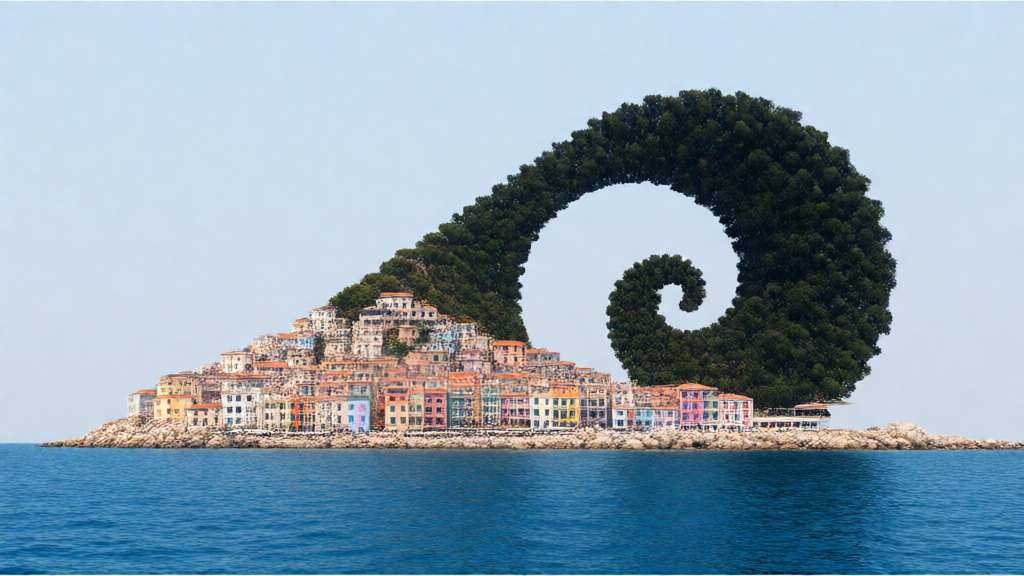
Text to image
Build image and typography concepts with Ideogram V2A.
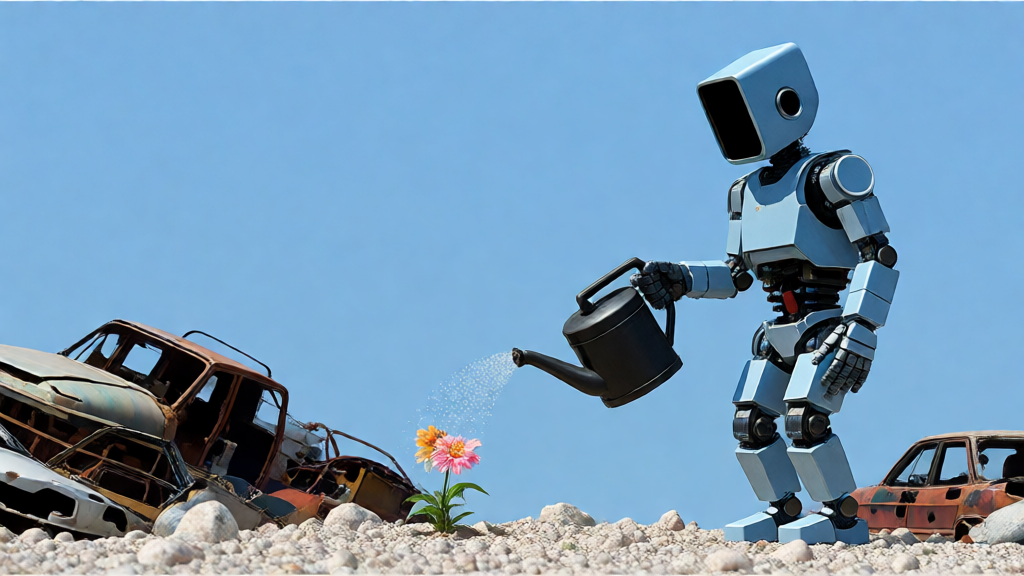
Text to image
Try poster and illustration drafts with Ideogram V2A Turbo.
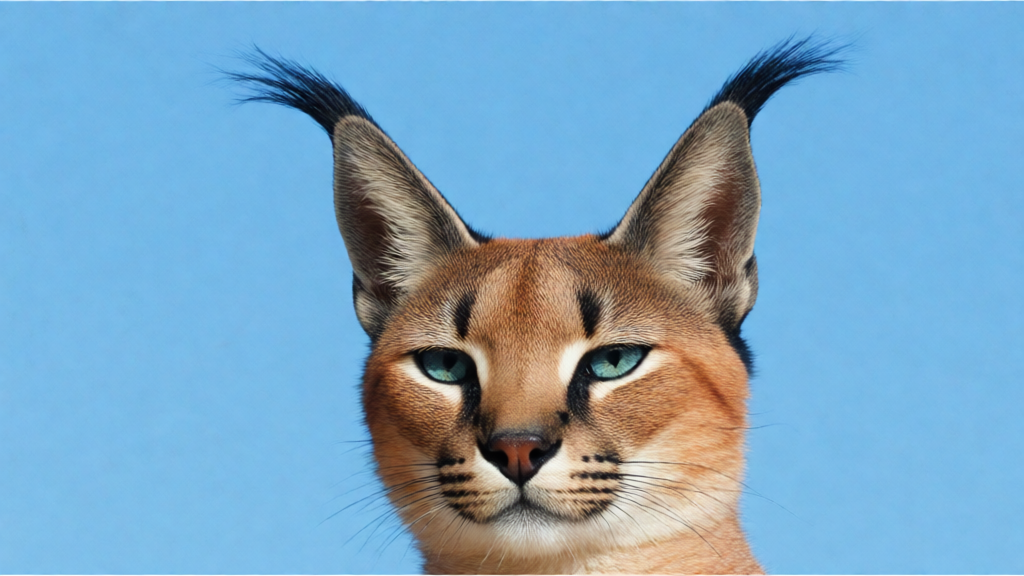
Image editing
Place a reference character into a described scene with Ideogram Character.
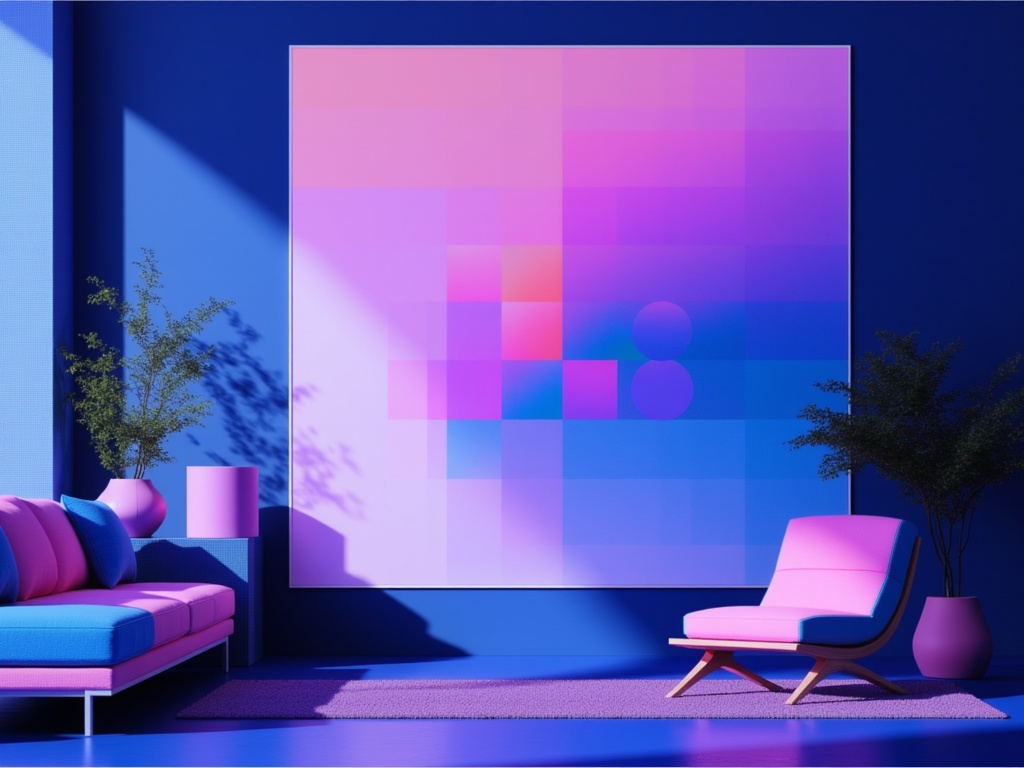
Image editing
Revise an existing image with Ideogram 4.5 Edit.
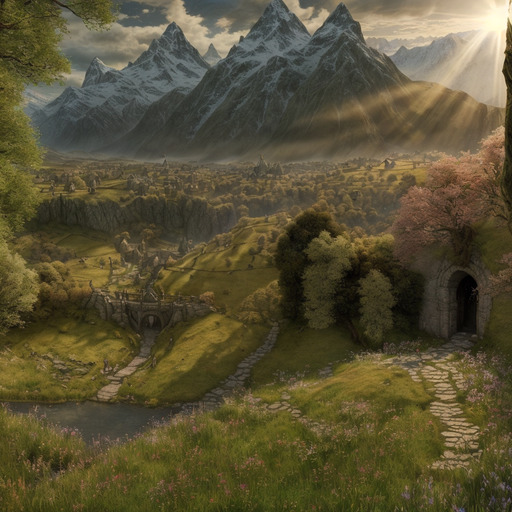
Text to image
Build a scene around a reference pattern with Illusion Diffusion.
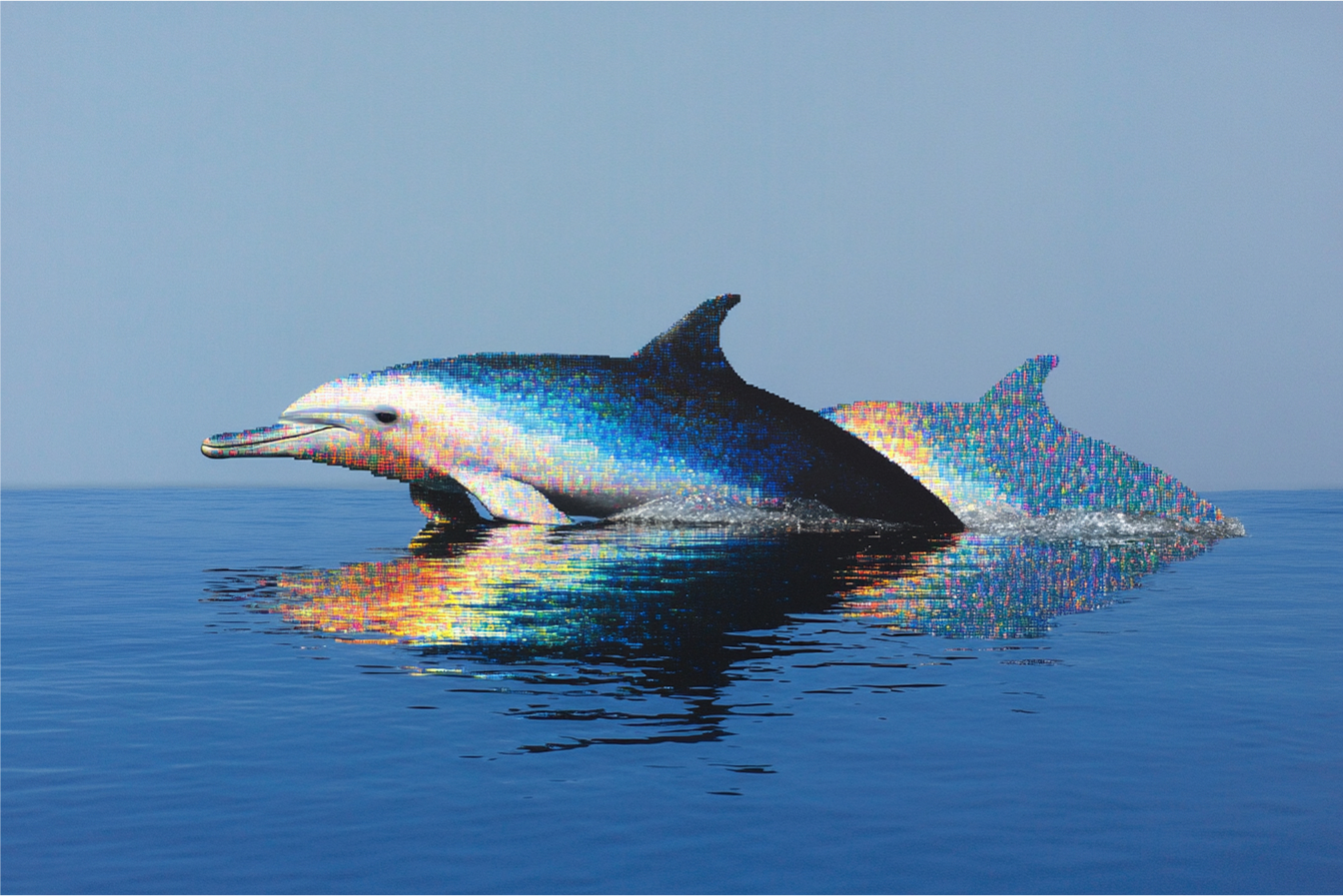
Image editing
Explore apparent aging through the default Age Progression mode of Image Editing Tools.
Take it into the studio. See the price before you create.
Browse models here without an account. Sign in when you are ready to create.