
![Preview for MiniMax Hailuo 2.3 Fast [Pro] (Image to Video)](https://raywake.si/media/catalog/5cf90a84d4b4c9040f6b8f6867421ced6ea2701c7b3bdc86a9cb0069fb96c45f)
MiniMax Hailuo 2.3 Fast [Pro] (Image to Video)
Image to video
MiniMax Hailuo-2.3-Fast Image To Video API (Pro, 1080p): Advanced fast image-to-video generation model with 1080p resolution
Find a model. See what it can do.
144 models in this collection.
Image to video
MiniMax Hailuo-2.3-Fast Image To Video API (Pro, 1080p): Advanced fast image-to-video generation model with 1080p resolution

Image to video
Animate a still with MiniMax Hailuo 2.3 Fast Standard.
Text to video · Image to video
Create a Hailuo 2.3 Pro video from a written scene description.
Text to video · Image to video
Turn a scene brief into a Hailuo 2.3 Standard video.
Image to video
Animate a starting image with MiniMax Hailuo 02 Fast.
Image to video
Synchronize a face in a source video with supplied speech audio.
 Video
VideoText to video
Create P-Video 2 Pro clips from text or optional first and last frame images.

Text to video · Image to video
Generate Pika 2.2 video from text, images or combined scene references.
Text to video · Image to video
Create PixVerse C1 video with optional audio or choose image and transition operations.
Video editing
Continue an existing clip from its ending with PixVerse Extend.
Text to video · Image to video
Turn a scene description into a clip with PixVerse 3.5.
Text to video · Image to video
Create a clip from text using PixVerse 3.5 Fast.
Text to video · Image to video
Create a scene from text with PixVerse 4.
Text to video · Image to video
Produce a scene from a prompt with PixVerse 4 Fast.
Text to video · Image to video
Generate a described scene with PixVerse 4.5.
Text to video · Image to video
Build a text-driven clip with PixVerse 4.5 Fast.
Text to video · Image to video
Generate a scene from a text prompt with PixVerse 5.
Text to video · Image to video
Generate a scene with optional audio using PixVerse 5.5.
Text to video · Image to video
Make a text-driven video with optional sound in PixVerse 5.6.
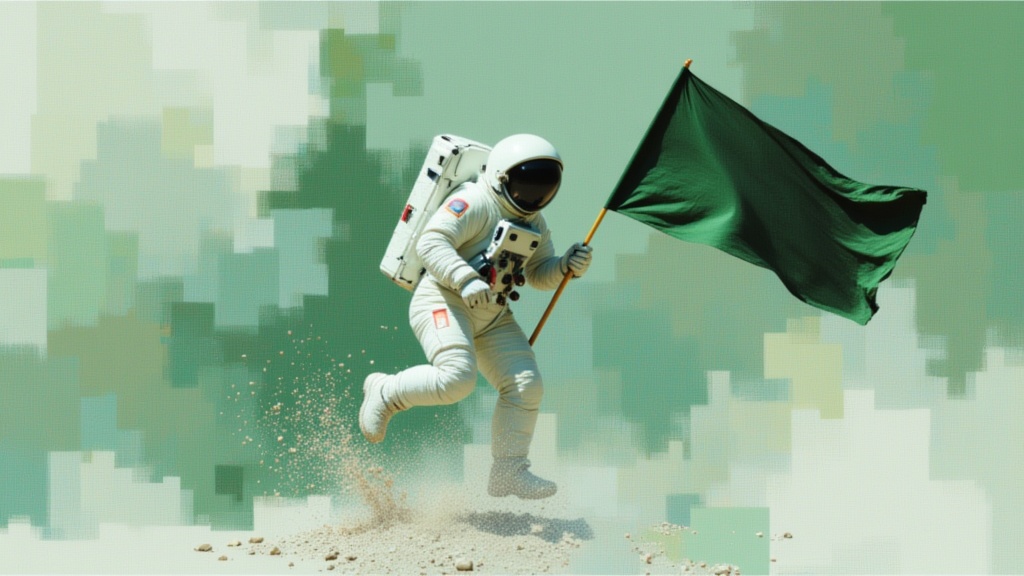
Text to video · Image to video · Video editing
Create a 1–15-second clip with optional audio in PixVerse 6.
 Video
VideoImage to video
Animate one image with Runway Gen-4 Turbo using a motion prompt.
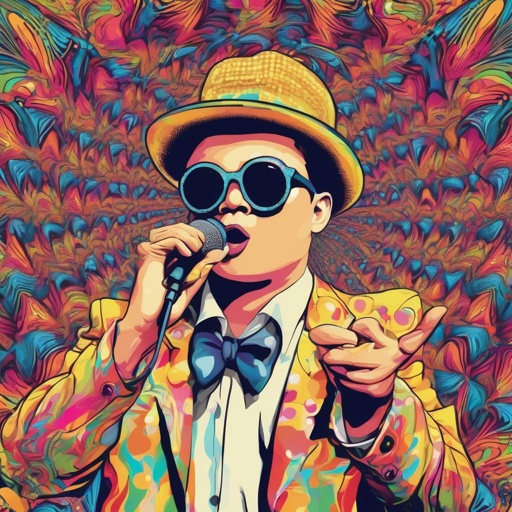
Image to video
Turn a portrait and an audio recording into a talking-face video.
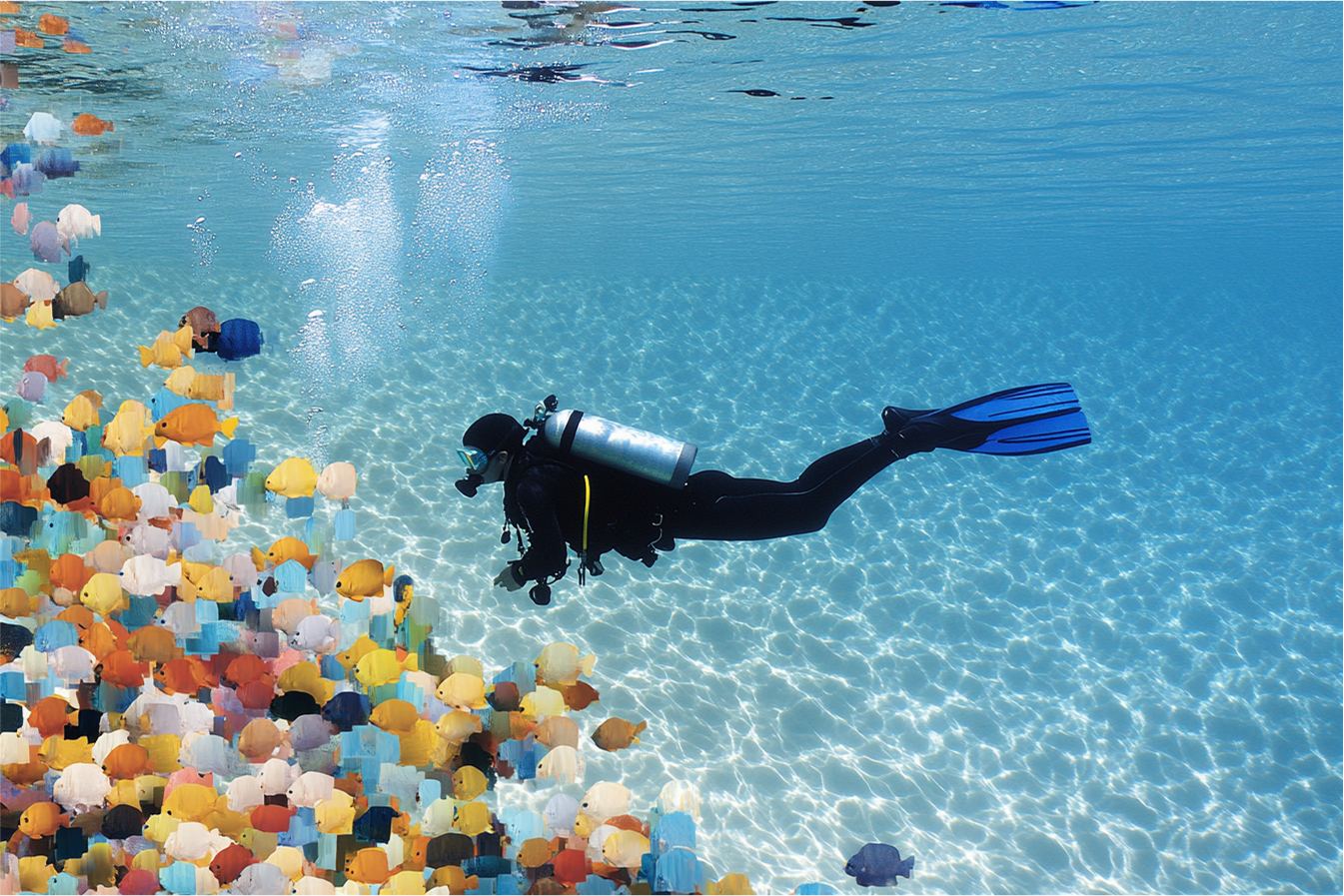
Text to video · Image to video
Generate prompt-led video scenes using Seedance 1 Pro.
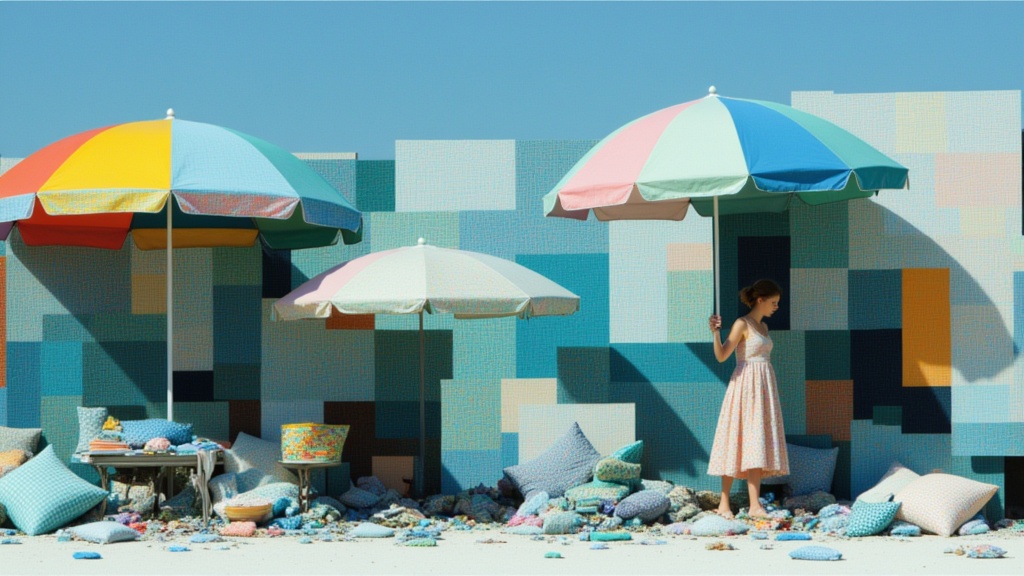
Text to video · Image to video
Generate short videos with optional synchronized sound using Seedance 2 Fast.
Take it into the studio. See the price before you create.
Browse models here without an account. Sign in when you are ready to create.